Participating Frequently
February 1, 2020
Question

Imported image turns faint and invisible once in photoshop. Images included. Please help!!!

  • February 1, 2020
  • 2 replies
  • 1948 views

Hi, can anyone help with this problem i have. Whenever my imges are imported into photoshop they go extremely faint or invidible. When theyre imported into InDesign or other software they are fine. The format i use is PDF. Please see images attached for guidence. Thank you
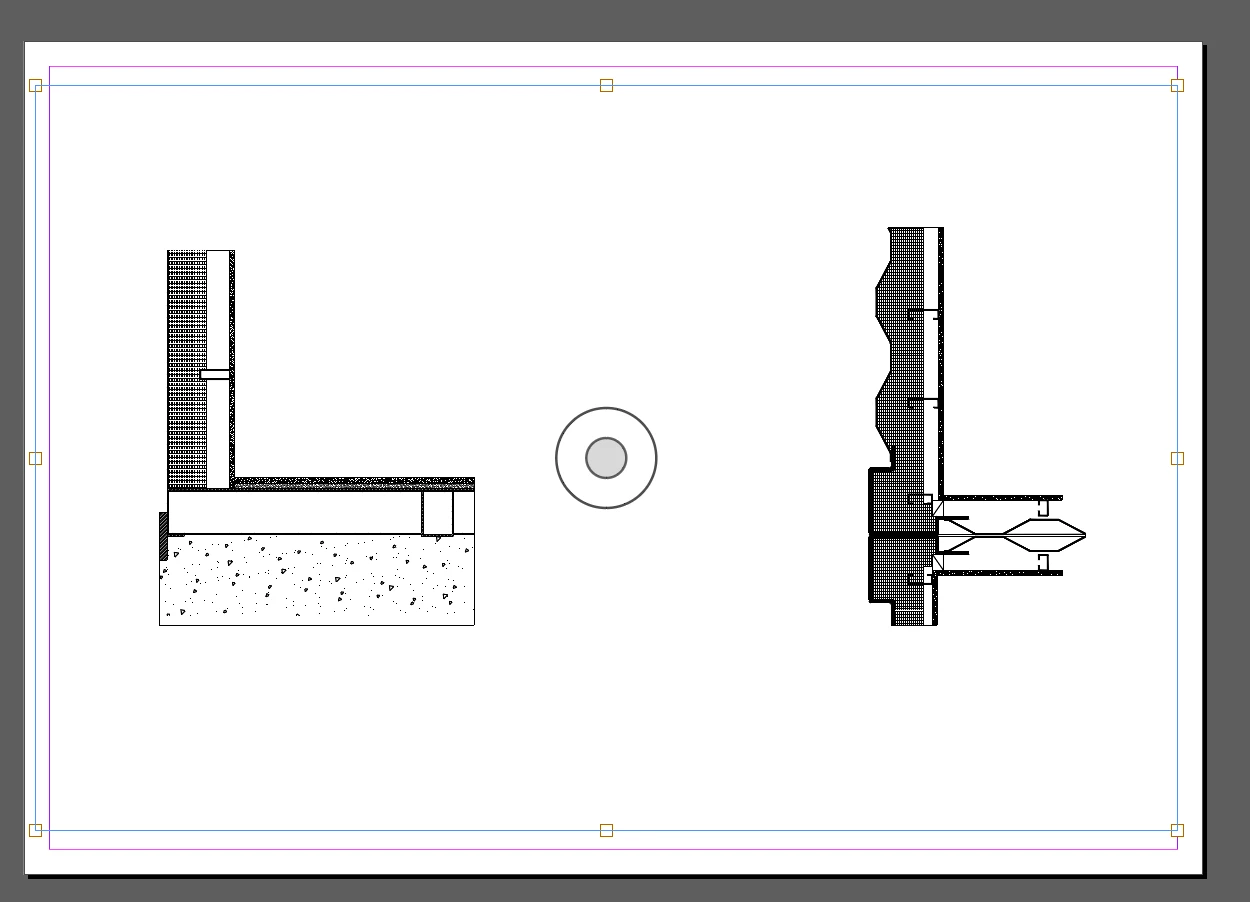
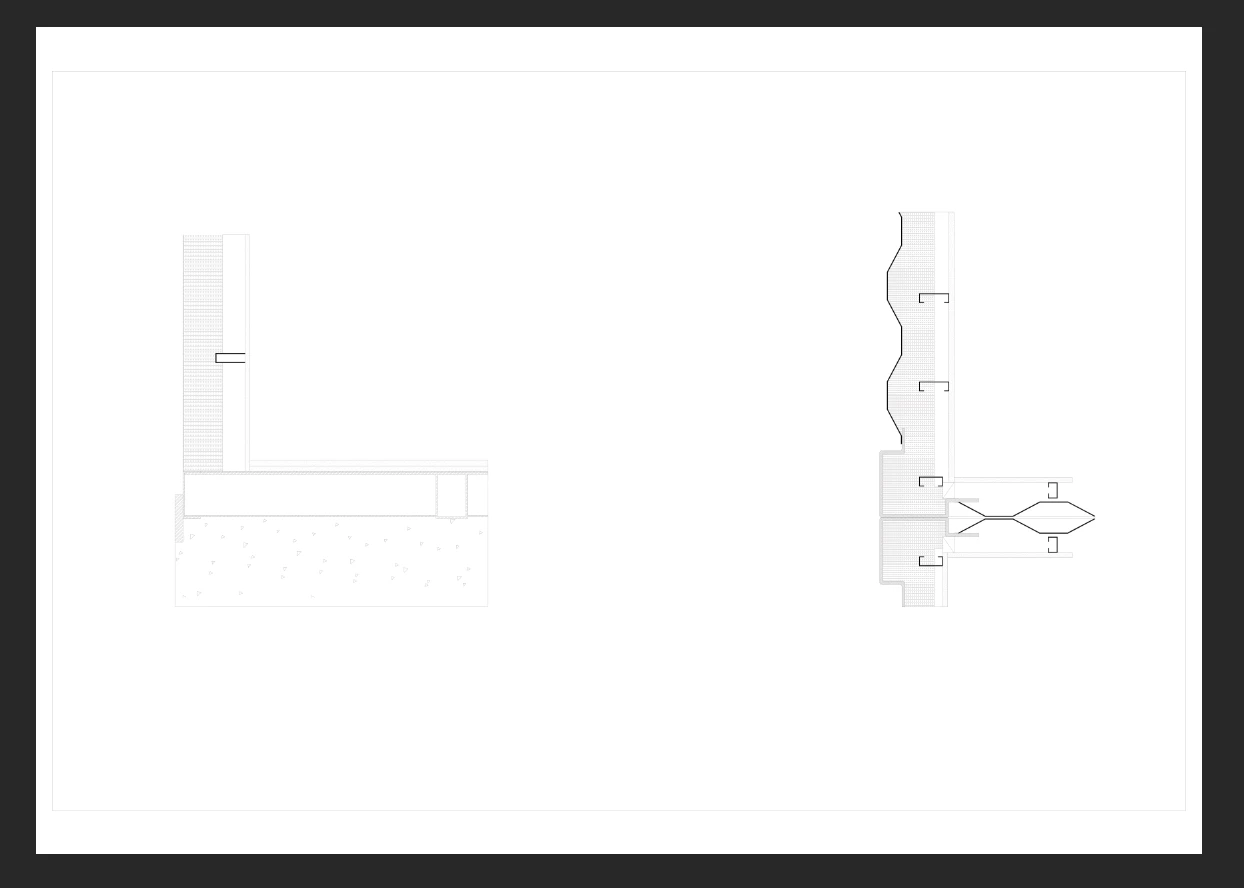
This topic has been closed for replies.

2 replies

Chuck Uebele
Community Expert
Community Expert
February 2, 2020

Do they have a transparent background?  If so, that will make them look light, but Dave is correct in that you have to view them at 100%

If they are flat - no transparency - and they don't look good at 100%, then duplicate the layer and set the blend mode to multiply. You can then merge the layers together and do that several times to get the lines darker.

Participating Frequently
February 2, 2020

Hi Chuck, when i duplicate the layers and then zoom in 100% it seems to show up normal. This just seems like a really ineficiant way to work when im puting together a portfolio!


Thanks for your help

davescm
Community Expert
Community Expert
February 1, 2020

What do they look like viewed at 100% zoom , which maps 1 image pixel to 1 screen pixel?


Dave