
Impossible de créer un GIF animé
Hello, Bonjour, This post is both in English and French.
1. Français / French:
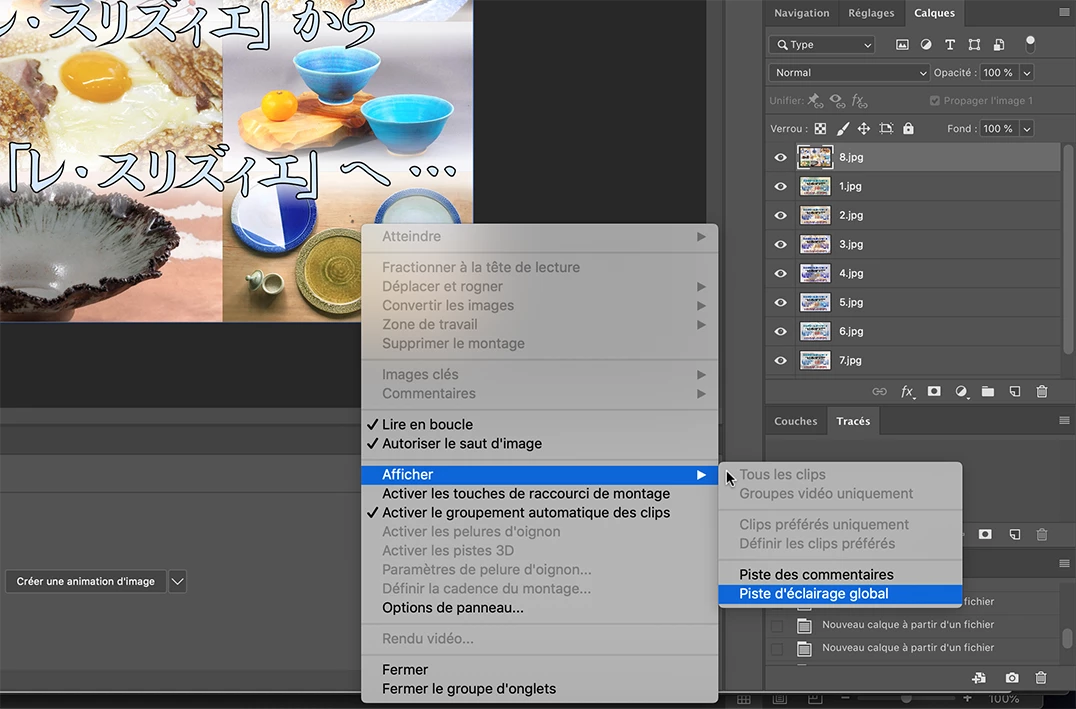
Je souhaite créer un GIF animé à partir de 8 photos.
J'ai bien créé un fichier psd avec 8 calques, chacun étant l'une des 8 photos (avec la commande "Chargement des fichiers dans une pile...").
J'ai bien ouvert le panneau Montage (Fenêtre > Montage) et j'ai bien sélectionné l'option "Créer un animation d'image"
Mais je ne peux aller plus loin car la commande "Créer des images d'après des calques" n'apparaît pas dans le menu du panneau Montage.
Que puis-je faire ?
Merci d'avance pour toute aide.
2. English
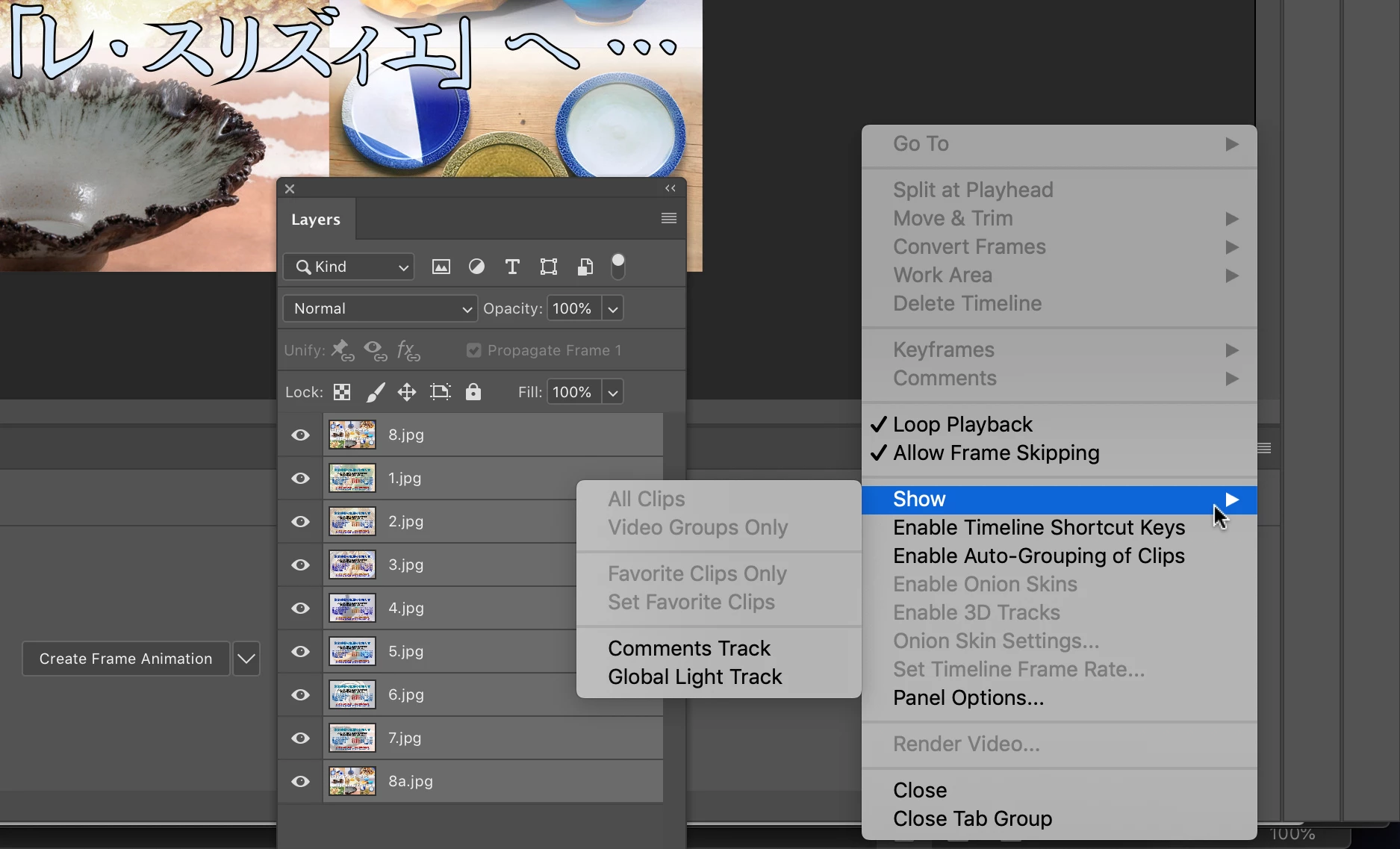
I need to create an animated GIF from 8 pictures.
I created a psd document with 8 layers, each one with each picture (using the "Load files into stack" command)
I opened the Timeline panel and chose "Create frame animation" option.
But I don't know how to go further on because I can't get the "Get frames from layers" command in the panel menu.
What should I do?
Many thanks in advance for any help.
 AdChoices