Increase Resolution or Make Vectors from Abstract Blocky Image
Hello! I have created a few abstract images in photoshop by taking a photograph, making some adjustments (levels, curves, and posterize), and then applying the "Cutout" artistic filter (Number of Levels: 5, Edge Simplicity: 10, Edge Fidelity: 1). Below is an example.
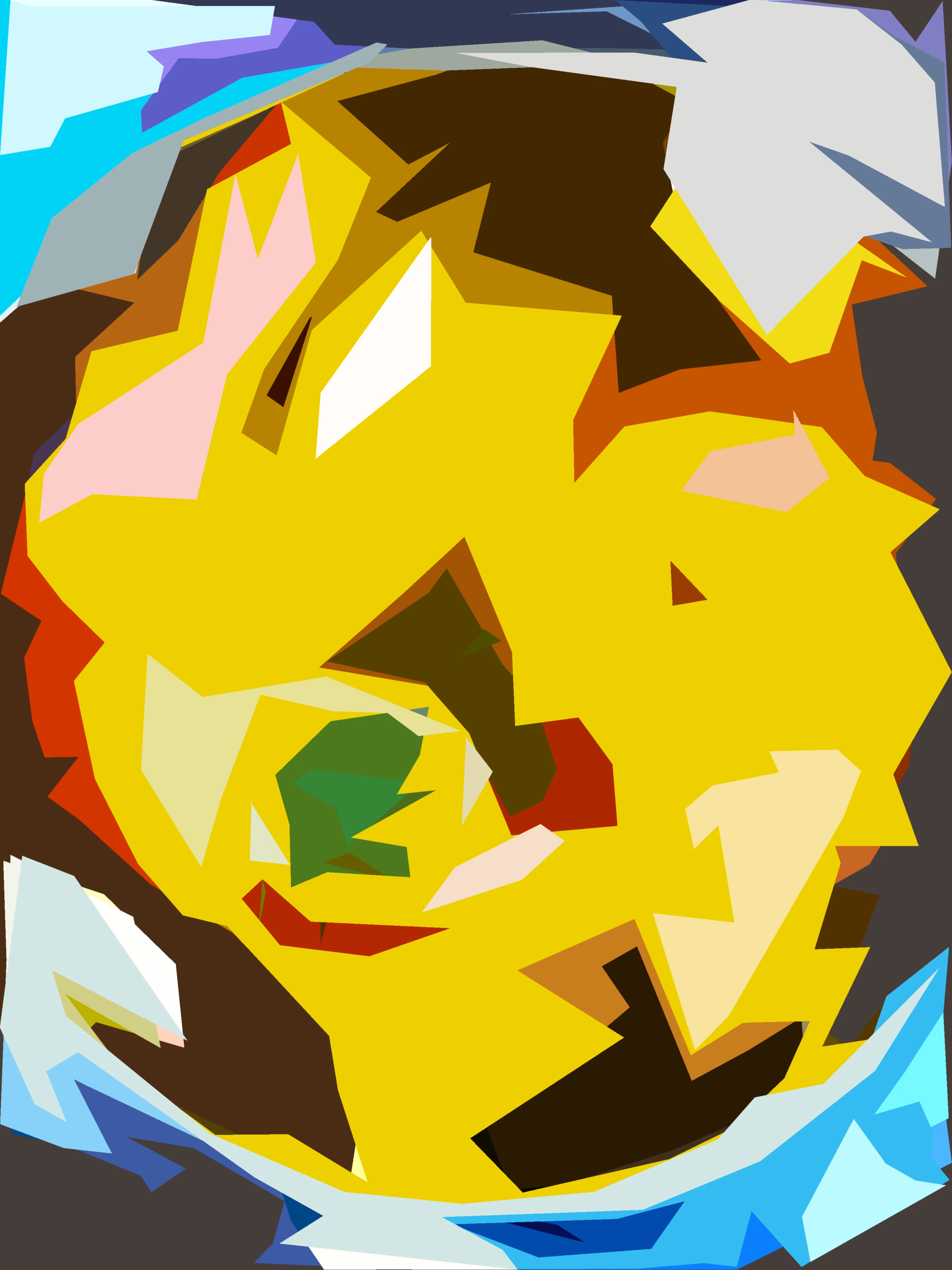
I want to use these images in an InDesign Document. Unfortunately, they seem to not have a high enough resolution and have (fairly small) amounts of pixelation (see close-up screenshot below).
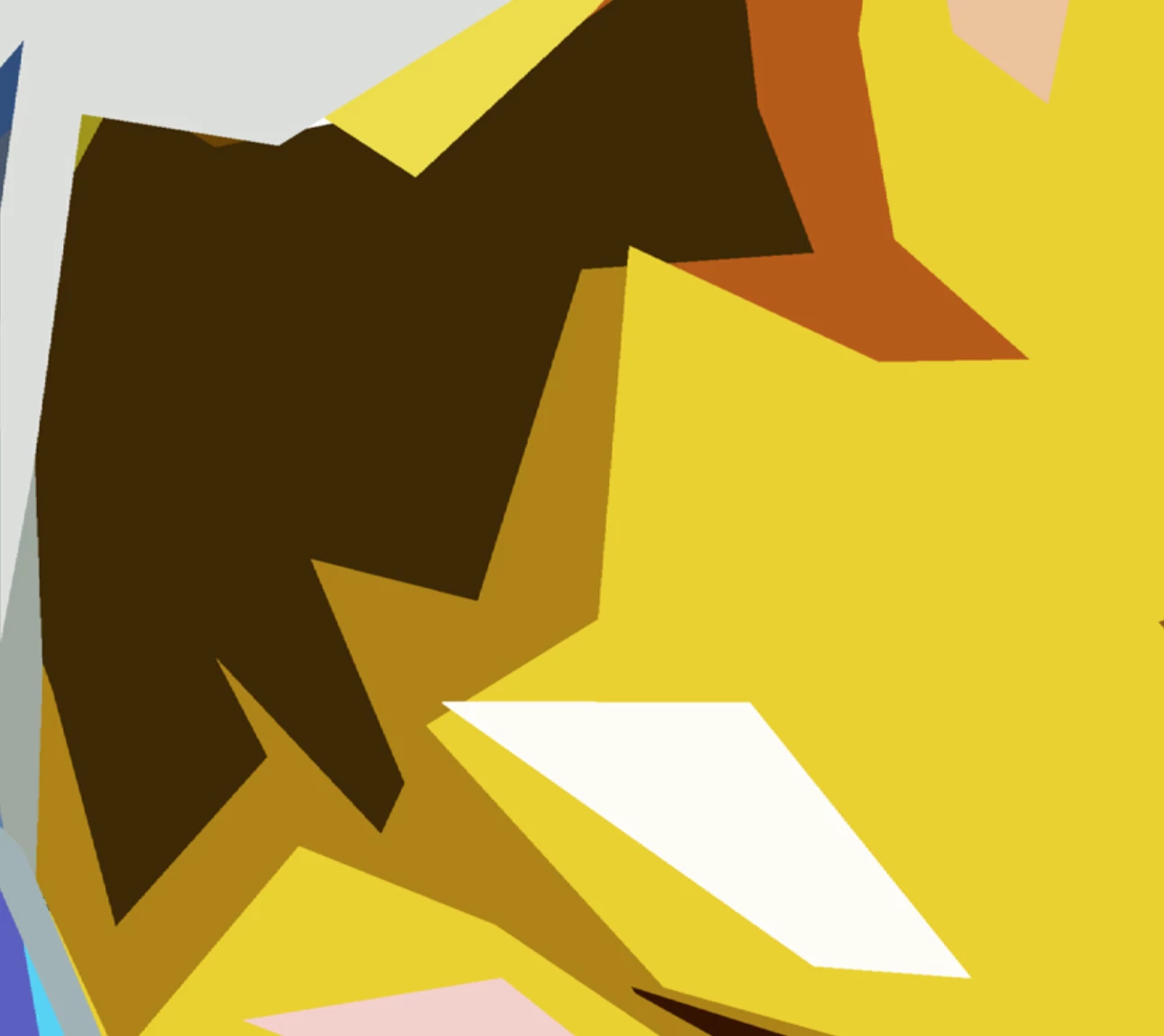
I'm wondering if: (1) there is anyway to increase the resolution (though I imagine not), and (2) if there is a quick way to convert the image into a vector format, or something along those lines, as the image is essentially a collection of blocks and shapes. I imagine one solution would be to create each shape in Illustrator/InDesign indivdiually, but this would likely take quite a long time given some of the images' complexity. Any suggestions on how to speed up this process are welcomed!
Thank you!
 AdChoices