Participant
November 22, 2016
Answered

Index Color Plugins and Options

  • November 22, 2016
  • 1 reply
  • 438 views

Hello,

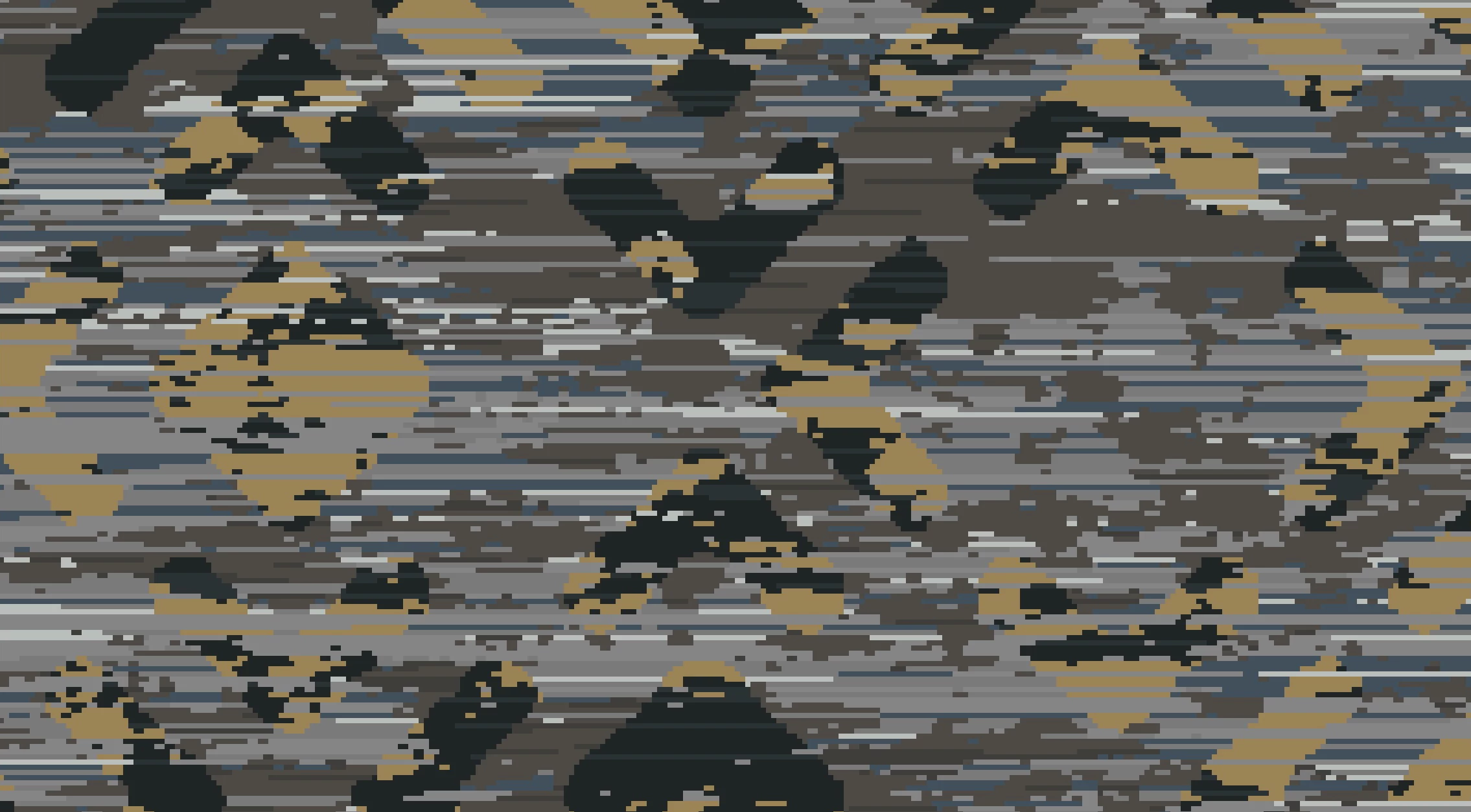
I have a common issue in my field and I was curious if "the world of photoshop users" might have a solution or aid. I need a plugin, filter, action or other software that I can use to eliminate all the pixels in the (X) axis or horizontal plane that are under three pixels wide. So in essence the pixels that fall under this standard would become the neighboring color through this action. The function would cycle through a few times until is solved the issues throughout the design.

I know this is possible because similar functions in other softwares will remove single pixels. Other functions will locate pixels that meet certain criteria. I am certain this is possible to achieve.

Any ideas? Thank you in advance for your time.
    This topic has been closed for replies.
    Correct answer Chuck Uebele

    Only way I can think of doing this would be using a script, but that would be extremely slow, as it would have to check nearly every pixel by color sampling.

    1 reply

    JJMack
    Community Expert
    Community Expert
    November 22, 2016

    eliminate all the pixels in the (X) axis or horizontal plane that are under three pixels wide

    In my mindset a pixel is a pixel I do not comprehend the above

    JJMack
    Participant
    November 22, 2016

    Apologies for the confusion. I mean consecutive pixels in a horizontal line as a minimum. Like "OOO". The product I am using this for requires at least three pixels grouped horizontally in a single color. Otherwise it will void out and leave gaps in the product. I hope this makes more sense.

    Chuck Uebele
    Community Expert
    Chuck UebeleCommunity ExpertCorrect answer
    Community Expert
    November 22, 2016

    Only way I can think of doing this would be using a script, but that would be extremely slow, as it would have to check nearly every pixel by color sampling.