Answered
Inner Glow effect has noise
The inner glow effect automatically adds noise. Outer glow is fine.
Restarted Photoshop with "use graphic processor" off and still get the same issue.
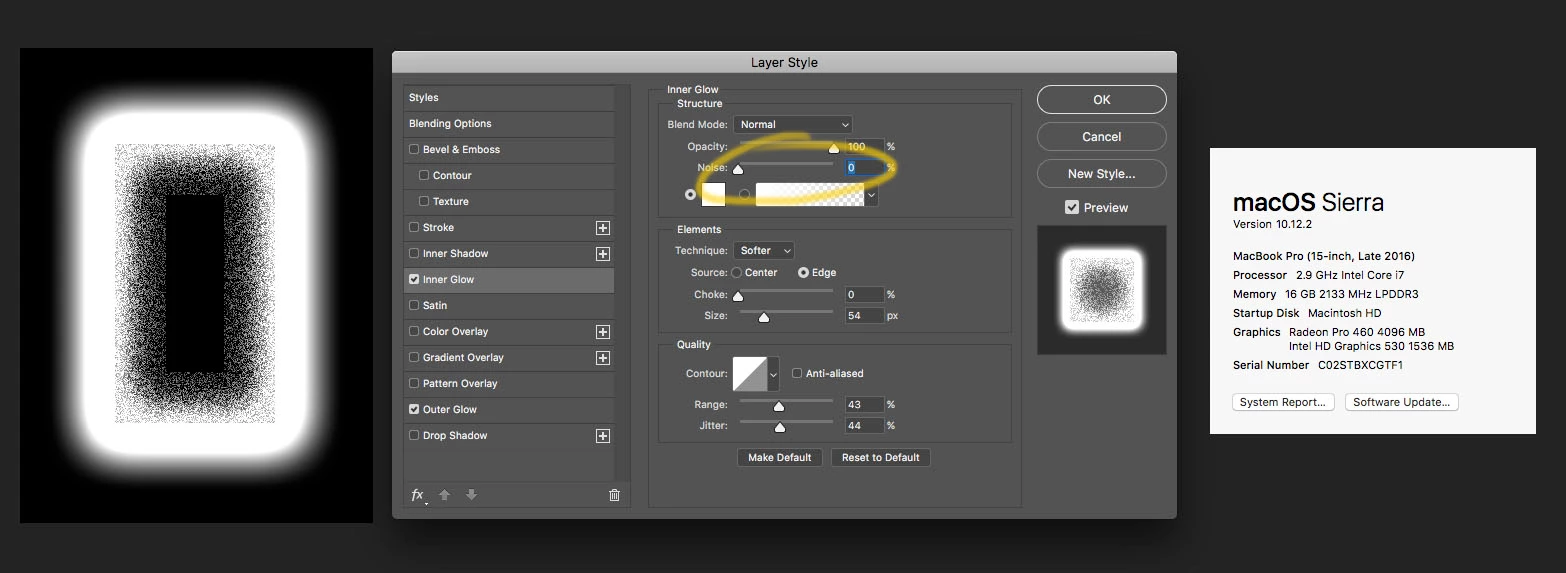

The inner glow effect automatically adds noise. Outer glow is fine.
Restarted Photoshop with "use graphic processor" off and still get the same issue.
Hi SirFrogster,
It is happening because of the Jitter setting. Could you please try turning it down to "0" once.
Regards,
Sahil
Already have an account? Login
Enter your E-mail address. We'll send you an e-mail with instructions to reset your password.
 AdChoices