Participant
May 18, 2017
Answered

Installing Adobe Photoshop Extended

  • May 18, 2017
  • 1 reply
  • 217 views

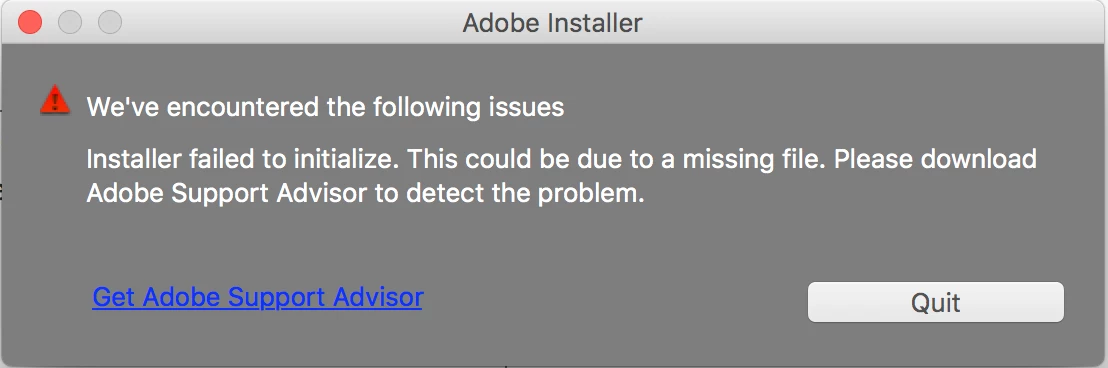
I just got a new computer and am trying to instal the photoshop that I had on my old computer onto my new one.  I have my serial number and have the installation link but when I launch the installer it gives me an error message.  I'm hoping someone can help me.  The error message is attached.  Thanks so much!
This topic has been closed for replies.
Correct answer 99jon

You may need to use the install file in package contents which runs via terminal. See if this link helps:

Installing Creative Suite on macOS 10.12 (Sierra) 

1 reply

99jon
99jonCorrect answer
Legend
May 18, 2017

You may need to use the install file in package contents which runs via terminal. See if this link helps:

Installing Creative Suite on macOS 10.12 (Sierra)