Inspiring
August 5, 2017
Answered

Instead of Fill a shape with color...How to changes black lines (Pencil Drawing) to a color

  • August 5, 2017
  • 1 reply
  • 1089 views

hello - in Photoshop CC 2017

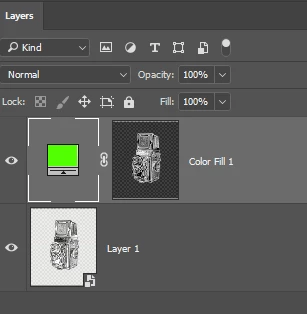
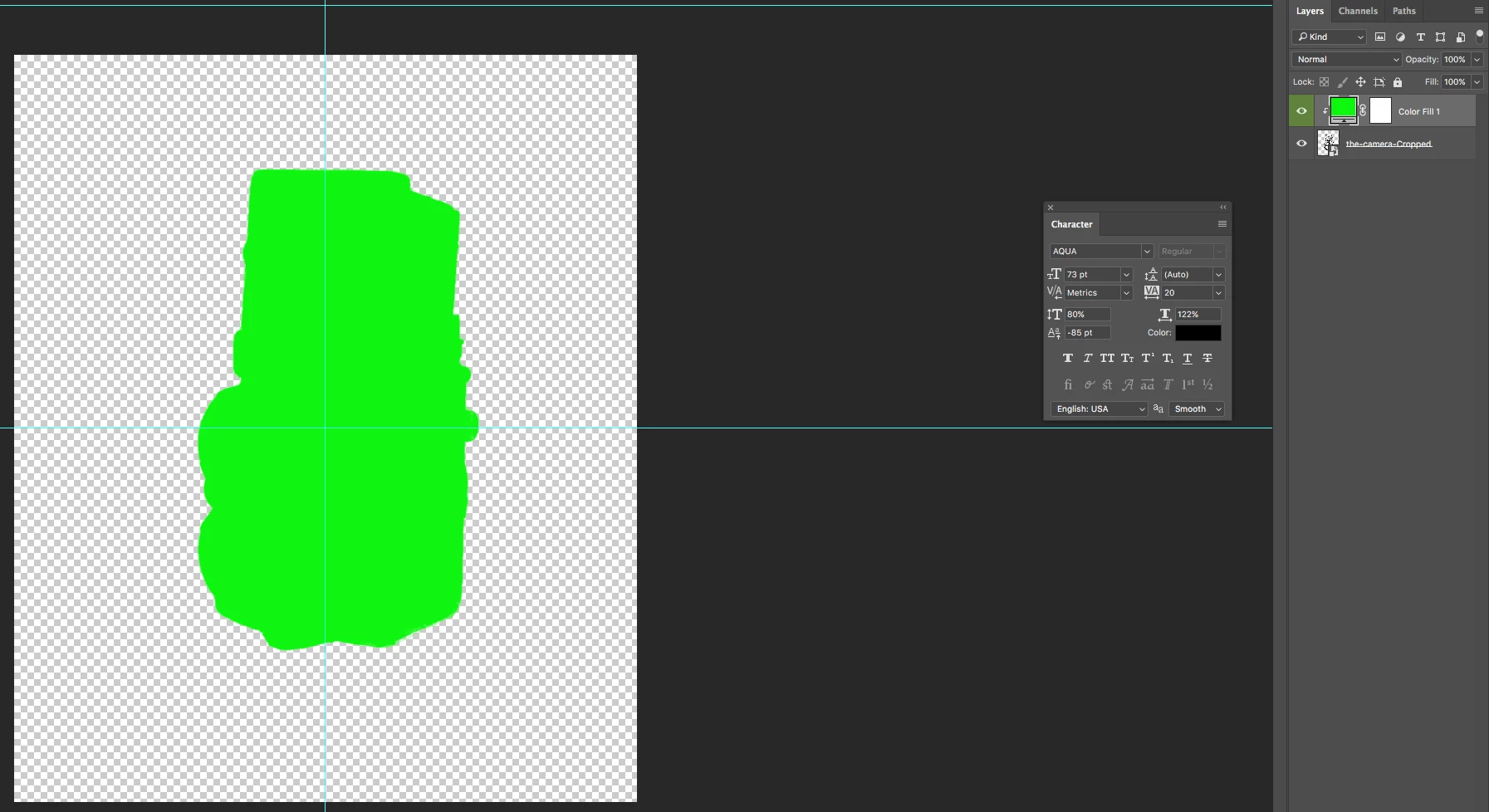
I can select a solid color for a new fill layer and change black to a specific color  - but rather than fill the entire shape to a solid color is there any way to just color only the black lines and shades of black lines to a specific color?

Thanks so much for any and all help..........
Line drawing I

    This topic has been closed for replies.
    Correct answer Semaphoric

    Control+Click on the RGB thumbnail in the Channels panel to load it as a selection, and Shift+Control+I to invert the selection. Now add the Solid Color layer, and the selection will be used as the mask.


    You'll probably want to hide the original layer, as some of the black will show through.

    1 reply

    Semaphoric
    Community Expert
    SemaphoricCommunity ExpertCorrect answer
    Community Expert
    August 6, 2017

    Control+Click on the RGB thumbnail in the Channels panel to load it as a selection, and Shift+Control+I to invert the selection. Now add the Solid Color layer, and the selection will be used as the mask.


    You'll probably want to hide the original layer, as some of the black will show through.

    garry101Author
    Inspiring
    August 6, 2017

    Thanks Semaphoric - That's exactly what I want.  I am on a Mac so when I go to the channels tab RGB RED Green Blue are all on.  When I hit control and click on RGB note goes- it just stays the same.

    I can select command click on RGB and I will get the marching ants (is that a selection as you suggest?) but then when I shift control to invert - nothing changes.  And to illustrate further my lack of knowledge... How do I add the solid color layer and make the "selection" be the mask.....

    I know it must be easy but I must be doing something wrong....

    Thanks so much for your help!

    garry101Author
    Inspiring
    August 6, 2017