
Participant
May 12, 2021
Question

Interface Preferences - canvas border not showing up in workspace

  • May 12, 2021
  • 3 replies
  • 2937 views

Hi everyone! I'm hoping this is an easy fix and a checkbox I accidentally unclicked. Any and all advice welcome!! For a few weeks now, the border settings I have for photoshop aren't working. I have them set to show a drop shadow border around the canvas since I prefer to keep the workspace color all white (no dark mode for me!)
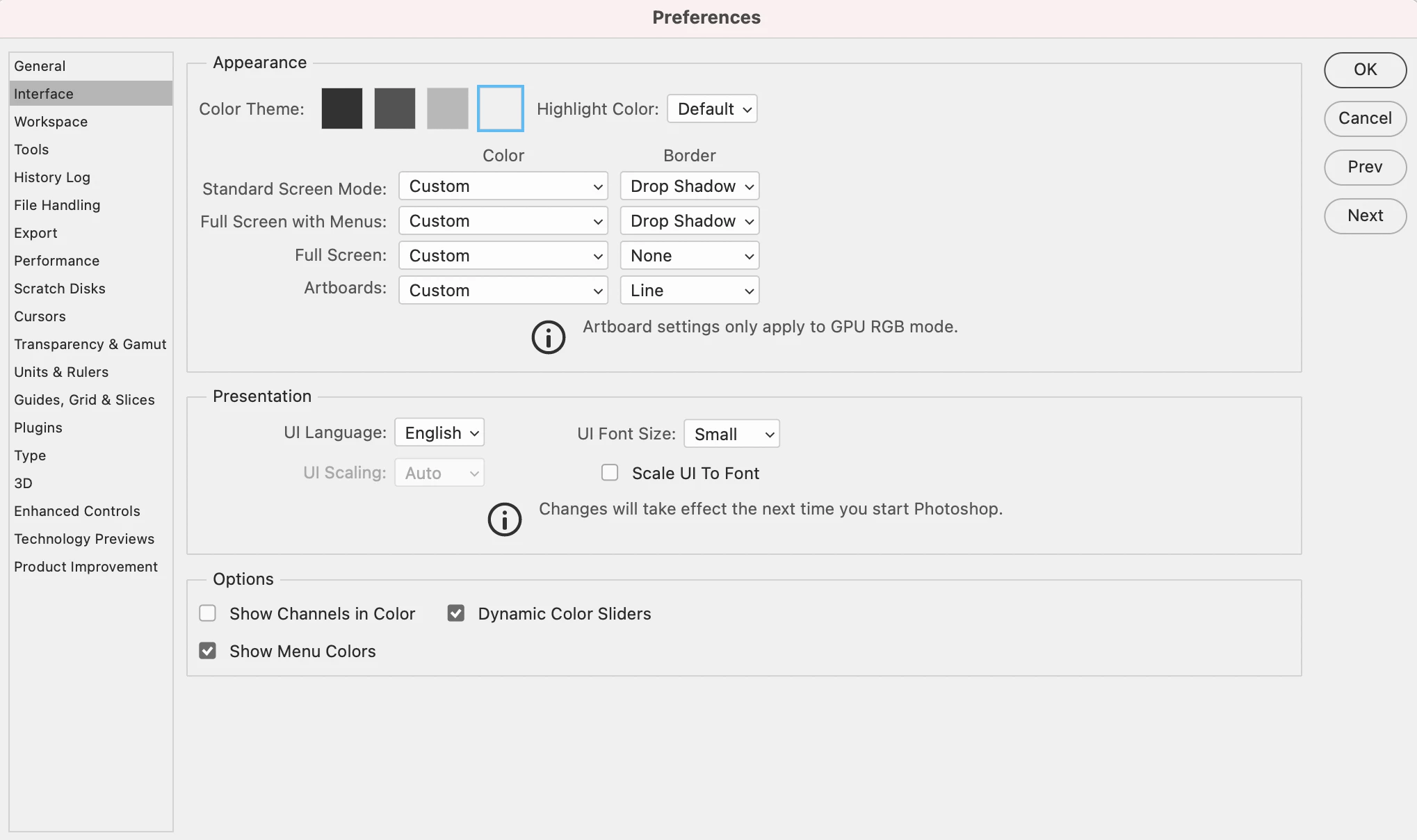
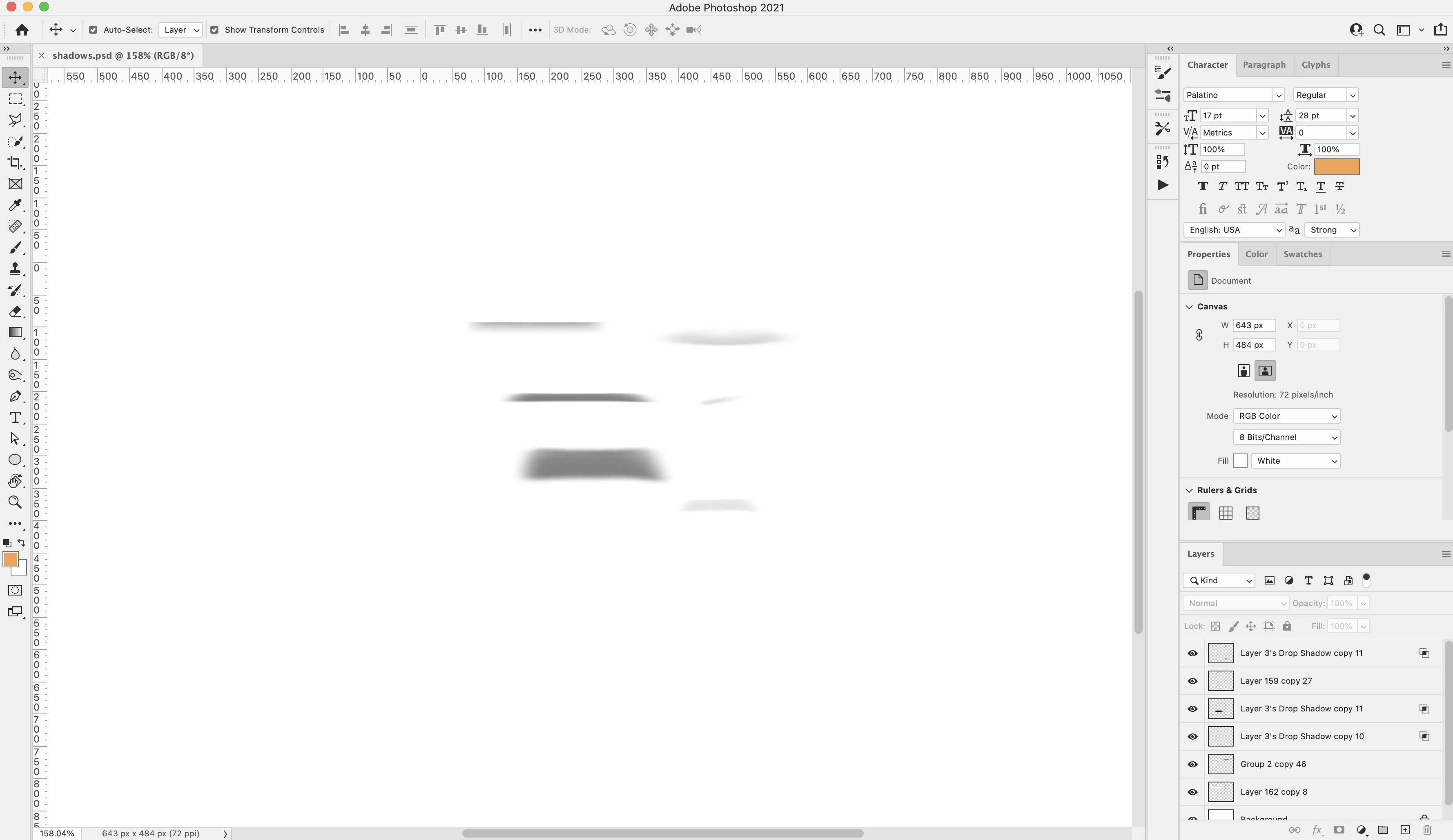
However, even with these settings like the above, there's no border actually showing up so it's impossible to discern the edge of the canvas:
I've had to switch on a light gray background color until I figure this out.
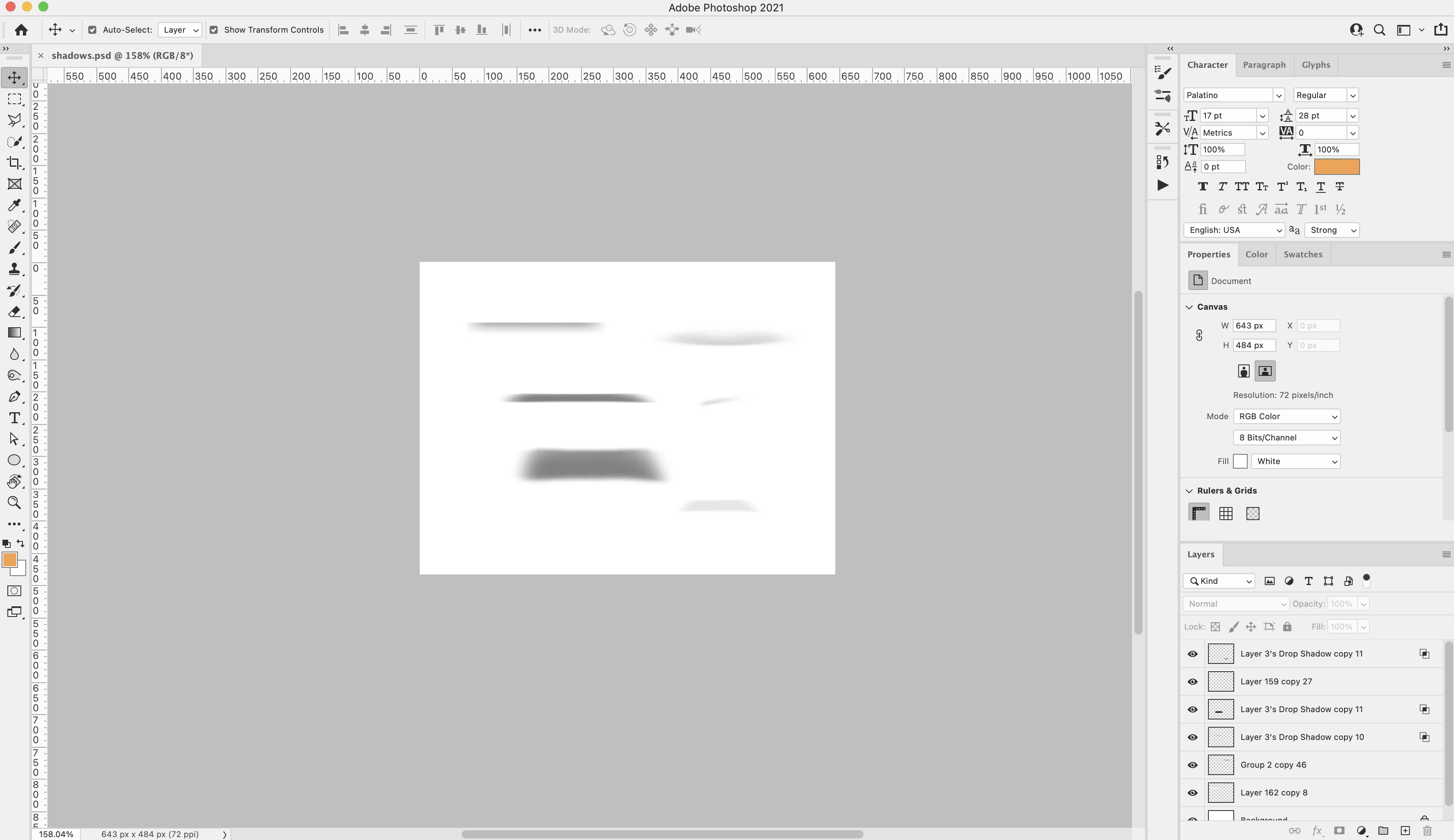
Does anyone know what could be interfering with the settings to make the border not show? I'm even seeing this after I transferred from my old laptop to a new iMac on a time machine backup. So that says to me it's something that I've done in my preferences, but honestly I'm not sure anymore. Thank you in advance!

This topic has been closed for replies.

3 replies

heey93133474
Participant
September 6, 2023

Hi Audrey5E91

Did you solve the problem? If so could please post it here?

I have been looking for the solution however I couldn't.

It is really bad the new versions of Photoshop removed (or hid) the very basic function.


Jeff Arola
Community Expert
Community Expert
September 6, 2023

heey,


What version of photoshop and operating system are you using?


If in photoshop you go to Edit>Preferences>Performance is Use Graphics Processor checked?


or on a  Mac

Photoshop>Settings (Preferences)>Performance>Use Graphics Processor


heey93133474
Participant
September 6, 2023

Thank you for the quikc reply.

Yes I checked however nothing changed.

Mac 12.6.6 

Photoshop 24.

Jeff Arola
Community Expert
Community Expert
May 12, 2021

Here on windows 10 and photoshop 22.3.1 the Drop shadow shows on a white canvas.


If in photoshop you go to Edit>Preferences>Performance is Use Graphics Processor checked?


Works on the mac side as well on macOS Mojave10.14.6 with photoshop 22.3.1


Photoshop>Preferences>Performance>Use Graphics Processor


Bojan Živković11378569
Community Expert
Community Expert
May 12, 2021

Good catch, Photoshop>Preferences>Performance>Use Graphics Processor is problem it seems on my side, I can not check this option.

Bojan Živković11378569
Community Expert
Community Expert
May 12, 2021

From my testing using Ps 22.3.1 on Windows 10, standard scereen mode with border shadow does not show it against white canvas but it does show line if you set Border to Line.


You are mentioning Artboards. It works with Line for artboards but it seems you do not have artboards in your document.