Intermittent transform/text visibility issues
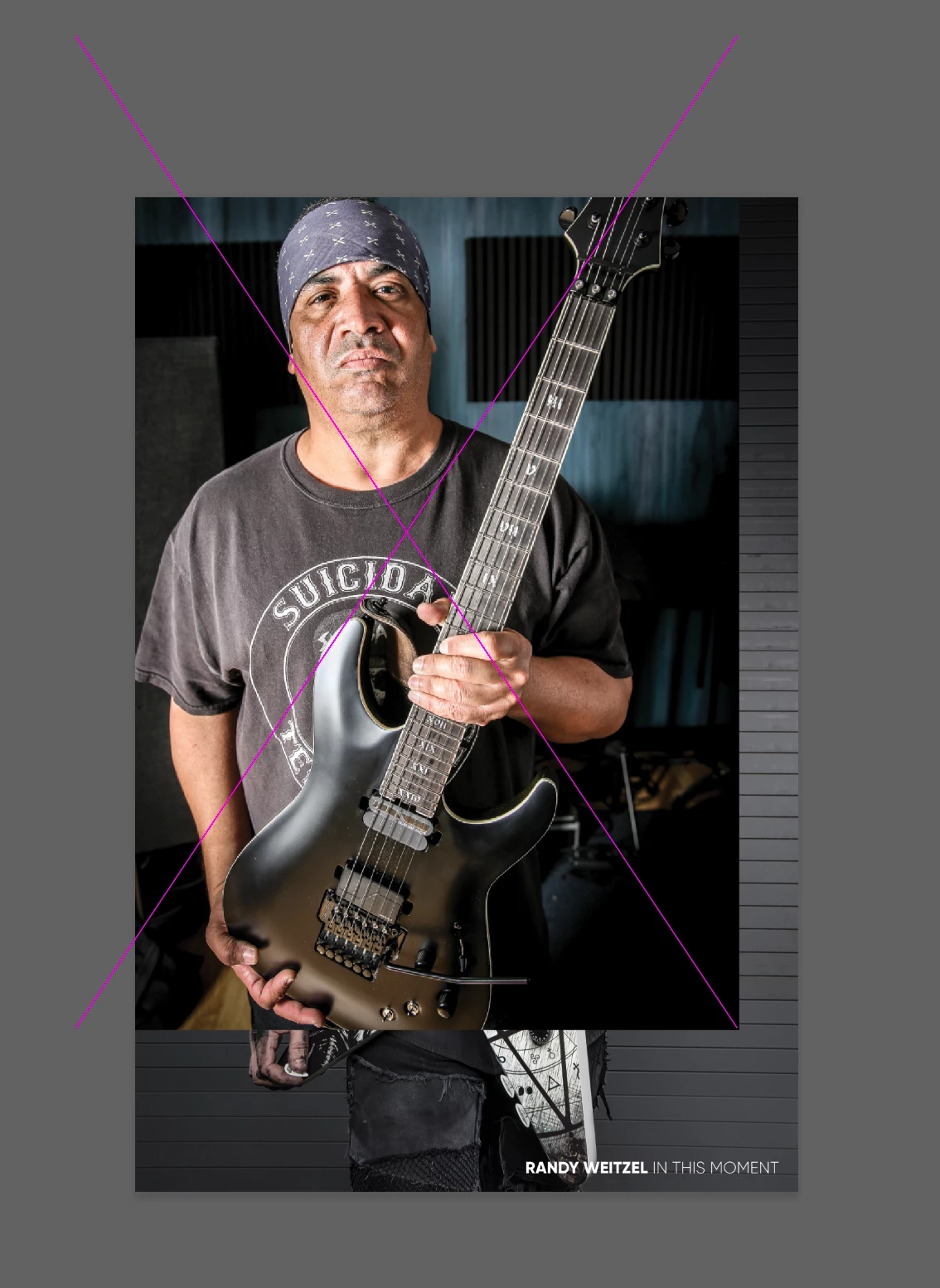
This has been going on since the last update for me and its intermittent. When I place a jpg on my art-board, and use transform to change size or move it around, i only get a purple X within the image boundary, no edges or standard transform box handles. Also, when i use the text tool, and click to edit, i get no cursor. I can edit the text, but i cant see the highlight. Transforming text also shows no bounding box, the only reason i can navigate and move type is by seeing how the tool tip changes from rotation to stretch to the 4 arrow direction tip. They seem to happen together at the same time. Why does this keep happening?! And again to reiterate, its intermittent. Ill rasterize a layer, or come back to the ap after an hour of doing other work, and it will all of a sudden be working fine. Frustrating.
Also should be noted that when this happens, if i go to select all on a lyer, it doesnt select anything. no marching ants...nada.
 AdChoices