
Question
Invert selection
I press Q to select and CTRL I to invert selection. I wind up with this: (red arrow)

I then click on the box with the thin white lines I wind up with this: (red arrow)
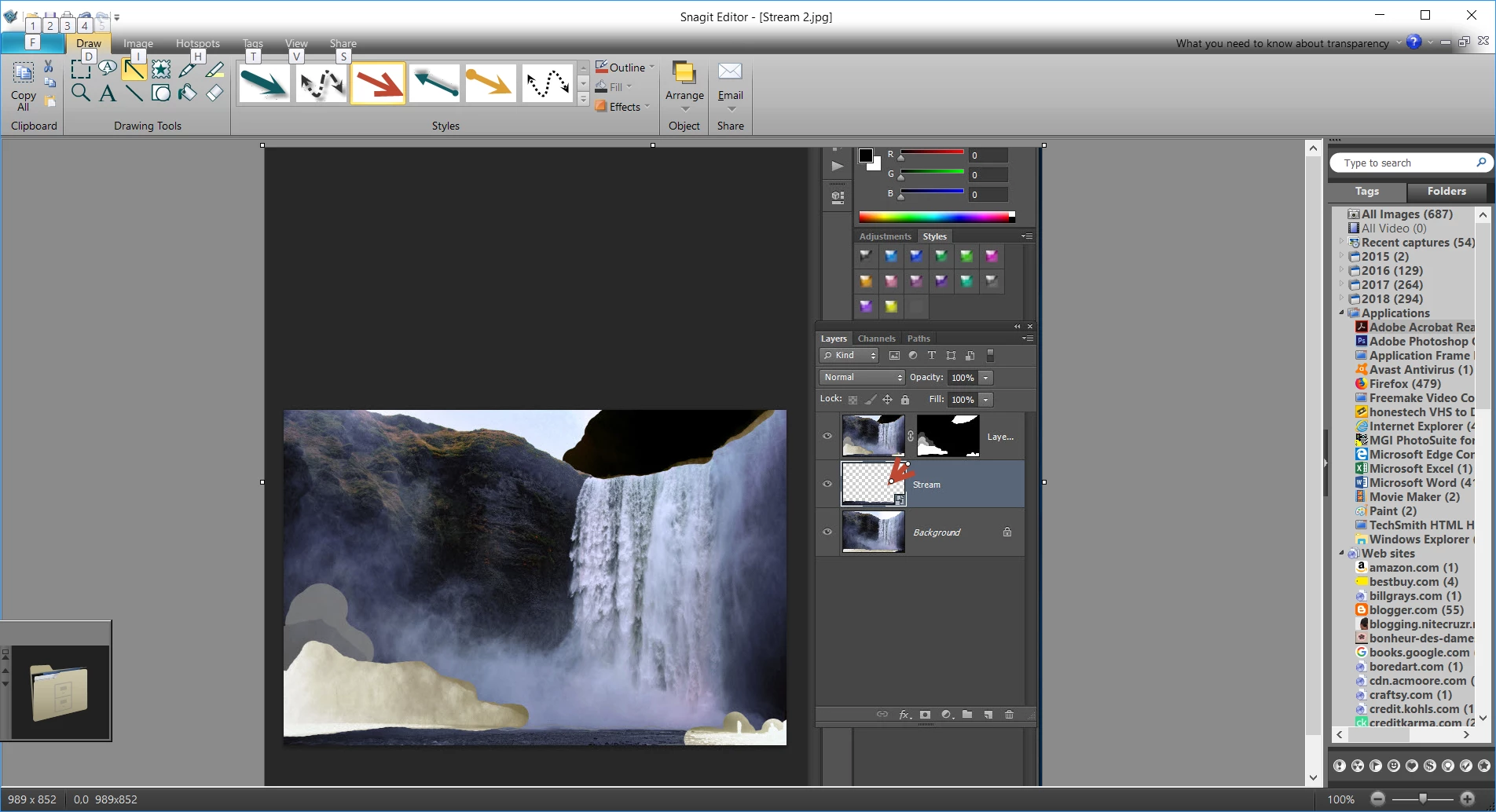
It is the same when I mask the falls, mists...
NOTE: At the beginning of the tutorial, after pressing Q to select and CTRL I to invert--the rock, people are cloudy white--why?


 AdChoices