
Answered
Invisible lines appearing in Photoshop
Hello!
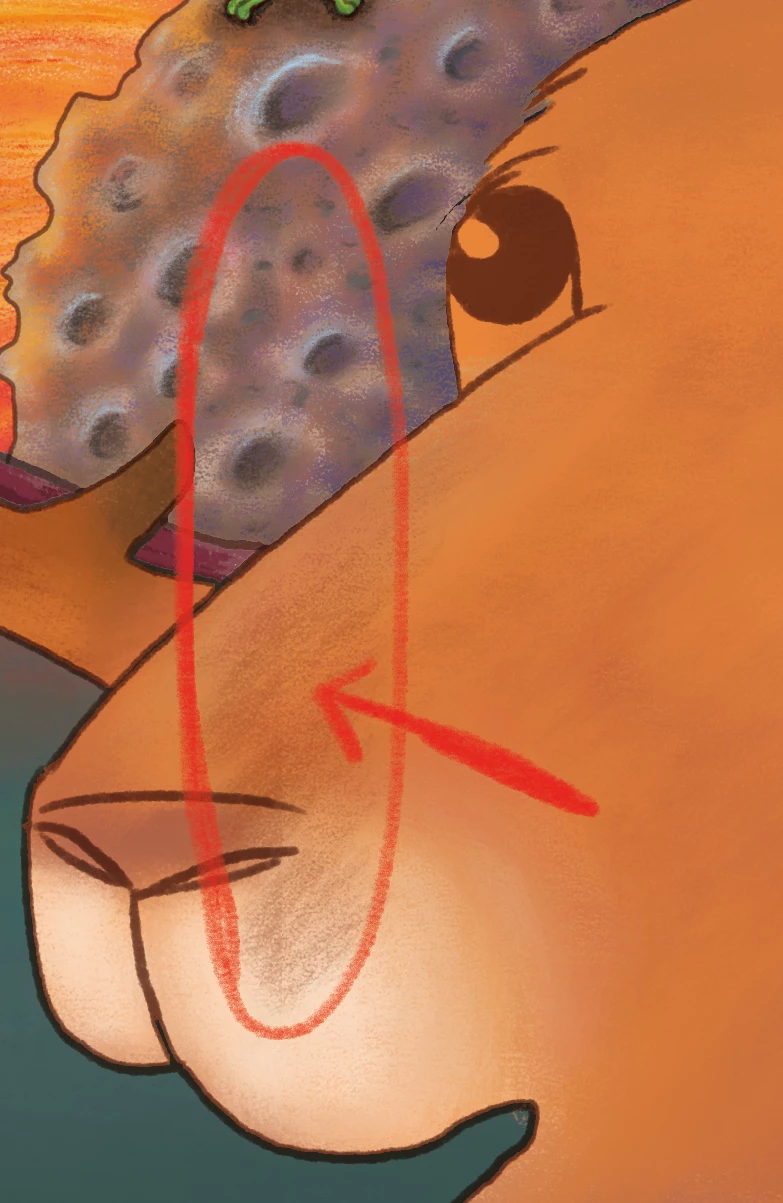
I'm hoping you can help me with a problem I am having... I have random, 'invisible' lines appearing when I paint in Photoshop (see pic below). It's like a little edge appearing...
I am using the latest Photoshop on Windows 10 64-bit - on the Surface Pro 4, with the latest surface pen.
I had a similar thing happen once before, where guides were 'getting in the way' and causing lines to appear jagged. The solution then was to turn of snapping.
This time, there are no guides or edges where these lines are occurring. Snapping is turned off. In fact, when you clear all guides etc, the problem is still there. Help!
Thank you!
 AdChoices