
Participant
April 16, 2021
Answered

Is it possible showing only floating menu

  • April 16, 2021
  • 4 replies
  • 466 views

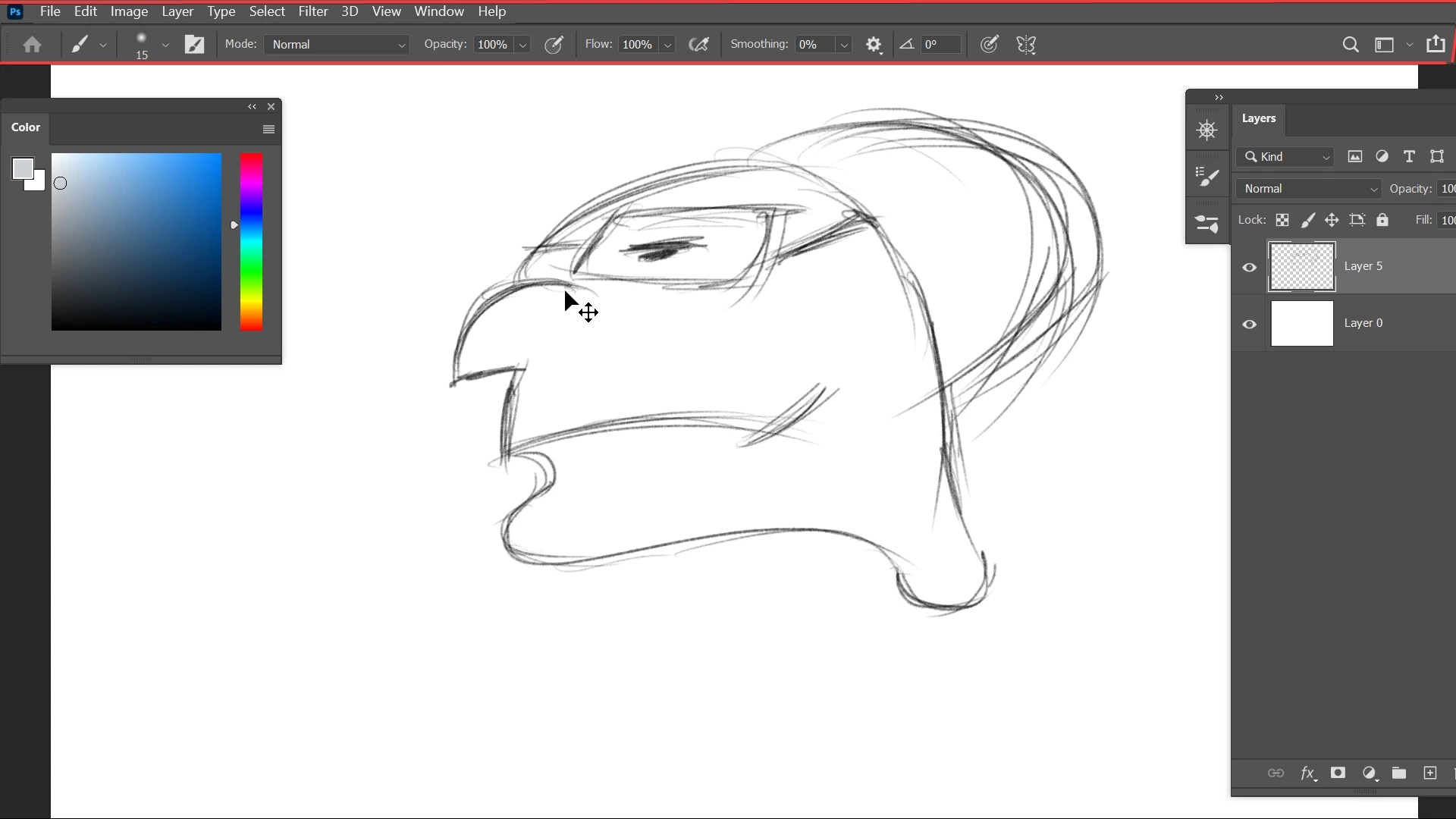
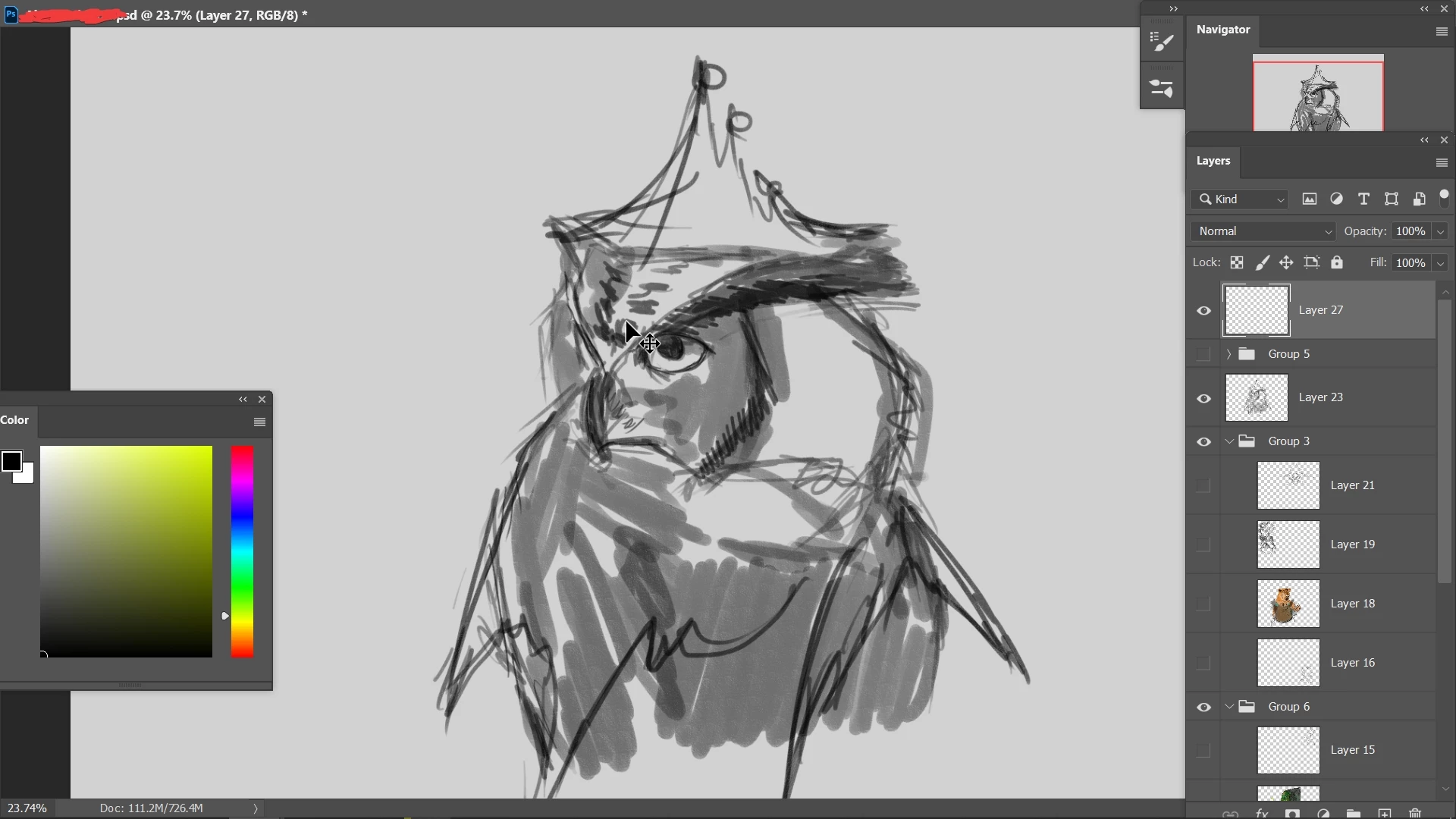
Hi, i work Photoshop for painting and i need large space possible as my screen isn't big. anyway This is my workspace. It's fine but i want top menu bar to be hidden too. i press F to but floating menues also hides.
This topic has been closed for replies.
Correct answer lorem5EF6

i figured it out myself.thnks

4 replies

lorem5EF6AuthorCorrect answer
Participant
May 4, 2021

i figured it out myself.thnks

jane-e
Community Expert
Community Expert
April 16, 2021

One possible option is to press the Tab key to hide the right hand panels or Shift+Tab to hide all panels. They are toggles. When the docked panels are hidden, you can hover over the edges of your workspace to expand them, select what you need, then they will hide again when you move back into your workspace.


~ Jane


melissapiccone
Community Expert
Community Expert
April 16, 2021

You need a second monitor. I don't know where you are located but in the US you can get a cheap second monitor for about $100.


Melissa Piccone | Adobe Trainer | Online Courses Author | Fine Artist
marliton
Community Expert
Community Expert
April 16, 2021

Hi. You can deselect Window > Options.


Marlon Ceballos
lorem5EF6Author
Participant
April 16, 2021

Thanks. That will help too.