
Participant
July 11, 2024
Answered

Is it possible to map text to the top of a 3D extruded layer?

  • July 11, 2024
  • 1 reply
  • 3729 views

I'm sorry if this is obvious but I'm very new to photoshop, but is it possible to put a gradient on the top layer only of 3D extruded text? I didn't see the option to just apply a gradient to the top side in the 

layer style for the extruded text, so my next thought was to place a 2d text on top and map it to the 3D text?
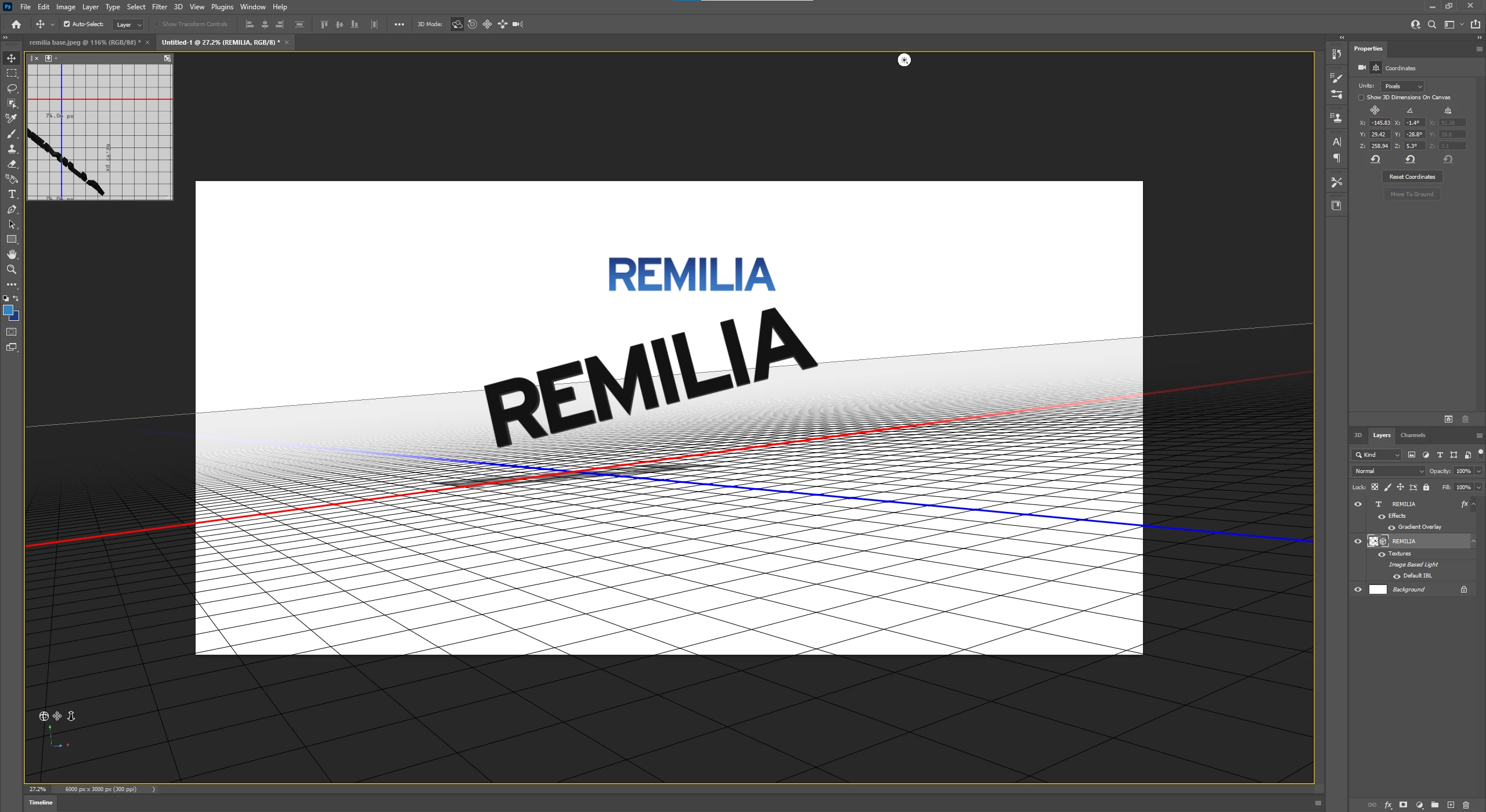
 

Is this the best way to do this or am I missing something?


Thanks for the help everyone.
 

This topic has been closed for replies.
Correct answer davescm

First a caveat - 3D is discontinued in Photoshop. I would not start any 3D workflow that relies on Photoshop 3D.

https://helpx.adobe.com/uk/photoshop/kb/3d-faq.html


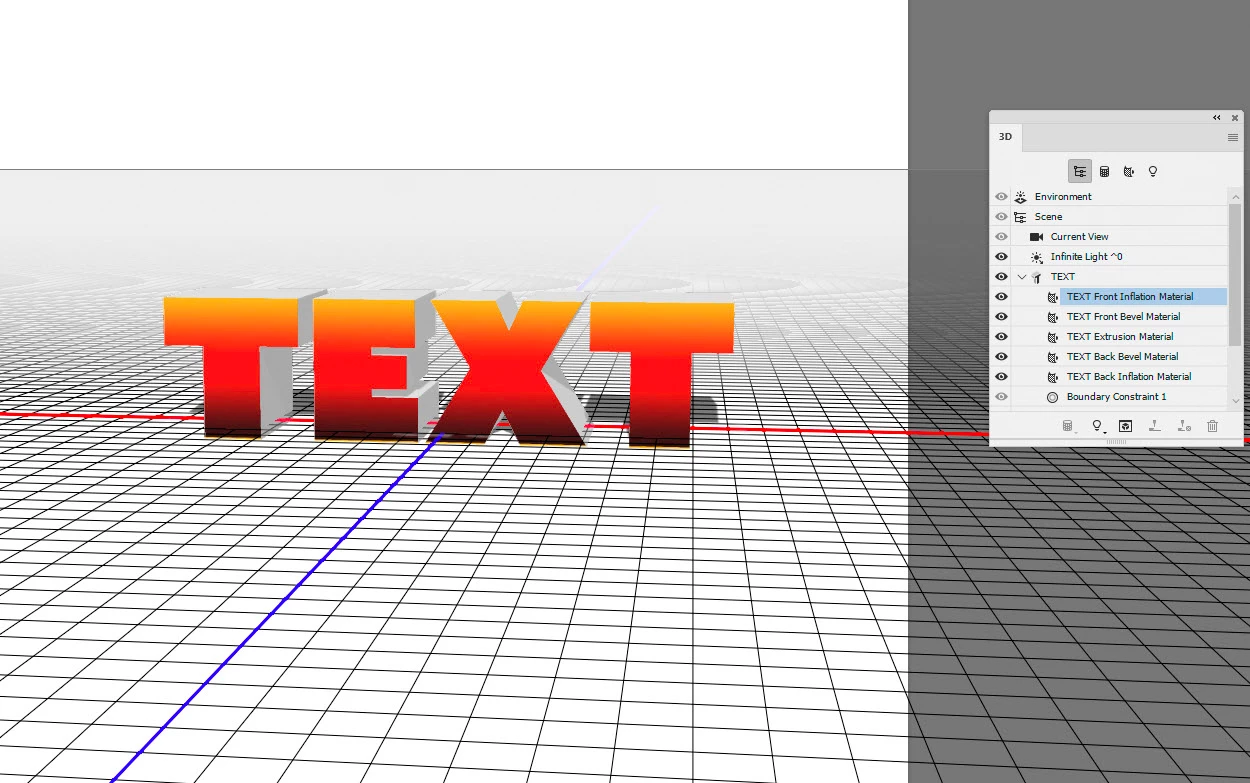
With that said, provided you are using v22.2 or earlier, the correct way is to colour the basecolor material of the Front Inflation Material.

Open the 3D layer, click on the Front Inflation Material and in Properties select new texture

Add your gradient and if required edit your UV properties to position it.

When finished, re-render the 3D layer


Dave


1 reply

davescm
Community Expert
davescmCommunity ExpertCorrect answer
Community Expert
July 11, 2024

First a caveat - 3D is discontinued in Photoshop. I would not start any 3D workflow that relies on Photoshop 3D.

https://helpx.adobe.com/uk/photoshop/kb/3d-faq.html


With that said, provided you are using v22.2 or earlier, the correct way is to colour the basecolor material of the Front Inflation Material.

Open the 3D layer, click on the Front Inflation Material and in Properties select new texture

Add your gradient and if required edit your UV properties to position it.

When finished, re-render the 3D layer


Dave


Participant
July 12, 2024

Thank you Dave, this is exactly what I was looking for.