Participating Frequently
October 17, 2018
Answered

Is Text Tool Broken in Adobe CC 2019 v20?

  • October 17, 2018
  • 1 reply
  • 1048 views

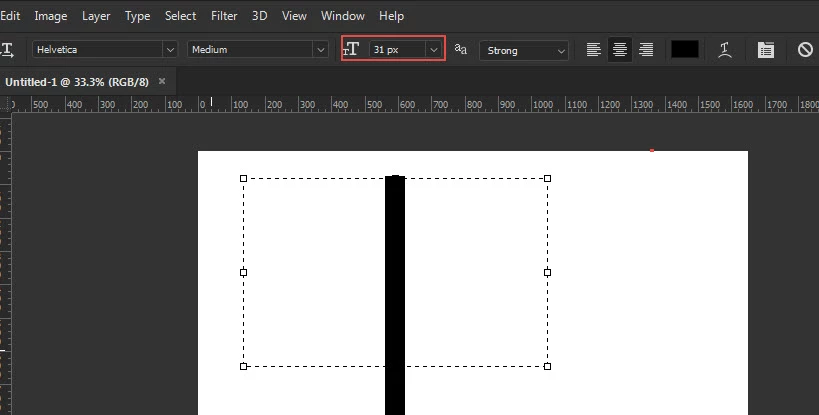
When using the text tool the cursor is gigantic, regardless of the font size, and nothing I type shows up.

I looked into settings and can't find anything related. Is there any workaround for this issue?

Huge cursor despite font size, no visible text:
Black Text that I just typed is un-rendered:
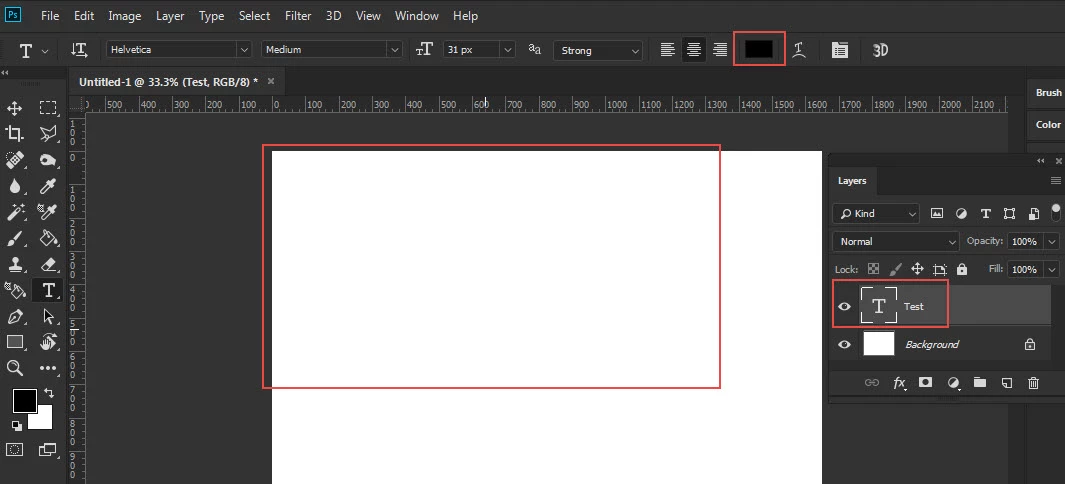
This basically makes one of the core tools of the program unusable. I'm hoping it's something dumb I'm missing, but it seems odd that they would intentionally program this in an update
    This topic has been closed for replies.
    Correct answer gener7

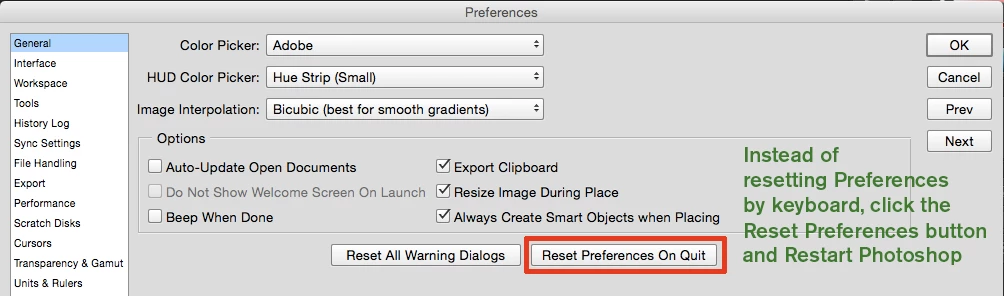
    Let's try a Preferences Reset first:

    1 reply

    gener7
    Community Expert
    gener7Community ExpertCorrect answer
    Community Expert
    October 17, 2018

    Let's try a Preferences Reset first:

    Participating Frequently
    October 17, 2018

    That worked, thank you!

    gener7
    Community Expert
    Community Expert
    October 17, 2018

    Thanks for letting me know. Now I have a better idea of what answers help. There could be deeper factors such as corrupted fonts or plugins, so I'm glad this did the trick.

    Gene