
Question
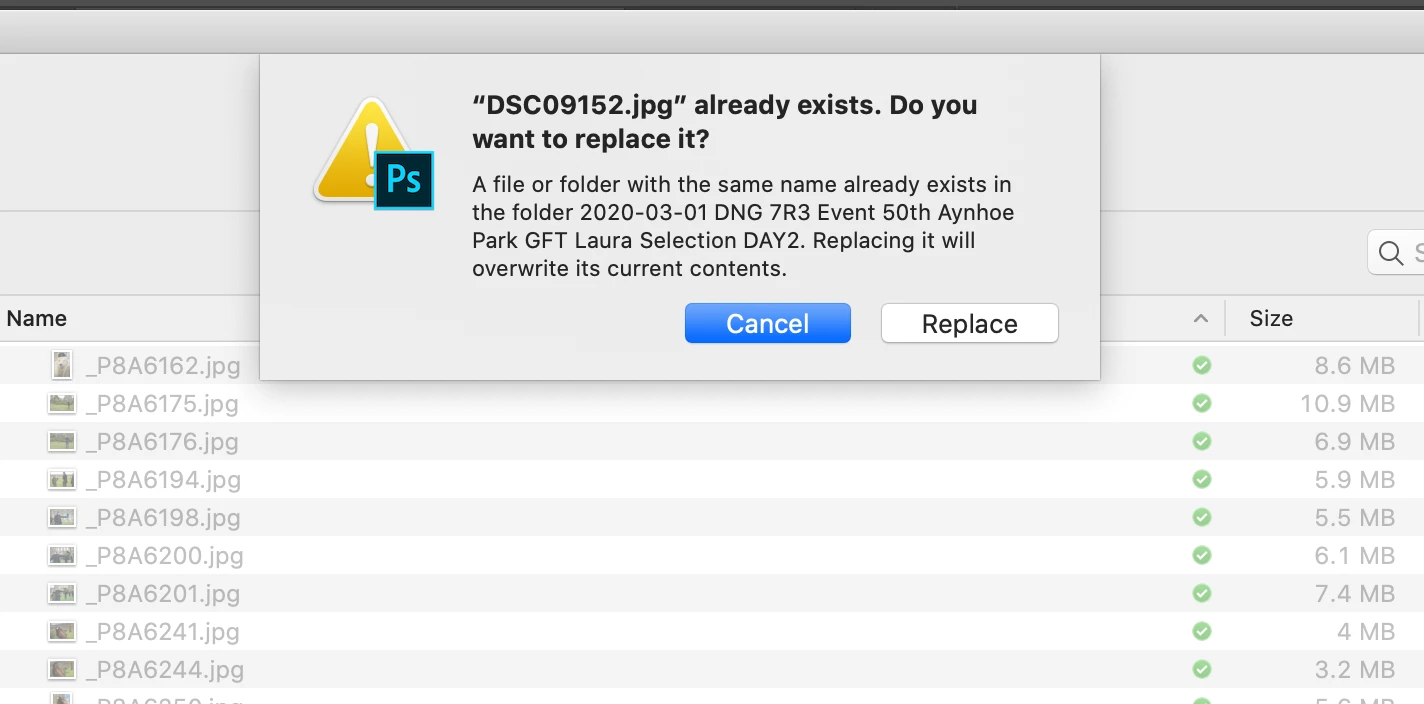
Is there a Keyboard shortcut for "Replace"' while in saving menu?
In some of the previous versions of Photoshop cc, there was a Keyboard shortcut (SHIFT+CMD+Space) or (CTRL + CMD + Space) that was allowing the user to select the Replace option, instead of the default cancel option, without using the mouse.
Is there a similar keyboard shortcut that will allow me to do that or at least a shortcut for the TAB key function that doesn't seem to work in this scenario either, in this latest version of Photoshop cc?
The reason I'm asking is that I'm using a device (Shuttle PRO2) and it will benefit me greatly if I could set one of the buttons of this gimmick to do this action.
Thanks in advance
 AdChoices