Participating Frequently
December 27, 2021
Question

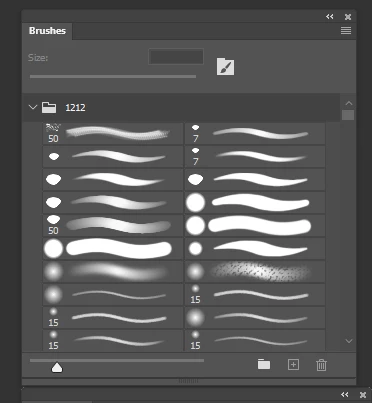
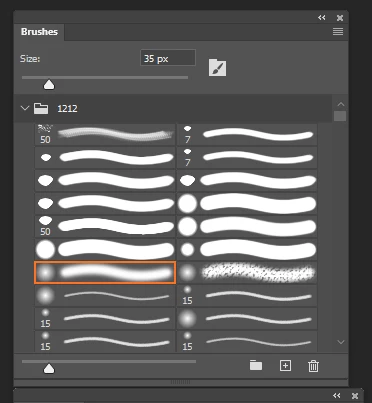
Is there a way to always see a preview with a pen pressure applied on the brush panel?
  • December 27, 2021
  • 1 reply
  • 240 views


If you recognize the tablet's pen just before the window appears or click a specific item on the menu with a pen when you run Photoshop, the pressure is not applied to the preview of the panel.

Regardless of recognition, is there a way to always apply pen pressure to brush previews?


This topic has been closed for replies.

1 reply

mglush
Community Expert
Community Expert
December 27, 2021

Hi!

Do you just want to apply pen pressure to brush previews or to the actual brush stroke you are painting? Also, can you tell us what version of Photoshop you are using? And are you on a Mac or Windows machine with what OS?

Michelle

Participating Frequently
December 27, 2021

Thank you for your answer.

Regardless of the preview indication, the use of pen pressure works without problems.

It is a question about a function that does not apply pen pressure in the preview of the brush panel if the pen is not recognized after operating Photoshop with a mouse.

To recognize pen pressure, #UseWinTap
UseSystemStylus0 has been applied.

I turned off the window ink setting.

Windows 10 is in use, and Photoshop is in the latest version, but the feature of pen recognition continues from cs6.

Thank you for your answer, but I always want to know if there is a way to mark the pen pressure regardless of the pen's perception in the brush preview that I asked.