
davidc1815
Legend
November 7, 2016
Question

Is there a way to stop images opening behind palettes on the workspace?

  • November 7, 2016
  • 2 replies
  • 604 views

Is there a way to stop images opening behind palettes that are open?  Like this -
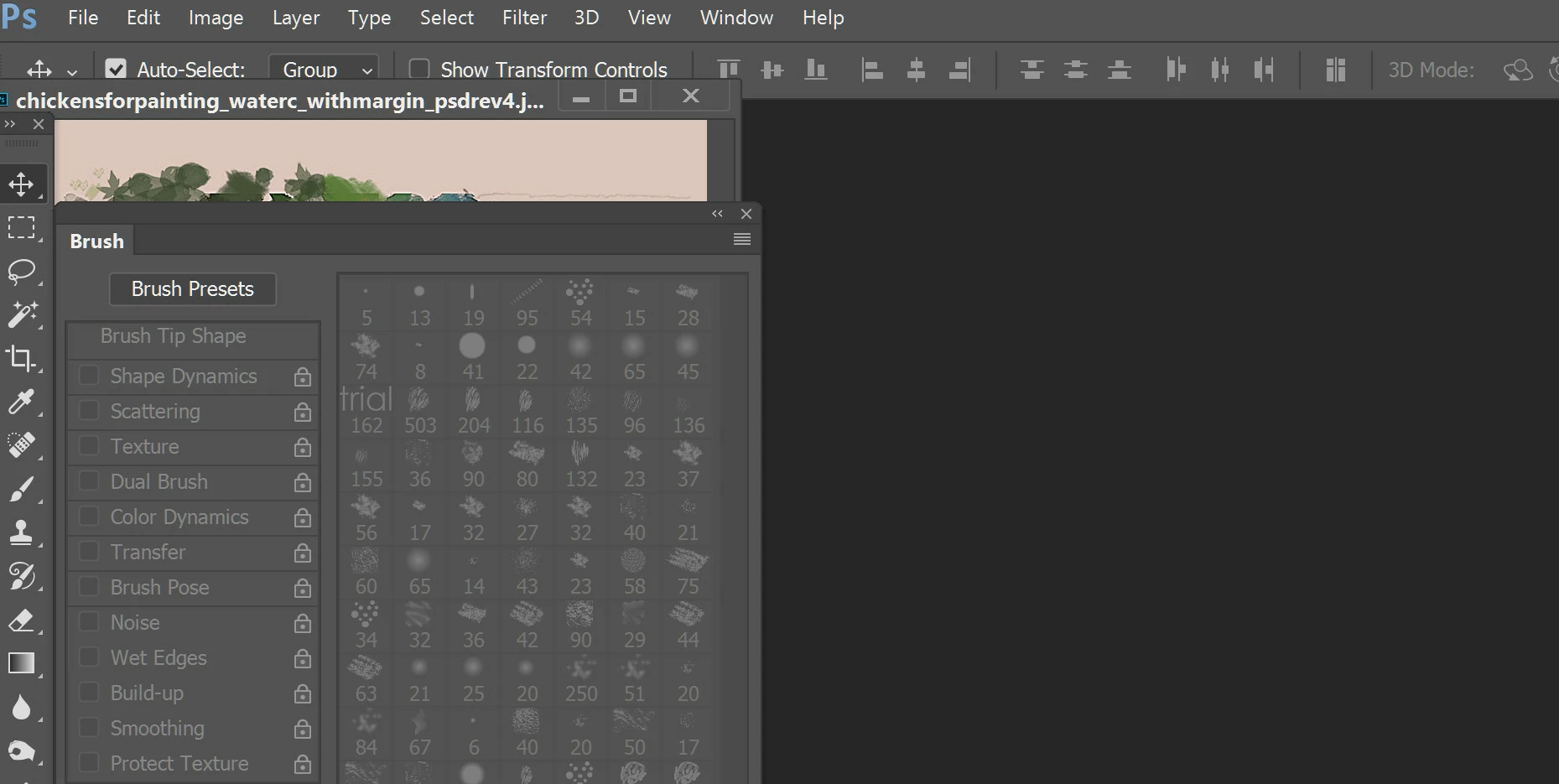
I have looked through Preferences but cannot see a setting for this.

Thanks.

David

    This topic has been closed for replies.

    2 replies

    davescm
    Community Expert
    Community Expert
    November 7, 2016

    The only way, on Windows,  I know is to redock the panel.
    Use the bar at the top of the panel to drag it to the left or the right of the Photoshop window. There will be a point when it is partially overlapped that you will see the window edge turn blue. Release at that point and the panel will dock. Once docked the tabbed images will not go behind the panels.

    When docking it may be easier to see if the Photoshop window itself is not maximised full screen, you can maximise it afterwards

    Dave

    davidc1815
    Legend
    November 7, 2016

    Thank you.  By messing around with the various Preference/Interface settings I have found a way to get a picture to open in the centre of the workspace which generally keeps it fully visible.   Thanks.

    David

    JJMack
    Community Expert
    Community Expert
    November 7, 2016

    Have your Photoshop Paletts on your second display like I do.

    JJMack
    davidc1815
    Legend
    November 7, 2016

    Thanks, JJ.  I thought there might be an arcane setting somewhere...