Participant
August 17, 2017
Answered

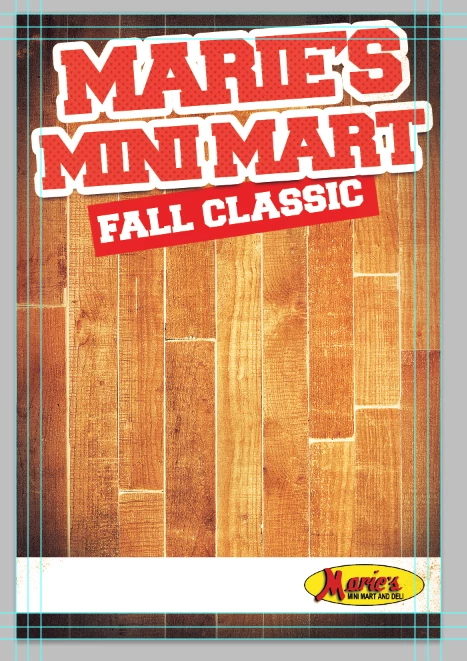
Is there an easy way to add a transparent (ish) color over a bakground? I have a hardwood floor as my background, but I'd like to have a slight red shade over it. Can't seem to figure it out.
  • August 17, 2017
  • 3 replies
  • 514 views

[Moved from the non-technical Lounge Forum to Photoshop based on other messages... Mod]

[Here is the list of all Adobe forums... https://forums.adobe.com/welcome]
    This topic has been closed for replies.
    Correct answer Norman Sanders

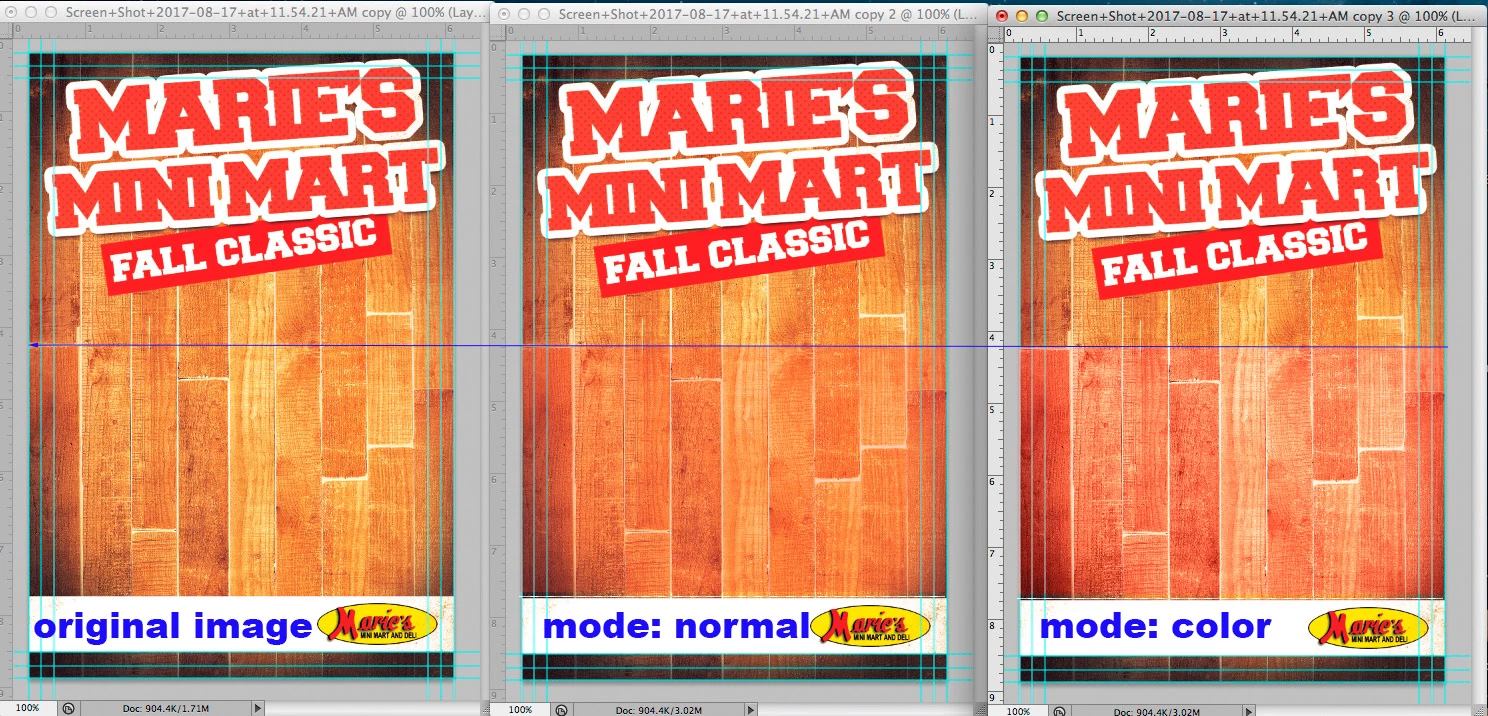
    Add a blank layer and Edit > Fill with red. Adjust its intensity with the Opacity slider in the Layers panel.

    If you want the red to follow the modeling of the wood, change the Layer's Blending mode to from Normal to Color.

    3 replies

    Norman Sanders
    Norman SandersCorrect answer
    Legend
    August 17, 2017

    Add a blank layer and Edit > Fill with red. Adjust its intensity with the Opacity slider in the Layers panel.

    If you want the red to follow the modeling of the wood, change the Layer's Blending mode to from Normal to Color.

    melissapiccone
    Community Expert
    Community Expert
    August 17, 2017

    There are lots of ways you can do this. I'm assuming the floor is in it's own layer...

    You can tint it with a hue/saturation adjustment layer, create a solid color fill layer and set the blending mode to hue or color and reduce the opacity or as master mo suggested using the color overlay layer style.

    Melissa Piccone | Adobe Trainer | Online Courses Author | Fine Artist
    @mj
    Community Expert
    Community Expert
    August 17, 2017

    I suggest the Color Overlay fx from the Layers Panel.

    This will give you fine control over opacity and blending modes whilst remaining non-destructive and live.

    HTH