

davidc1815
Legend
November 26, 2019
Answered

Is there really no way to kill the Home Screen?

  • November 26, 2019
  • 3 replies
  • 1809 views

The  home screen is a real nuisance - its ugly, clumsy, dumb and destroys a workflow.

Here is how my screen looks now:
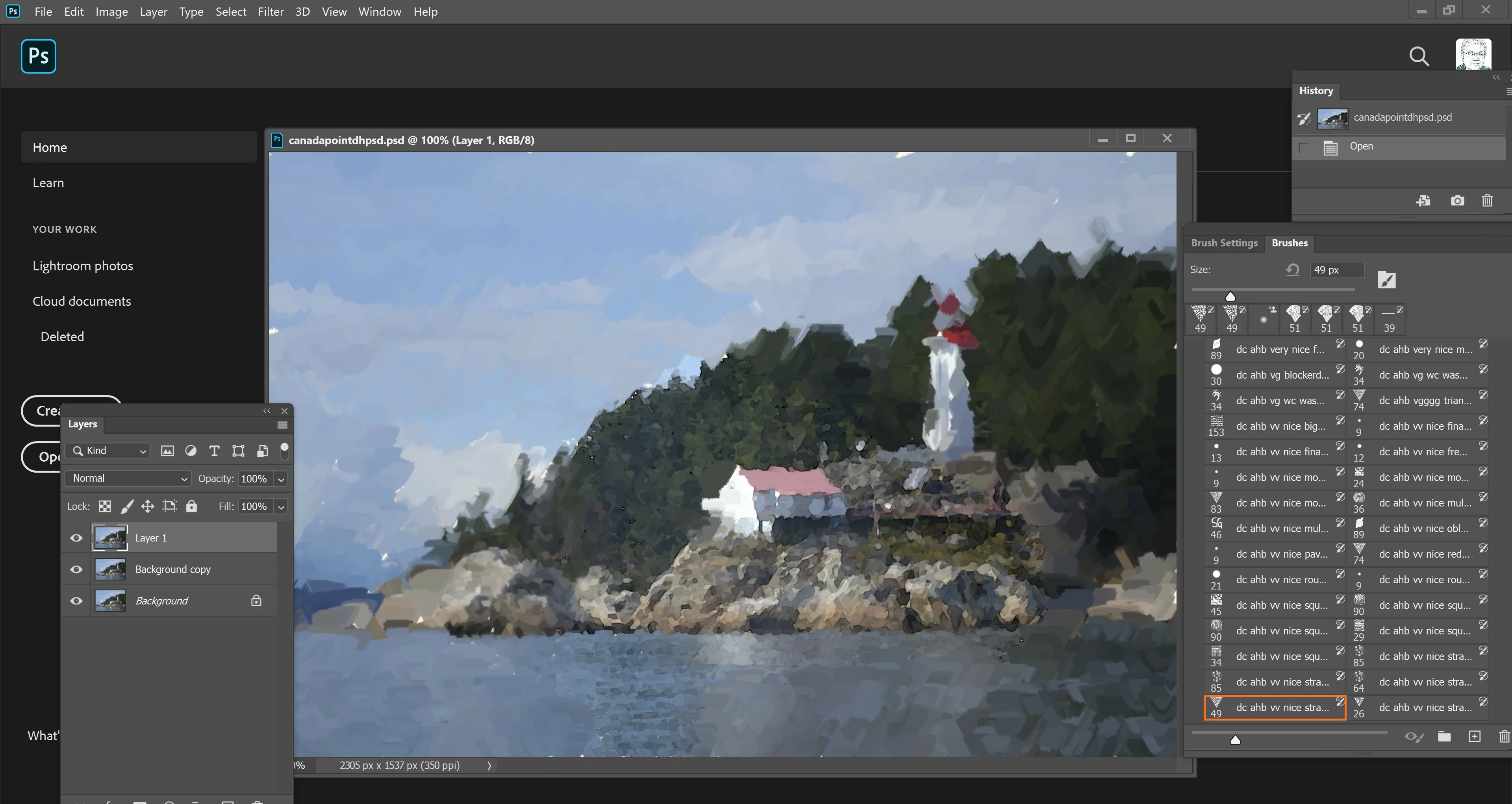
Is there no way to get Photoshop back and get rid of this abomination?


David
This topic has been closed for replies.
Correct answer SG...

Hi,


Do you see the < next to the Ps icon when you have a document open? If so, that typically means you are entering the Home screen by clicking on the 'home' icon. If it isn't showing then you have invoked the Home screen in some way, but I'd need steps to understand how. Opening documents in floating windows will not auto-dismiss, and you'll have to use ESC.


3 replies

SG...
Adobe Employee
Adobe Employee
November 26, 2019

Hi David,


That is a curious looking workspace (floating windows and panels, no tool bar). Is that a saved custom workspace or just a modified one of the existing workspaces? Does selecting ESC when Home is active dismiss it? And which version of Windows is this?

What steps are part of your workflow, as well?


regards,

steve

davidc1815
Legend
November 26, 2019

It's curious because Photoshop is joining the home screen and my custom workspace together to create a mutation.  This is what my unadulterated custom workspace looks like when I can use it -

ESC does indeed allow me to get rid of the home screen.  I am using W10 Pro 64bit 1909, 32gb memory, i9-9980HK cpu,  in a Dell XPS 15 7590 laptop

Any ideas?


SG...
Adobe Employee
SG...Correct answer
Adobe Employee
November 26, 2019

Hi,


Do you see the < next to the Ps icon when you have a document open? If so, that typically means you are entering the Home screen by clicking on the 'home' icon. If it isn't showing then you have invoked the Home screen in some way, but I'd need steps to understand how. Opening documents in floating windows will not auto-dismiss, and you'll have to use ESC.


D Fosse
Community Expert
Community Expert
November 26, 2019

Check it, relaunch, and uncheck it again. That's what I had to do, but it has thankfully stayed out of my way since.

davidc1815
Legend
November 26, 2019

Thanks.  Didn't work for me sadly.

davescm
Community Expert
Community Expert
November 26, 2019

What happens when you uncheck Preferences >General >Autoshow the Home Screen ?

Dave

davidc1815
Legend
November 26, 2019

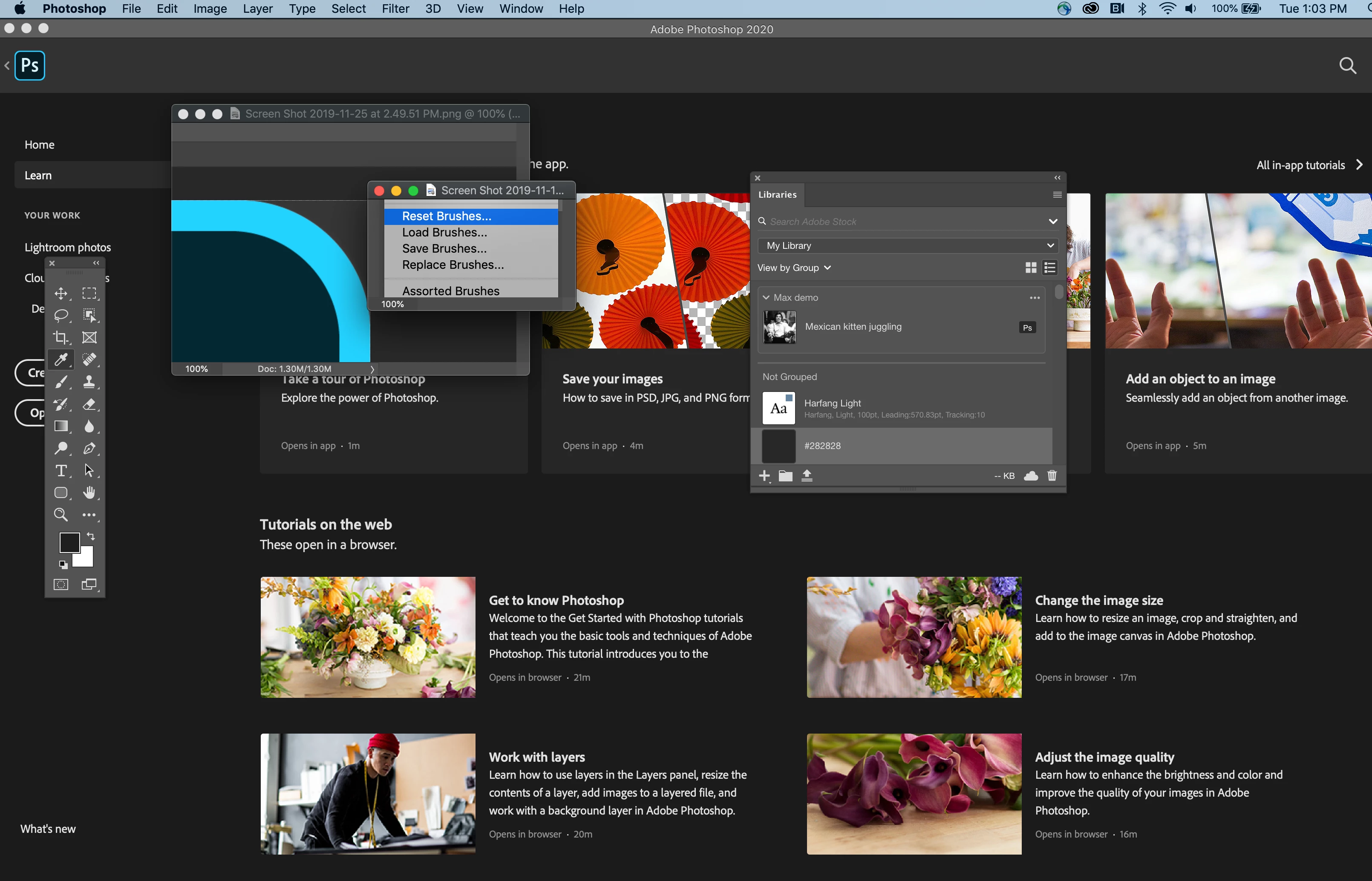
Deselected (it wasn't in the first place)...

.and this is still what happens...


Why have they created this dog's dinner?

Kevin Stohlmeyer
Community Expert
Community Expert
November 26, 2019

Did you restart Photoshop after you made the change?