Question
Issue using Lighting effects in Photoshop 2020 on Mac
I heed help please,
I'm using the latest version of photoshop CC on a Macbook Pro 2.7 ghz Core i7 with 16gb and NVDIA GeForce GT 650m 1 GB intel HD graphics 4000 1536.
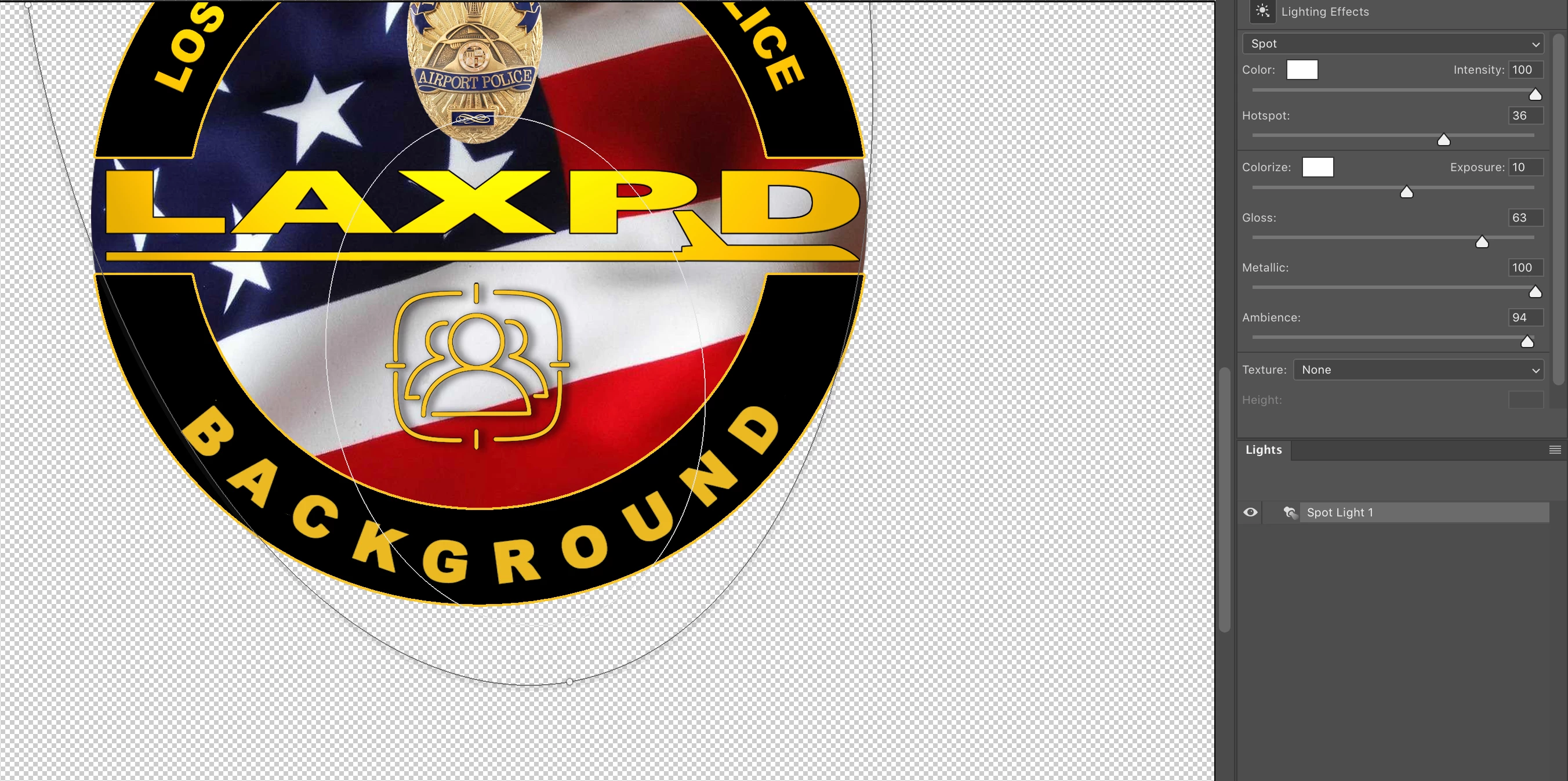
When I utilze the filter, its window opens and all the tool are there, but as I make changes the effect is not applied. I do have preview on, so I'm not sure whats going on. In the very same graphic I'm creating I've used the filter twice with no issues. Now it wont work! I've opened a new document and tried it with the same negativre result.
In the image below I'm attempting to apply the filter to the word BACKGROUND.
Charles
{Thread title edited by moderator}
 AdChoices