Participant
April 3, 2020
Question

Issue with copying text in Photoshop extension

  • April 3, 2020
  • 4 replies
  • 2879 views

Hey guys,

 
we are currently building Photoshop extension and we got stuck in copying Text from one artboard to another one. The problem is that, we are copying text and in the moment we are making it bigger, it will not fit into text box. Imagine that we are copying text from smaller artboard to bigger one.
Let's consider a simple use-case of resizing a text box by 2x. For that, we need to read the data about it so that we can multiple width/height/font x2.
 
We have 2 textboxs like this:
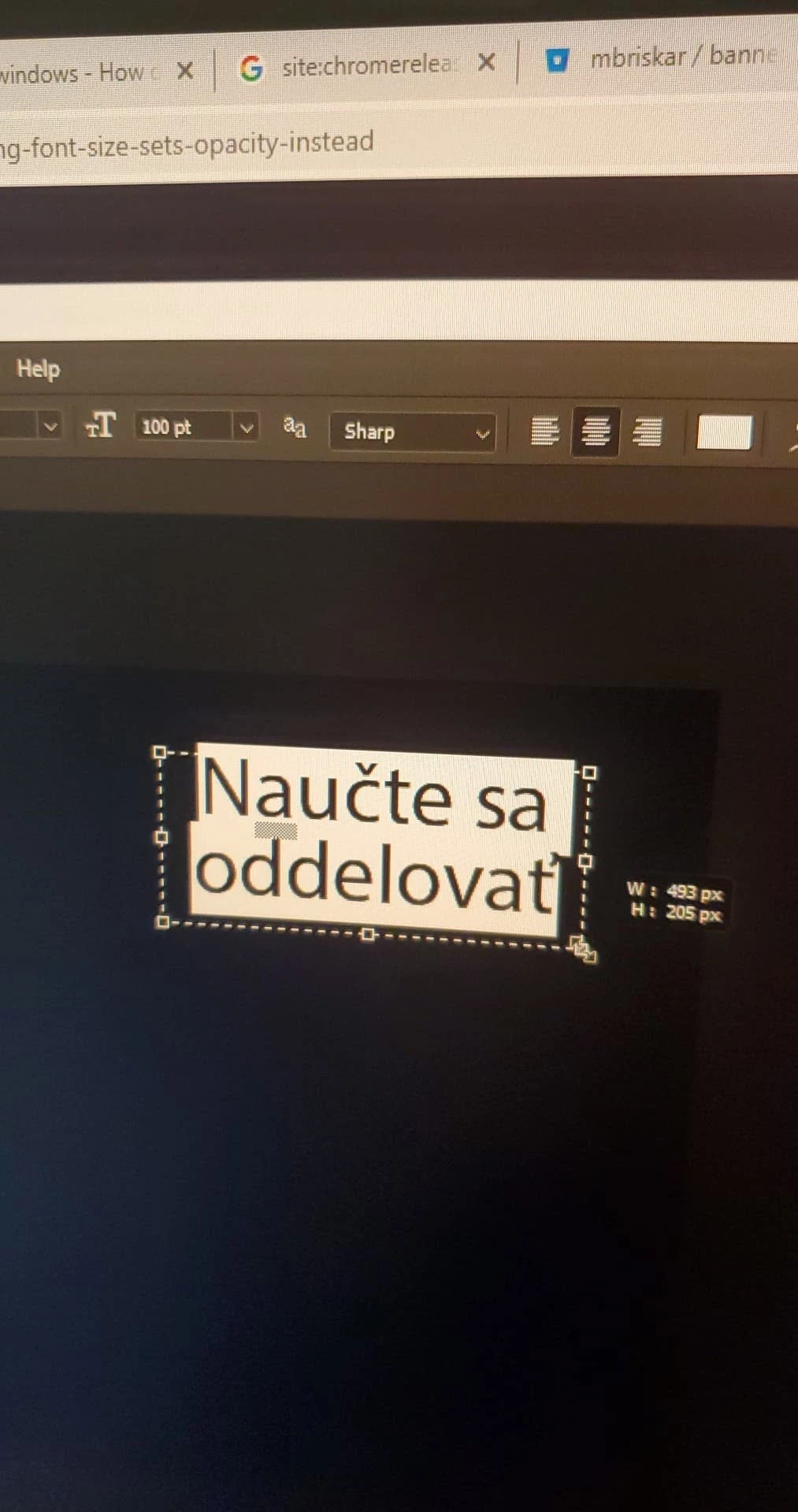
A: the textbox is roughly 490x205 px with the font size 100pt
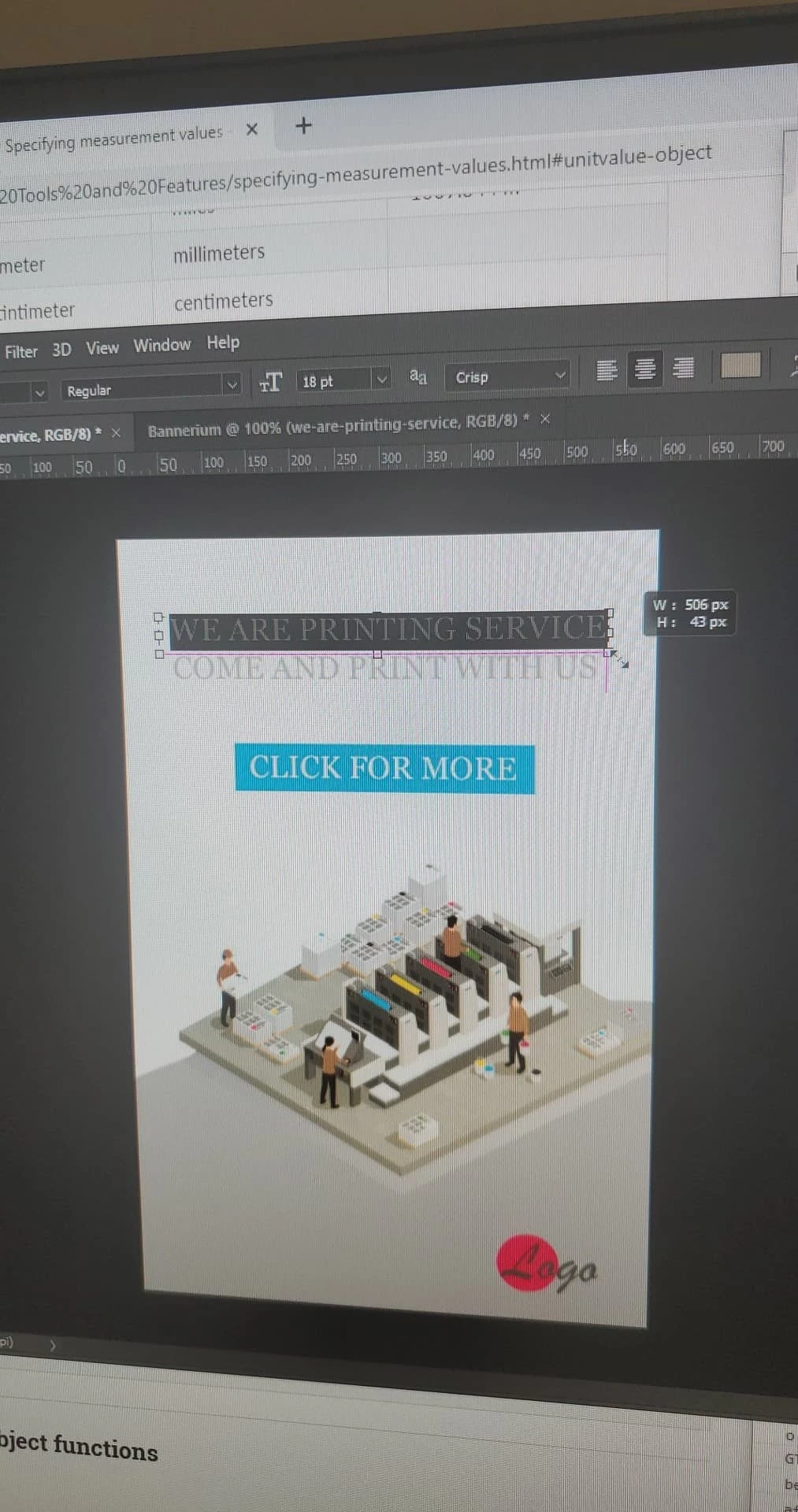
B:  506x43 px text with font size 18pt.
 
However, when we try to get information about the layer in photoshop API, the data is different:
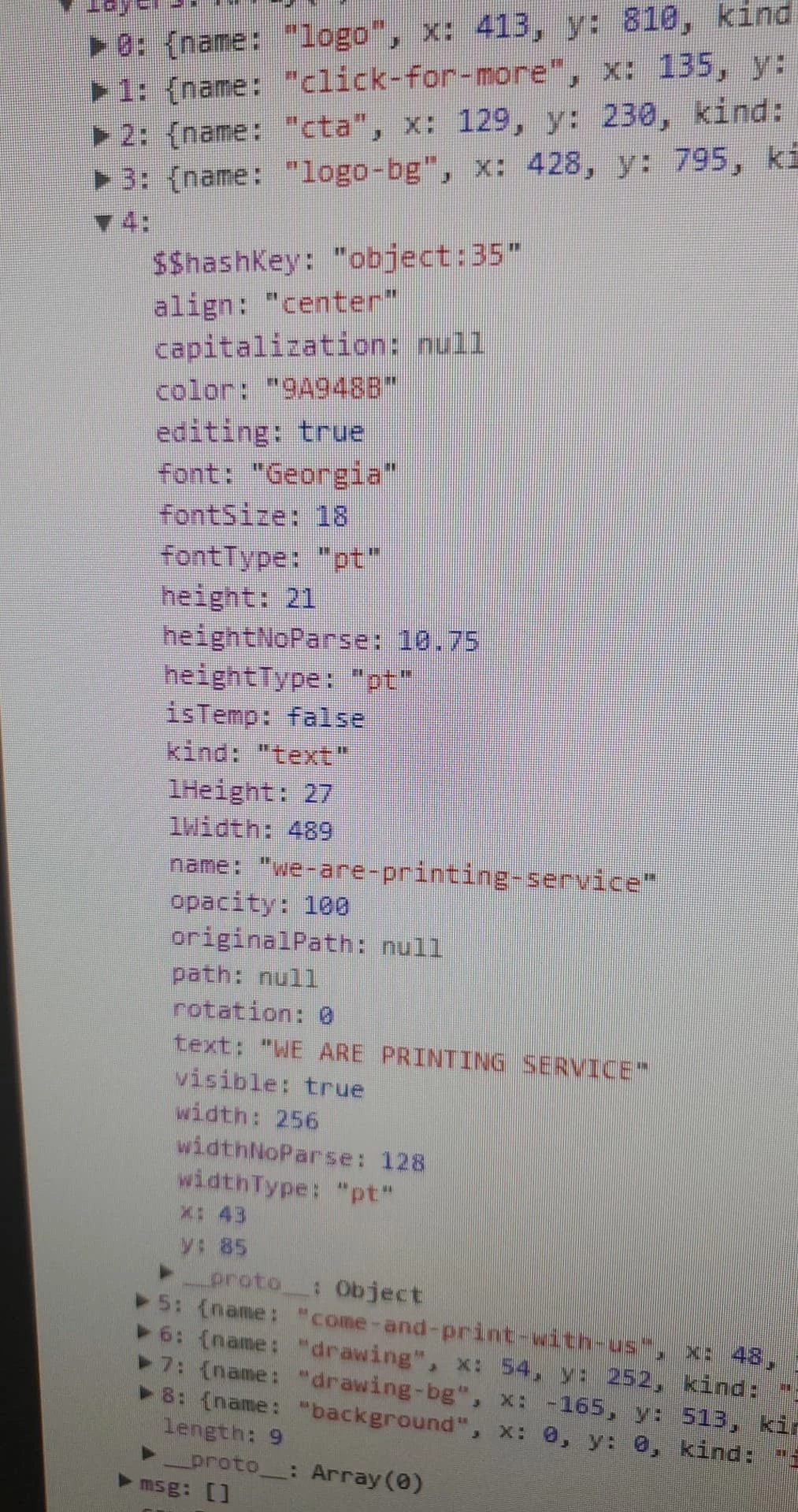
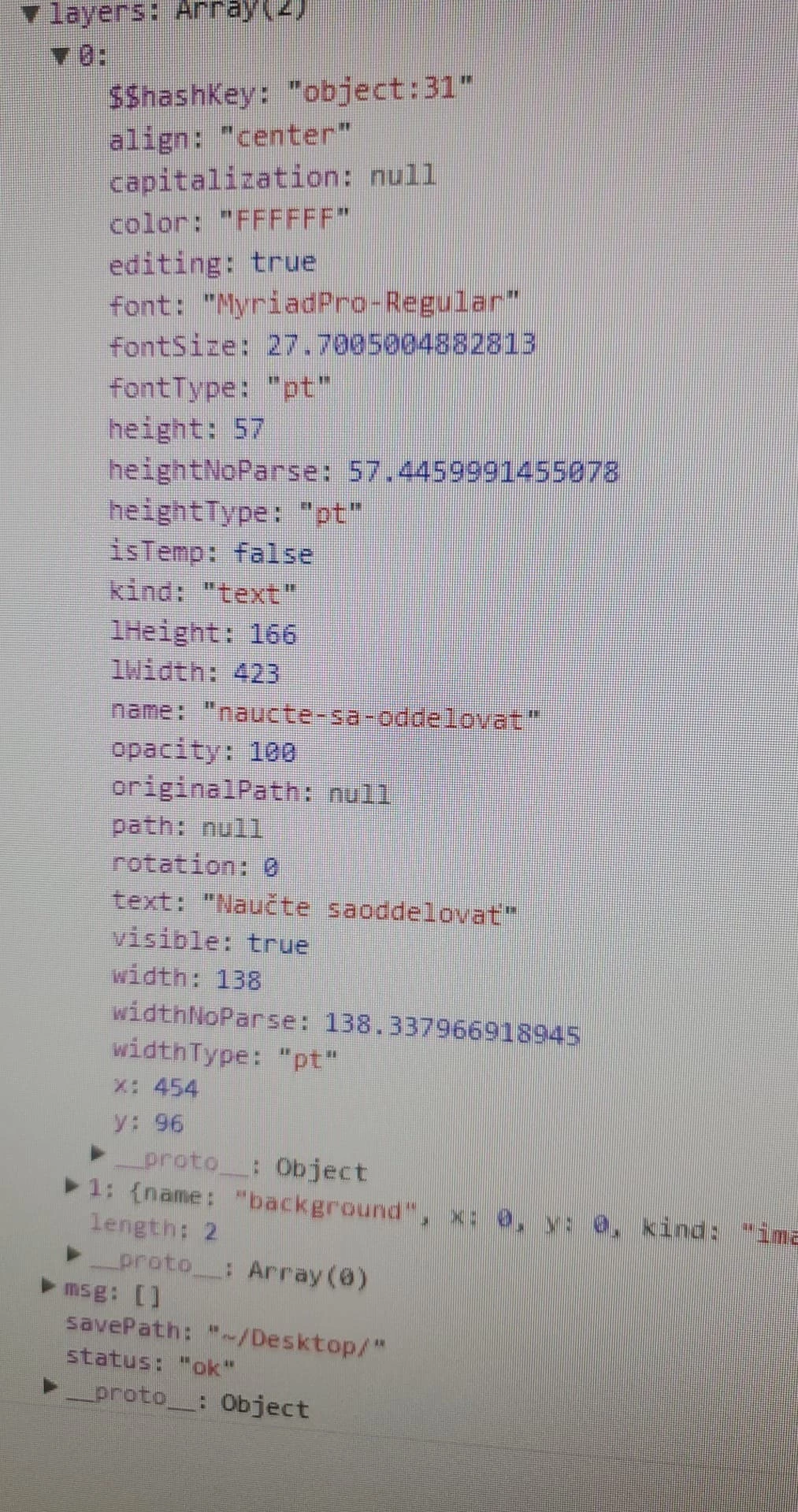
width = parseInt(layer.textItem.width.as('px')) ....  A 138 |. B 256
widthNoParse = layer.textItem.width .... A 138.33 |. B 128
widthType = layer.textItem.width.type .... A pt |. B pt
height = parseInt(layer.textItem.height.as('px')) .... A 57 |. B 21
heightNoParse = layer.textItem.height .... A 57.44 |. B 10.75
heightType = layer.textItem.height.type .... A pt |. B pt
fontSize = layer.textItem.size.value ...  A 27.7 |. B 18
fontType = layer.textItem.size.type ... A pt |. B pt
layerWidth = layer.bounds[2] - layer.bounds[0] ... A 423 |. B 489
layerHeight = layer.bounds[3] - layer.bound[1] ... A 166 |. B 27
 
We are confused with the data we are getting. 
Why is as('px') transforming the data only sometimes? Even if, it doesn't seem to calculate the data properly to px though.
Why is font sometimes OK sometimes off?
 
Is this data reliable?


Foto documentation:
A:
B:

This topic has been closed for replies.

4 replies

Legend
May 6, 2020
A lot of text and I did not understand the problem.
Why don't you use the layer.bounds property to find out the initial dimensions?
After changing the font size, transform the layer if the current size (layer.bounds) does not suit you.
 
Semy_3Author
Participant
May 6, 2020

r-bin, thanks for the reply. 
The problem is easy - Photoshop is generating random numbers.

To prove that I needed to post long texts with attached pictures. I would love to ask somebody from Adobe where can be the problem, but it seems to be impossible task.


We tried your suggestion earlier and it didn't work. 
Thanks! 

Legend
May 6, 2020
You must have tried it wrong.
Keep track of the state of rulerUnits, or units in bounds (percentages are not allowed).
Also try using the boundsNoEffects property if using effects.
 
P.S. Do not use the .as() function. This is for morons ))
Stephen Marsh
Community Expert
Community Expert
May 6, 2020

Have you tried something like:


// Save the current ruler units and set to pixels
var savedRuler = app.preferences.rulerUnits;        
app.preferences.rulerUnits = Units.PIXELS;

// Do your stuff...

// Restore the ruler units
app.preferences.rulerUnits = savedRuler;  
Semy_3Author
Participant
May 6, 2020

Stephen, we change the units in the beginning of algorithm and then we are copying text to artboards. But unfortunately, it doesn't work for us. It is not working for us if we change the units and also if we don't. 


Semy_3Author
Participant
May 6, 2020

Any help please? 🙂 

Stephen Marsh
Community Expert
Community Expert
April 4, 2020

What size is reported if you rasterize the text?

Semy_3Author
Participant
April 4, 2020

Hey Stephen,
thank you so much for your response. Here is the answer. I rasterized text and I got this (example A):