

Issue with either scaling, sizing or resolution?
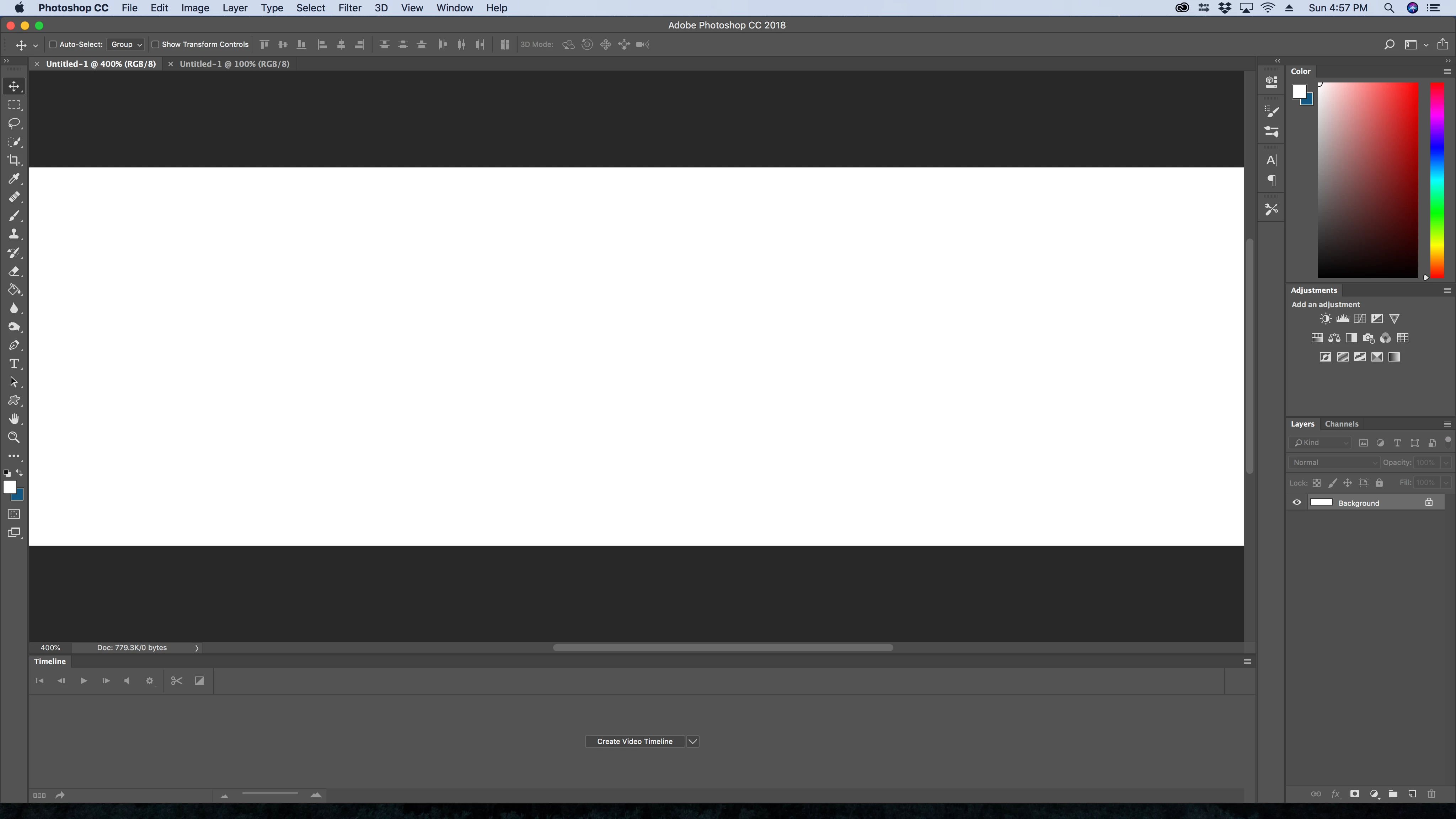
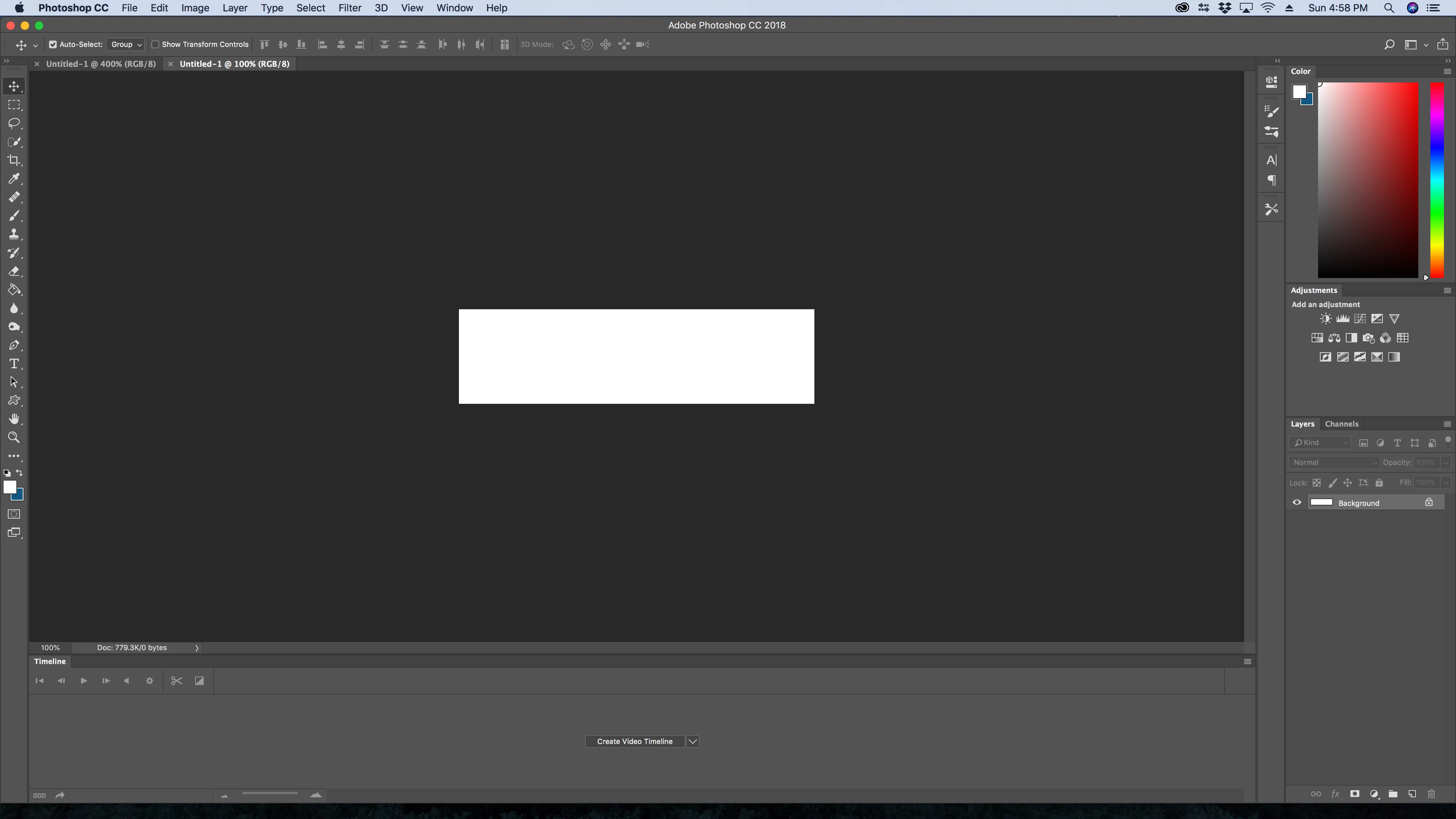
The graphic being used in this example is 1000x266px. The top photo is how I used to be able to see the image when it was at 100% or rather close to it. The bottom photo is how I see the graphic now at 100% which is complete crap. I can’t figure out how to do anything, because if I zoom in then it gets all pixelated and just looks horrible. I used to be able to zone out and be able to make edits, but now I can’t do that. I can’t figure out if there is a way to change this. I’d love to make graphics again, but it’s hard when the starting image at 100% looks so freaking tiny. It’s really frustrating and annoying. I don’t know if there is a way to fix this, but hoping there is a way to change this. Also not sure what type of issue this really is, but I just know it's been an issue with my photoshop for awhile. As I said this is a graphic that is 100px x 266px. After it's saved and opened in photos it's a heck of a lot bigger then what photoshop gives me when I open it. I would even been okay with open it to actually size at first, but not this tiny file that I can barely see.
 AdChoices