Participant
June 21, 2020
Question

Issue with Photoshop 21.2.0 opening files

  • June 21, 2020
  • 1 reply
  • 263 views

I did the latest upgrades to Photoshop & Lightroom Classic yesterday and I’ve noticed something peculiar when opening a photo in photoshop from within Lightroom.


I’m running on a 2017 iMac with Mojave 10.14.6


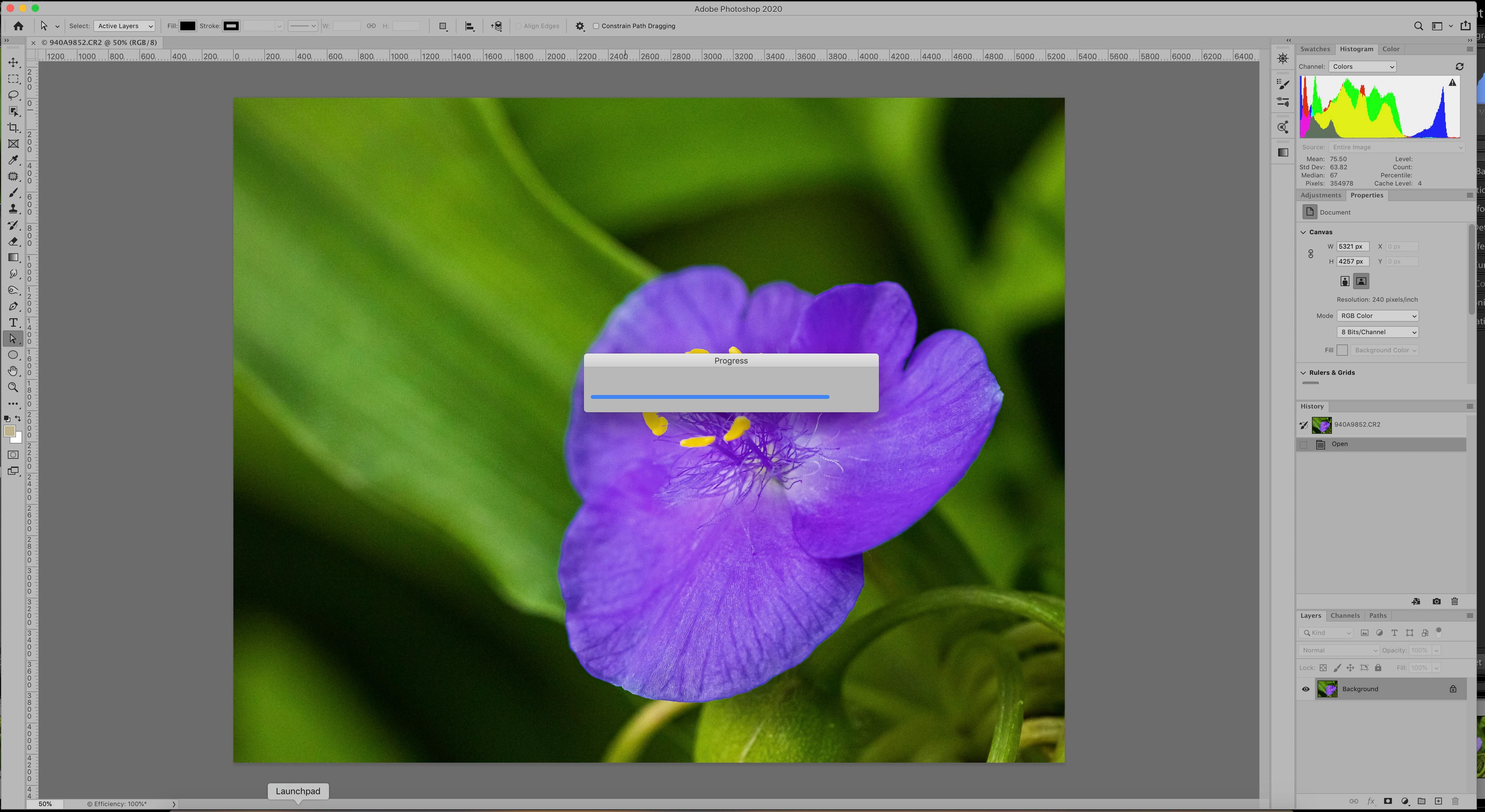
The file opens fine but a dialog box that says Progress remains open.


I can click off the box and work fine in PS. However, if I open another window (ex. my browser) and then return to PS, the Progress box comes back.  It gets very annoying very quickly!


This topic has been closed for replies.

1 reply

Participating Frequently
June 24, 2020

Same here! Mojave 10.14.6 (18G5033), updated Camera RAW, LR Classic and PS. The progress bar windows stays open after opening a RAW file in PS via Lightroom’s “Edit in Photoshop” command.

Participating Frequently
July 1, 2020

Maybe found a solution (by accident). I’ve manually opened a RAW (CR2) file from the Photoshop (not from Lightroom > Edit in Photoshop) and then Camera RAW window opened greeting me with information about new version’s features. After dismissing that window and opening the RAW file in Camera RAW window, now the Lightroom > Edit in Photoshop window command does not leave Progress window open. Back to normal!


So, maybe the first-time-only new version greeting window bugs the Progress window?