Answered
Issue with Photoshop work area
Hi, as you can see in this image 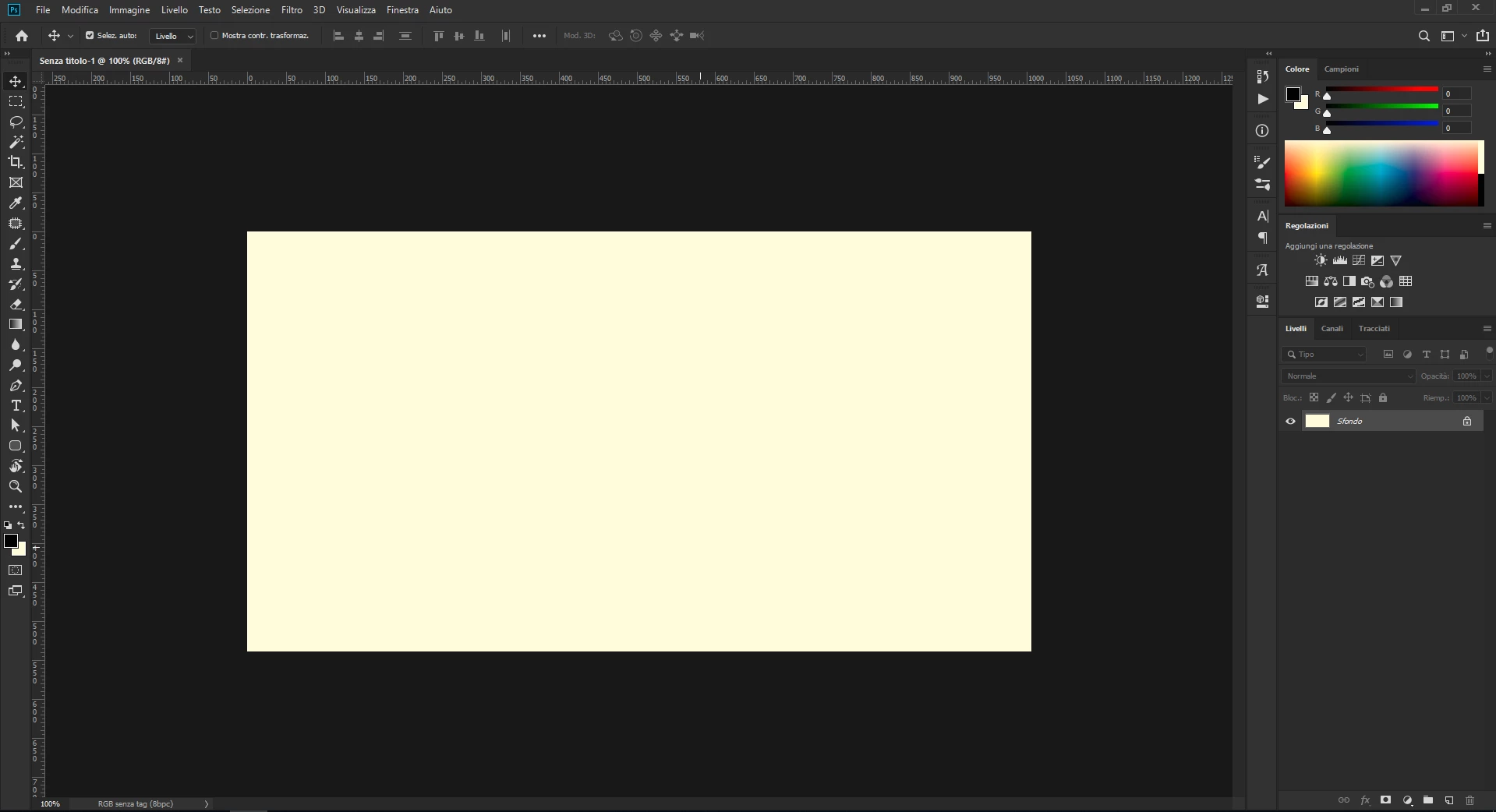 my work area in Photoshop CC after an update have a color like Seppia/orange. I can't find in setting how to change and fix it! When I do an Export images are correct!

Hi, as you can see in this image my work area in Photoshop CC after an update have a color like Seppia/orange. I can't find in setting how to change and fix it! When I do an Export images are correct!
Hi
That is a broken monitor profile.
In Windows (not Photoshop) , go to Settings > System > Display >Advanced display settings > Display adapter properties > Color management
Check the profile in use. If you can't find an alternative that describes your particular monitor , for the time being set it as sRGB IEC61966-2.1
Then either use a calibrator (best way) or download a profile (better than nothing) that describes your particular monitor.
Dave
Already have an account? Login
Enter your E-mail address. We'll send you an e-mail with instructions to reset your password.
 AdChoices