Question
Issue with sliders and drop down menu with wacom tablet in photoshop cc 2020
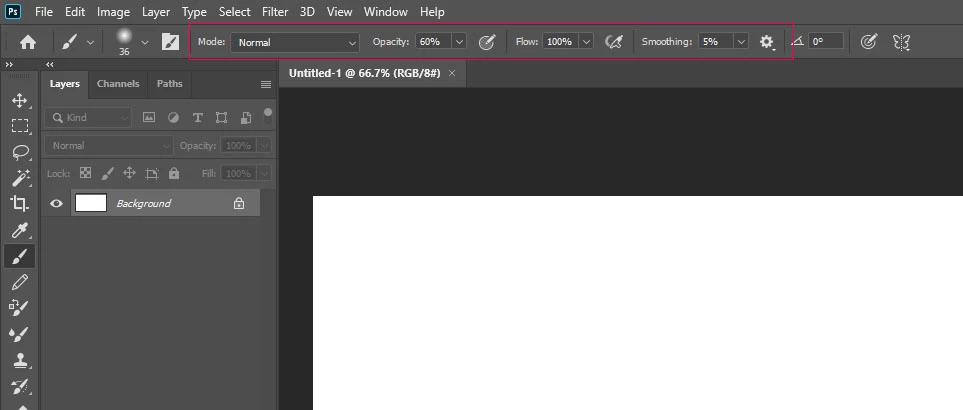 I installed photoshop cc 2020 today. Whenever I try to move the tool option sliders (ex. brush opactiy, flow, and smoothing sliders) with the tablet pen, photoshop treats it as if I deselected the slider and the slider disappears. This issue does not happen on photoshop 2018 on the same machine. I'm running Windows 10 with the latest updates. My Wacom drivers are also up to date. Sliders in other menus like the adjustment layers work just fine.
Also the drop down menu has an issue where I cannot select the first element in the list with the tablet pen.
Everything works fine with the mouse still.
 AdChoices