Question
Issue with Tablet Blobs in Photoshop
I've been using a Wacom Intuos "Comic" (which I believe is the PT S model) for two years now. Originally, I used it with my Macbook Pro Mid 2015 with no issues and for the last 5 months, I've used it with my newer 2019 Macbook Pro also with no issues...until the last week where I got the issue below when I've been drawing in Photoshop.
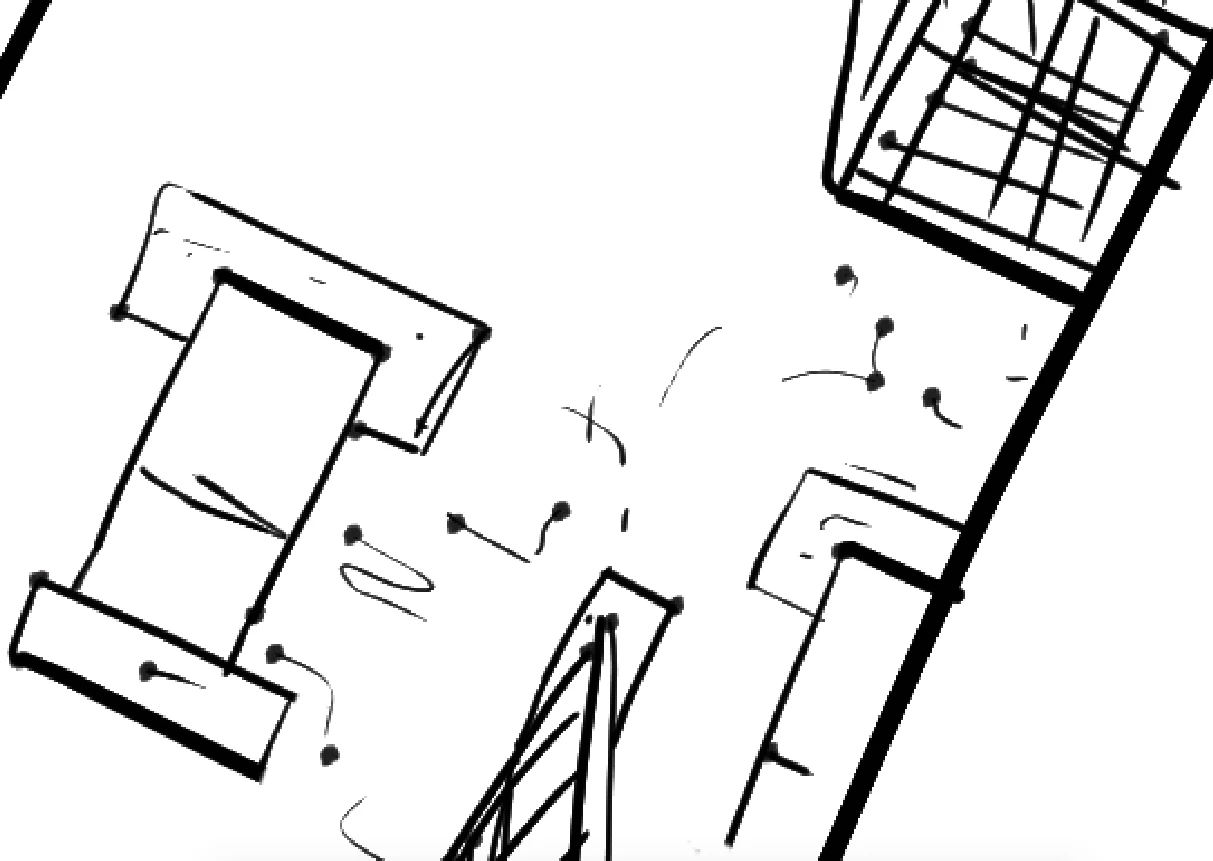
As you can see, the issue isn't that pressue sensitivity doesn't work. It's just that when I first put the pen down, it often just defaults to the assigned width and then goes back to pressure, creating these weird tadpole shapes.
Could it be an issue with Catalina? I did recently update.
And I have updated to the most recent driver.
Thanks for any help you can provide!
 AdChoices