


Answered
Issues with color management
Hi! I have some old PSD files I need to edit, and when I open them I get the following alert:
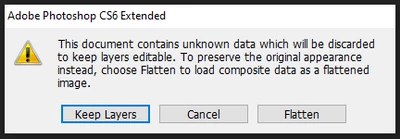
I choose to keep layers because as I said, I need to edit them. I noticed when I finished the editing that the colors were a bit different from the original file, which I have saved as a PNG, so I thought the problem might be the embedded color profile, so I opened the PNG file and got the following:
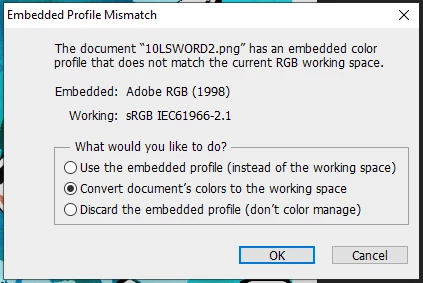
So the old PNG files use the Adobe RGB (1998) profile, so I changed the PSD profile to that one as well, but the difference between colors is now even worse:
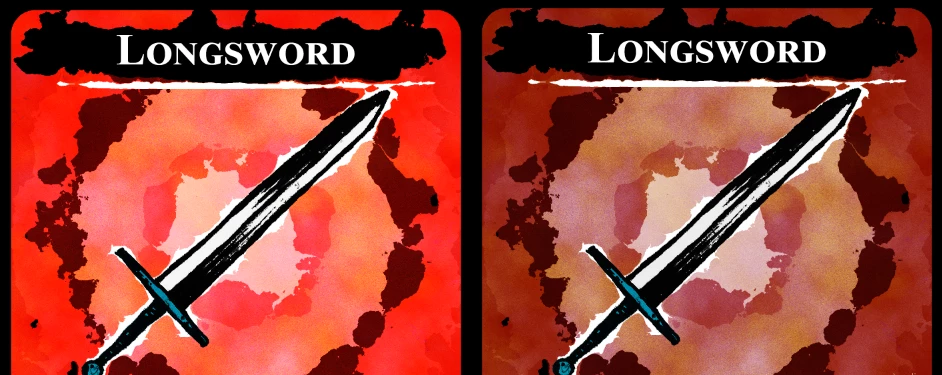
Left: Original
Right: New edit with the problem
 AdChoices