Issues with Image color conversion between Photoshop and InDesign
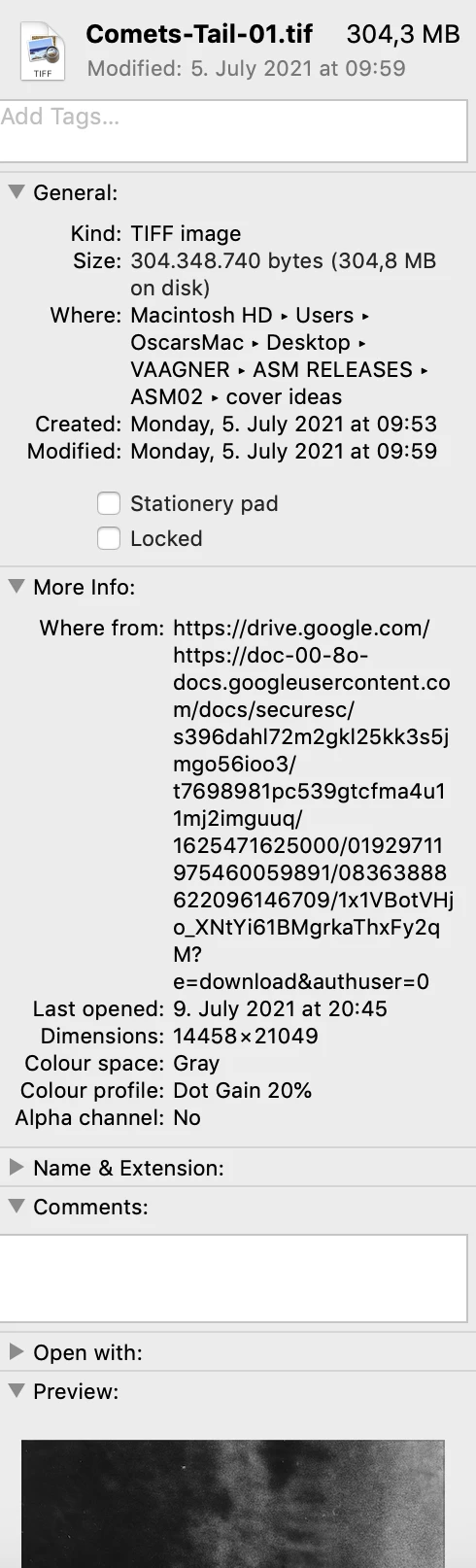
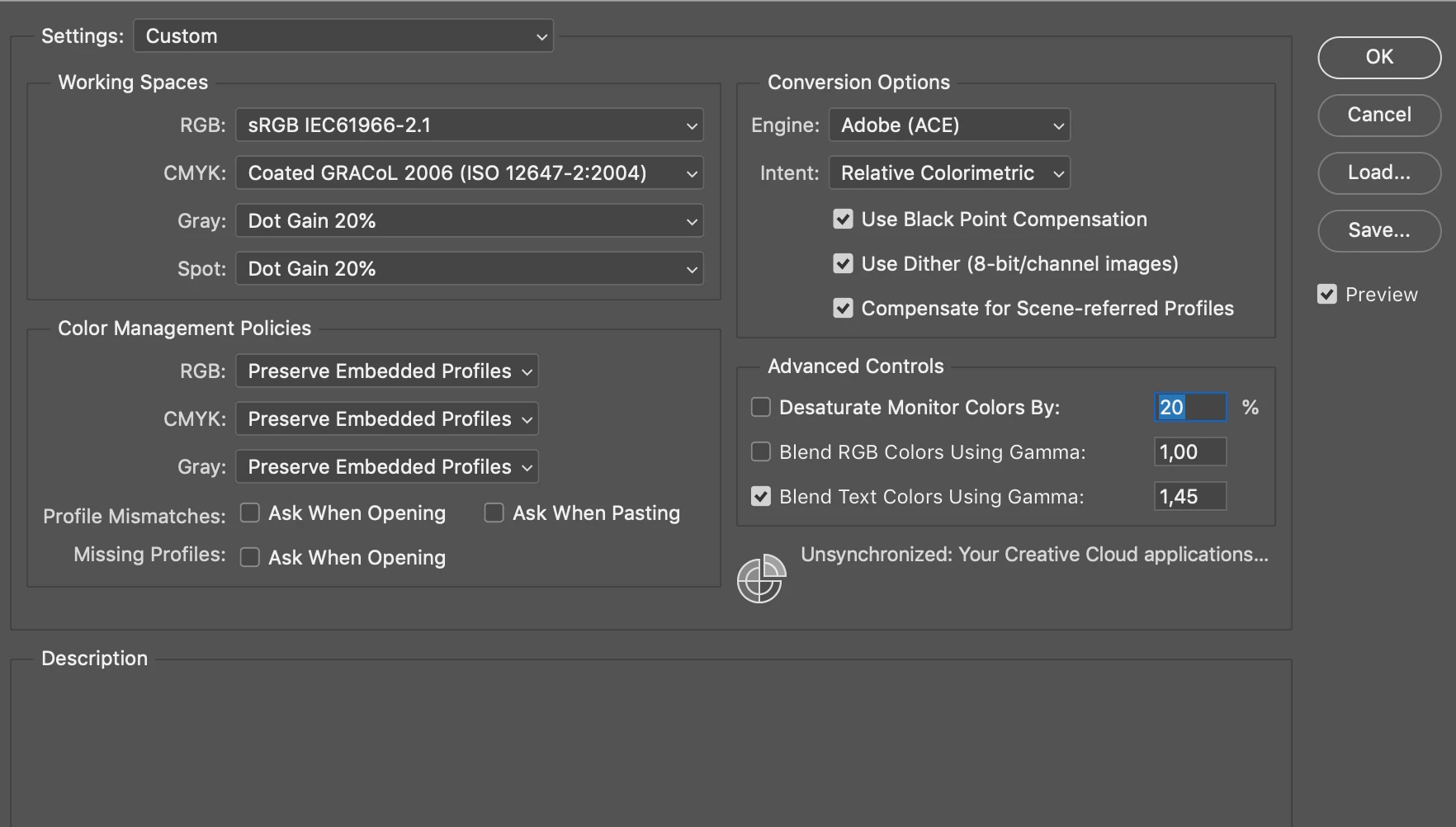
The Document above is my source image, as scan that aim to Edit in Photoshop, (taking away some contrast), before saving the file again as TIF, Grayscale, (below you can find my Photoshop color settings)
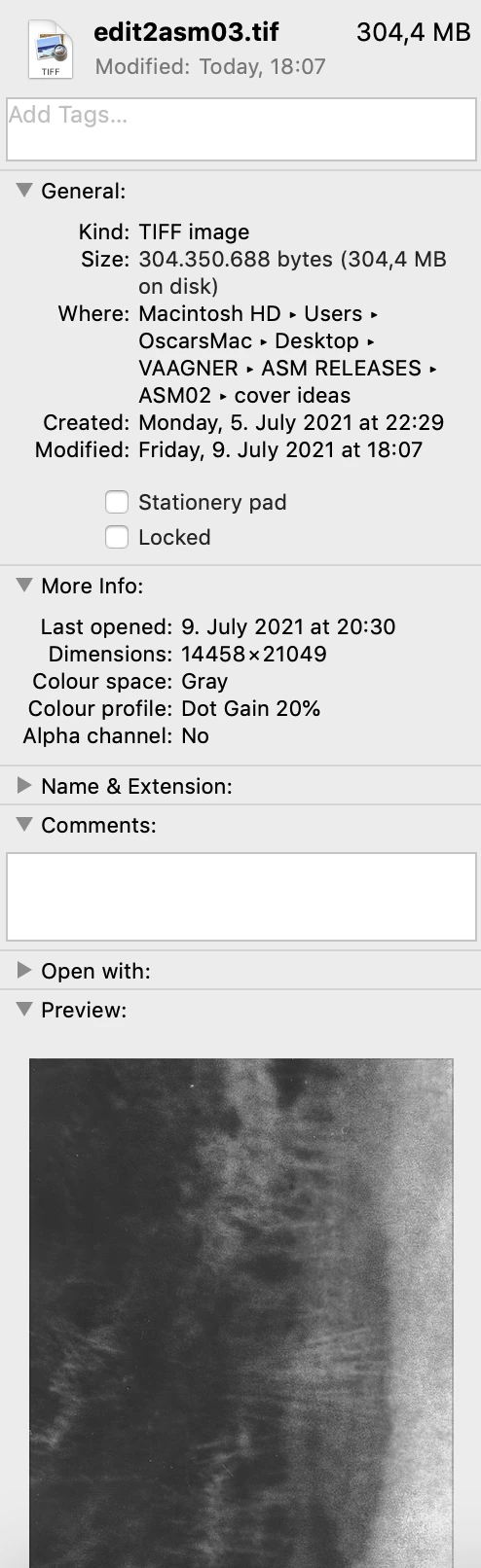
Here are the new documents file infos:
Now once dropped into an Indesign or Illustrator file, (let's stick with Illustrator for this matter, though strangely I get the same issue regardless), the Image appears with a considerably darker contrast, and this is not the first time I've run into this issue.
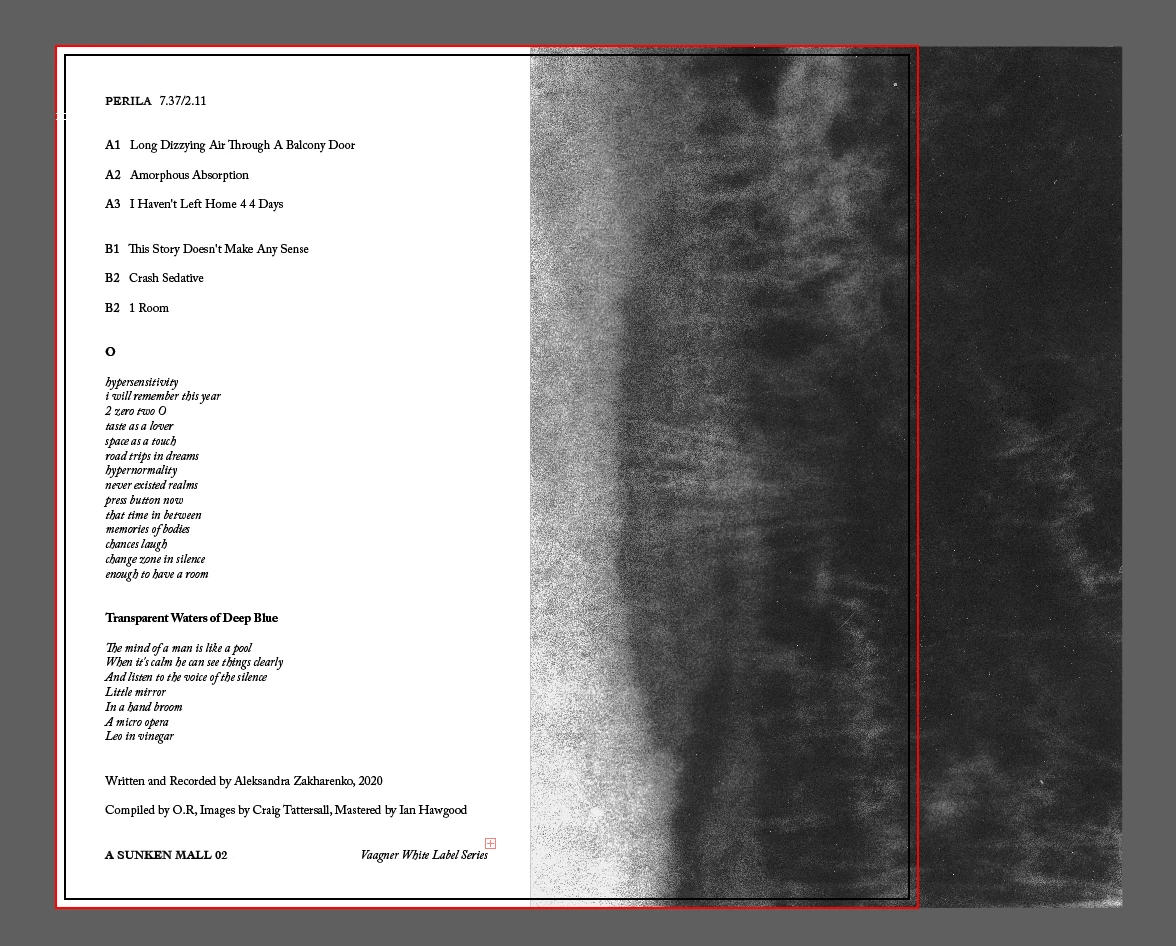
The darker contrast remains when exported as a tiff or pdf file in the final document.
I considered the fact that my Illustrator program is running on a CMYK profile, and I tried converting the image to CMYK before dragging it into Illustrator, yet this simply gives me a reddish tainted image.
Nonetheless, the peculiar thing is, once I drop the final PDF file from back into Photoshop (I did this simply while looking for answers to this problem), the image appears there again as I had it intended to look in the first place, without the darker contrast;
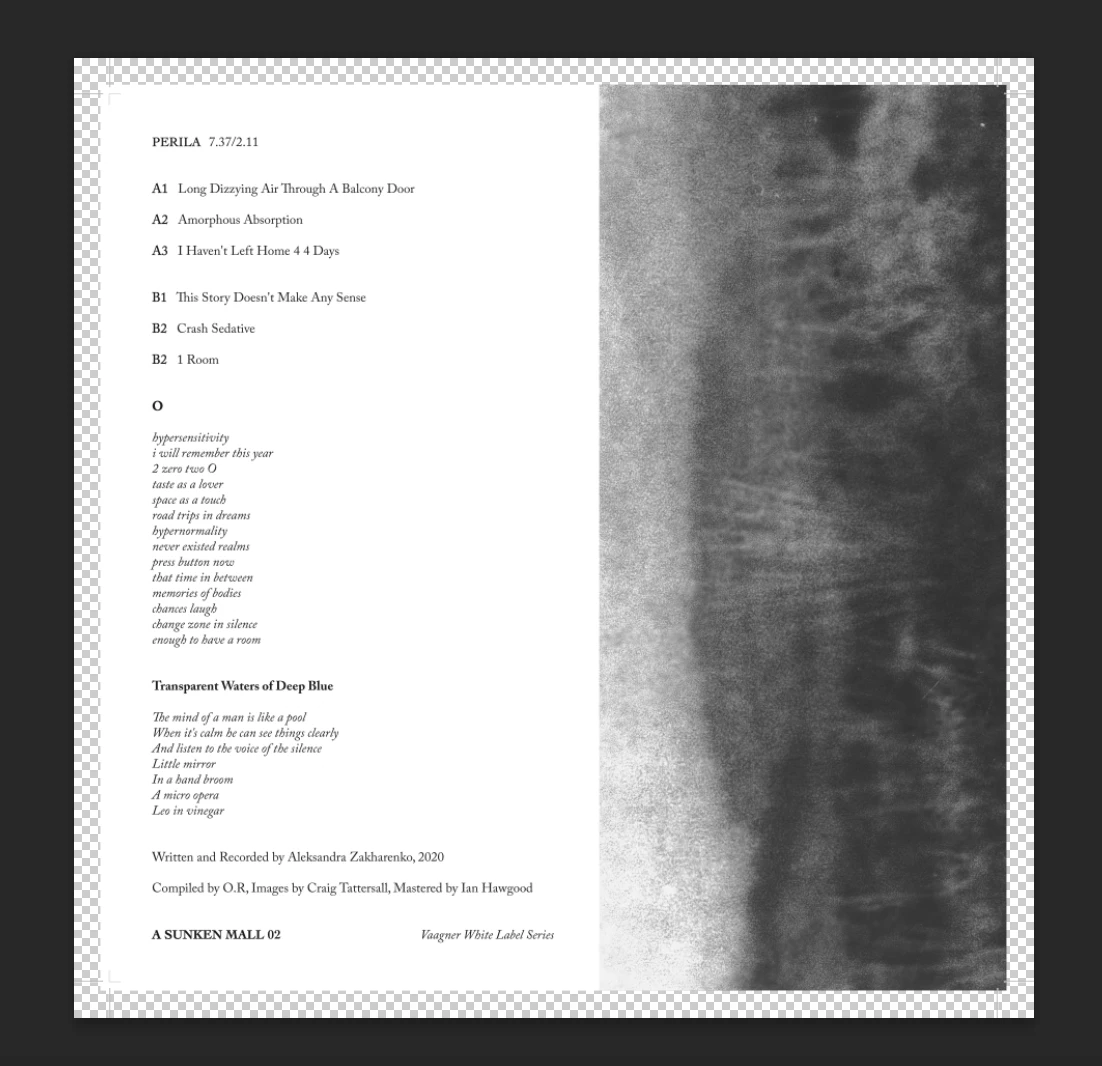
While this clearly means that InDesign and Illustrator are misinterpreting my Photoshop file for some reason, this leaves me with two questions: one is simply a why? The second being, which version of the image here would I be getting if I printed this now, the darker version from the Illustrator viewer and subsequent PDF file, or the 'intended' version I am seeing when I drop the file into Photoshop.
Any help from the community would be appreciated.
Best,
O.
 AdChoices