
Answered
Issues with pixel when moving vector from AI to PS
Hello All
I am new to Adobe all together so there could easily be something that I am missing here. The issue is when I copy a vector image from illustrator and paste it into photoshop it goes from being a crisp vector to being a pixelated smart object.
Illustrator Vector: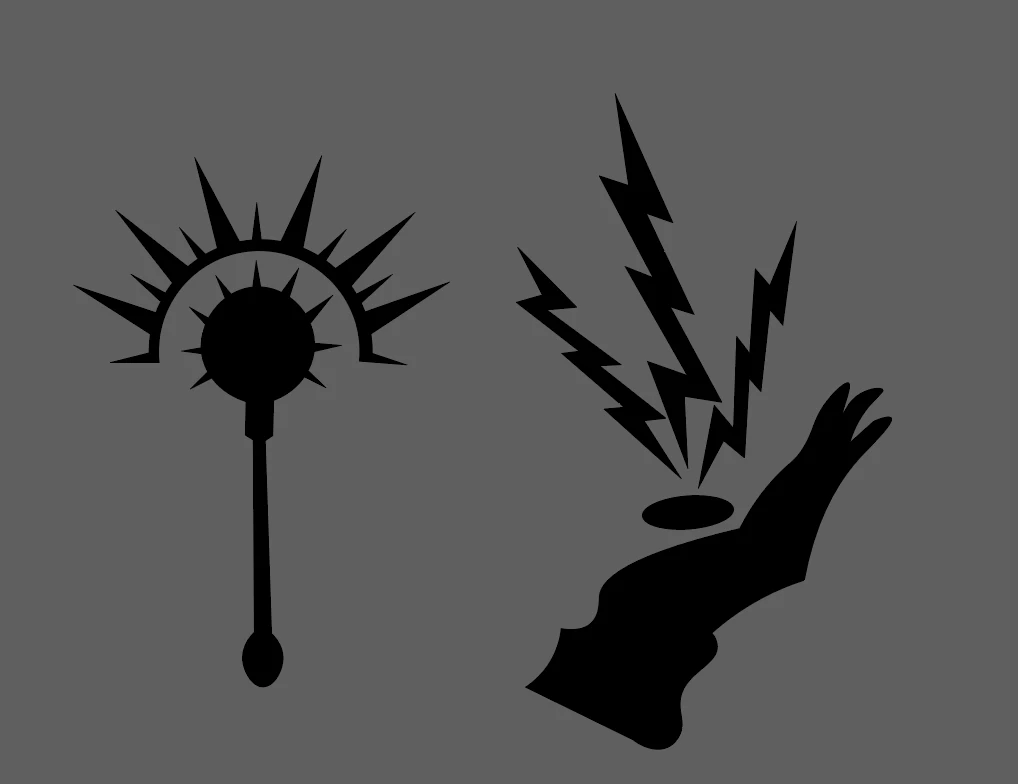
Photoshop smart object:
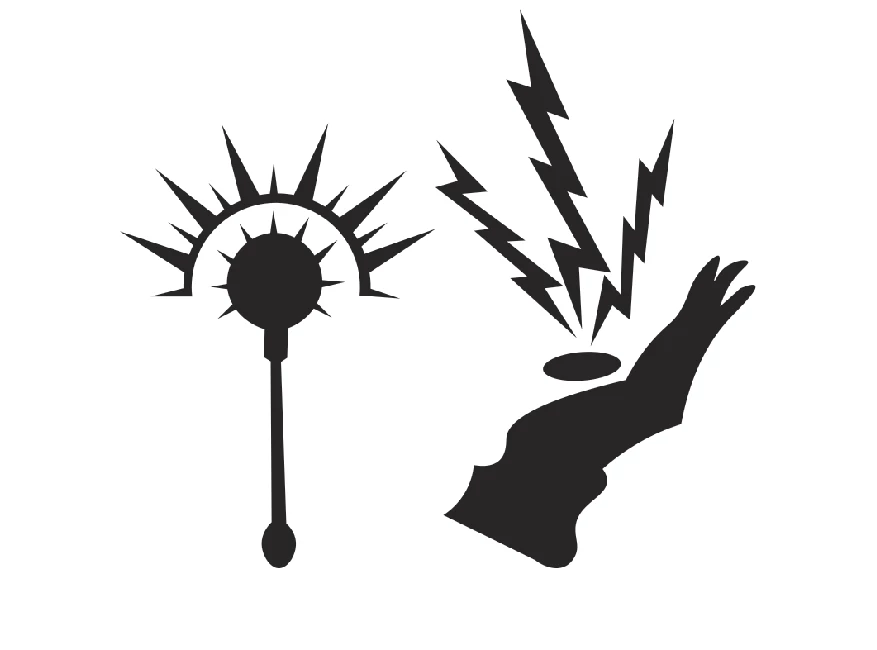
I have checked to verify that the anti-alias box is checked in photoshop. I tried resizing the vectors in illustrator then moving them to photoshop which understandably didn't do anything. I'm at a loss here. Any advice? Thank you!
 AdChoices