
Question
Issues with Poor Performance in Photoshop CC 2020
Hi,
I recently started having issues with performance that are causing the following behaviors:
- If I add a curves adjustment layer or any adjustment layer, the Mask does not appear white, but as a transparent mask in my layers panel.
- If I make an adjustment, the mask does not immediately show the adjustment. I have to click the mask or on the image and then the mask gets updated
- When I save a file, which is in TIF format, the save bar below in the lower left corner hangs at 99%. Again if I hit Escape on my Macbook Pro Touchbar, the hang goes away and the image shows up in Lightroom.
- If I make a change to an adjustment layer, I often have to hover my Wacom pen over the image to see the change. This is most noticable when turning layers on and off.
I recently started working with luminosity masks, self created, and using Tony Kuyper's TK7 panel and this is when I started noticing the issues. I also thought I may be running out of RAM or scratch disk.
However, these are my settings:
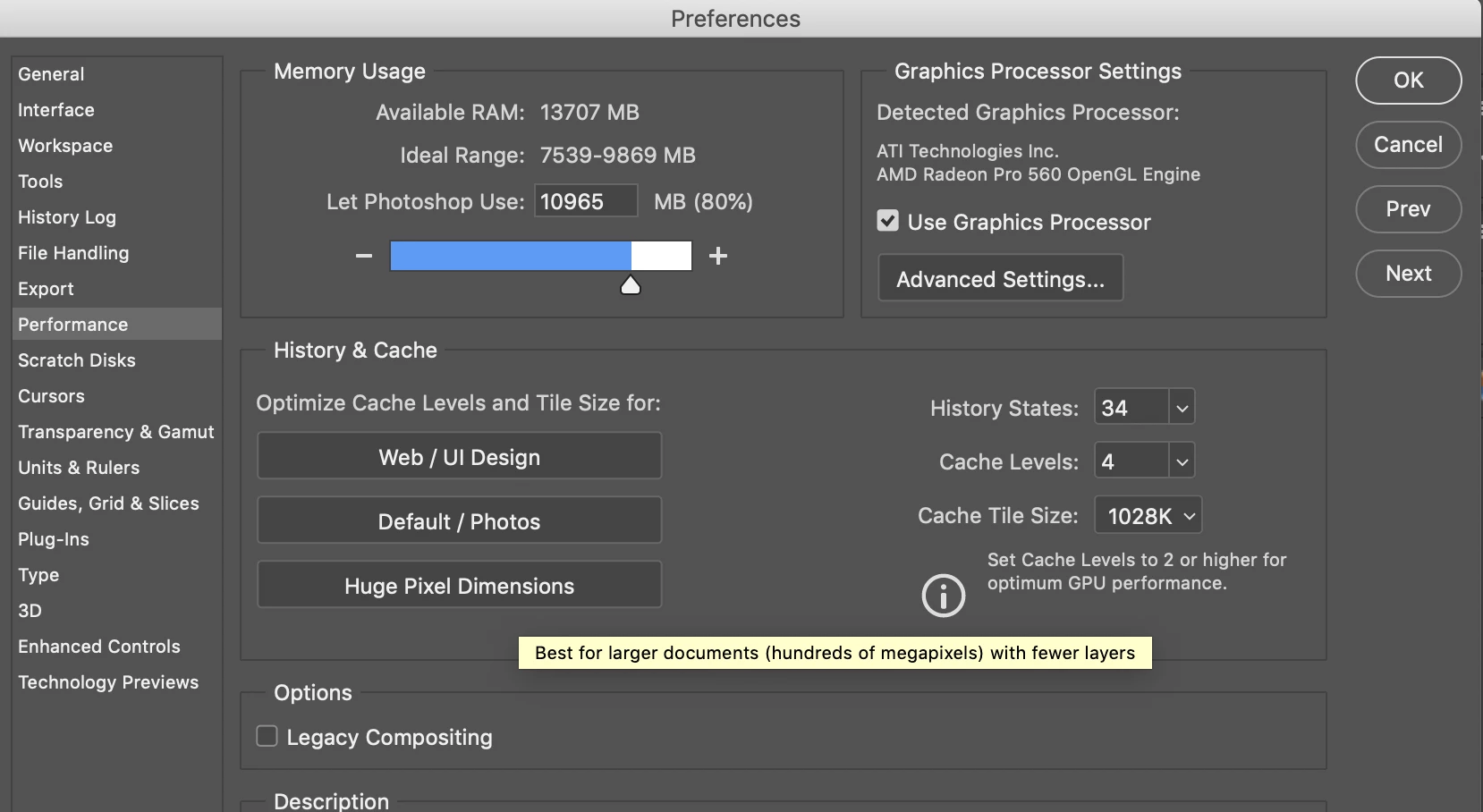
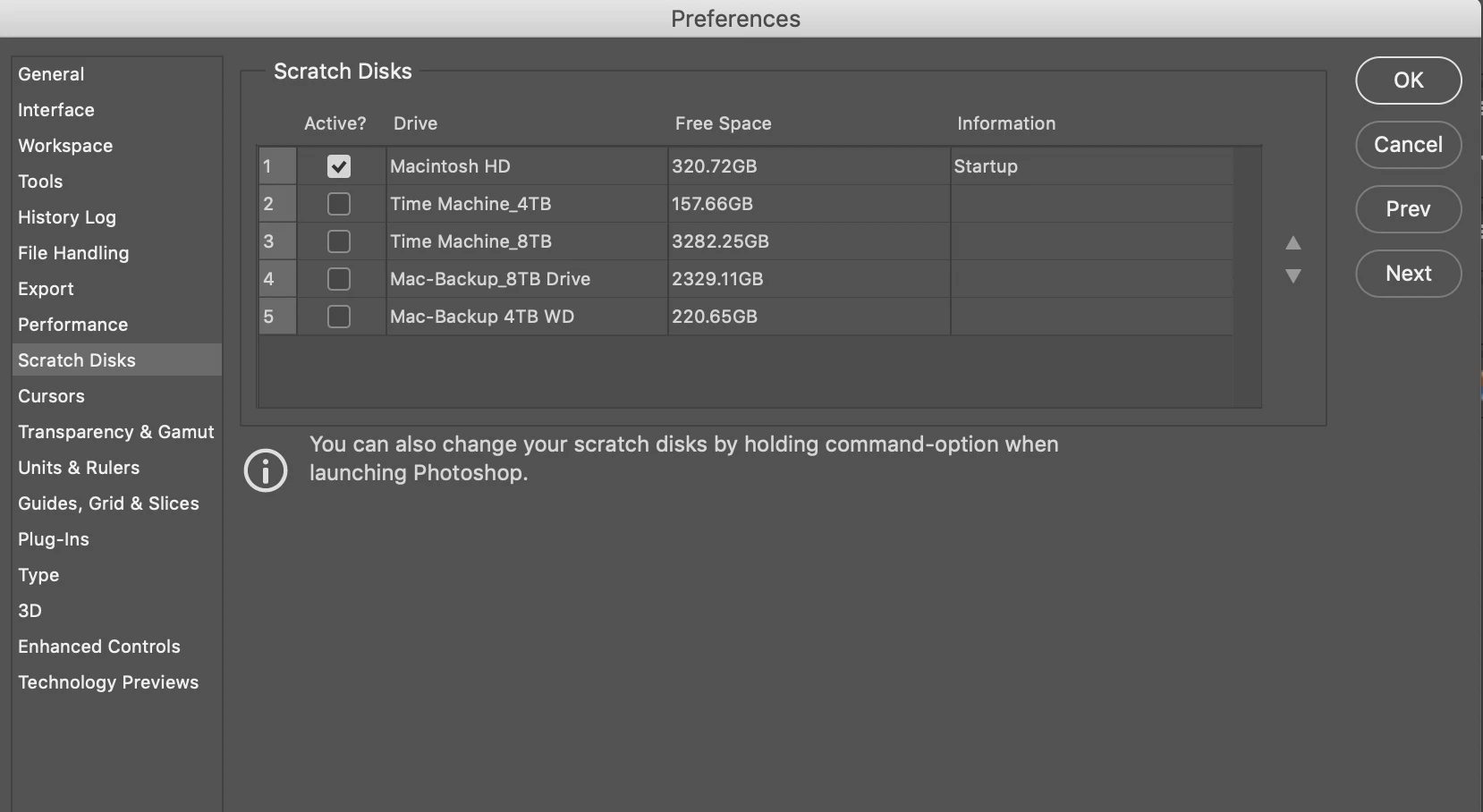
I appreciate any suggestions folks have.
 AdChoices