Participant
December 20, 2016
Question

Issues with refine edge in CC 2014 and 2017

  • December 20, 2016
  • 2 replies
  • 1142 views

Hello,

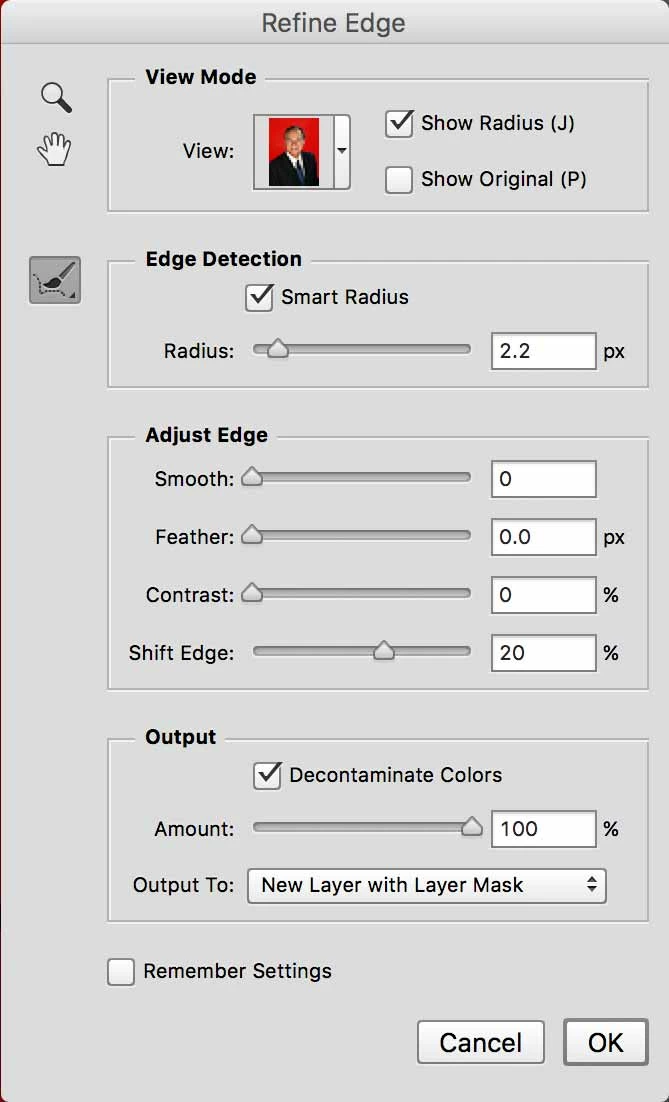
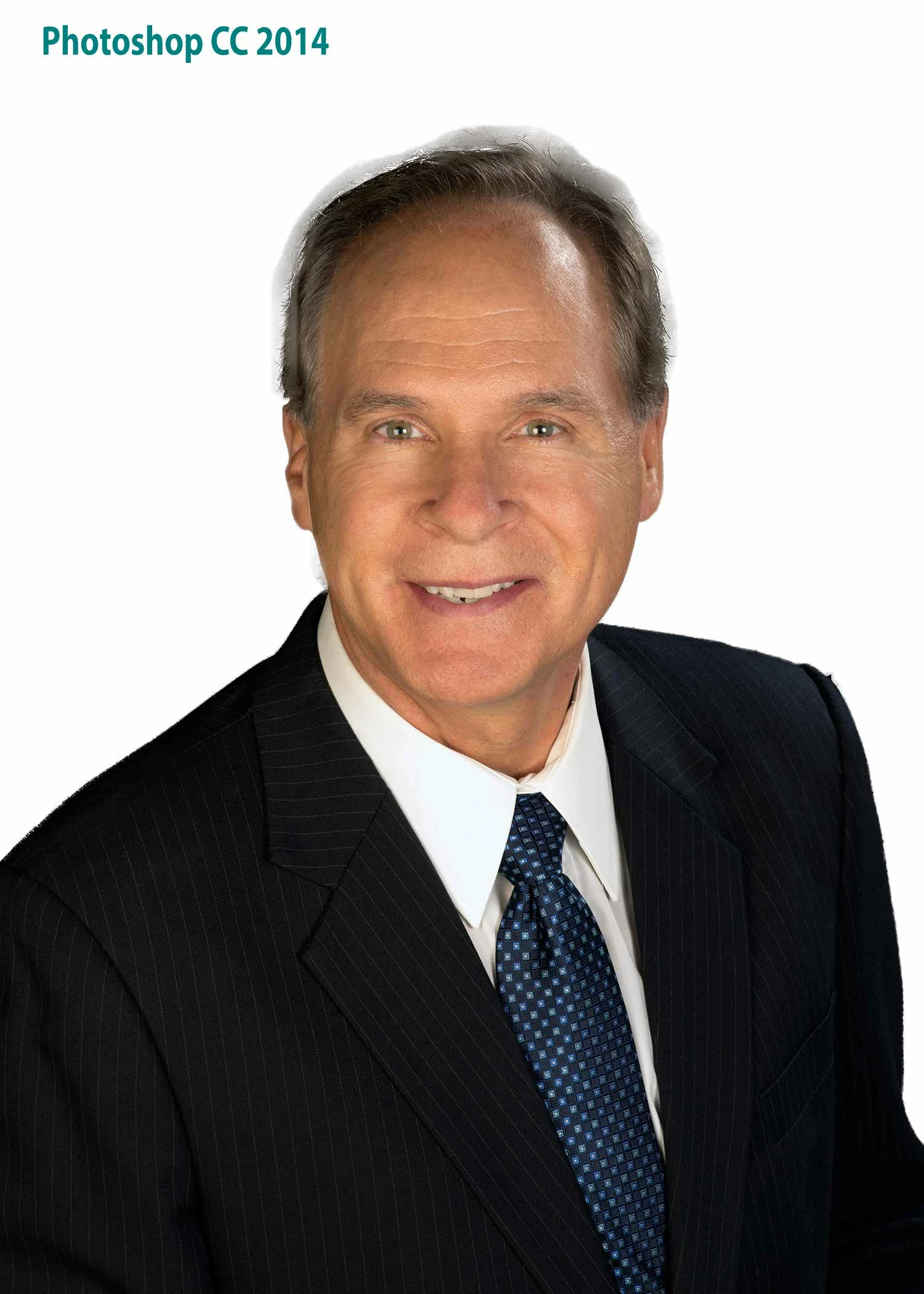
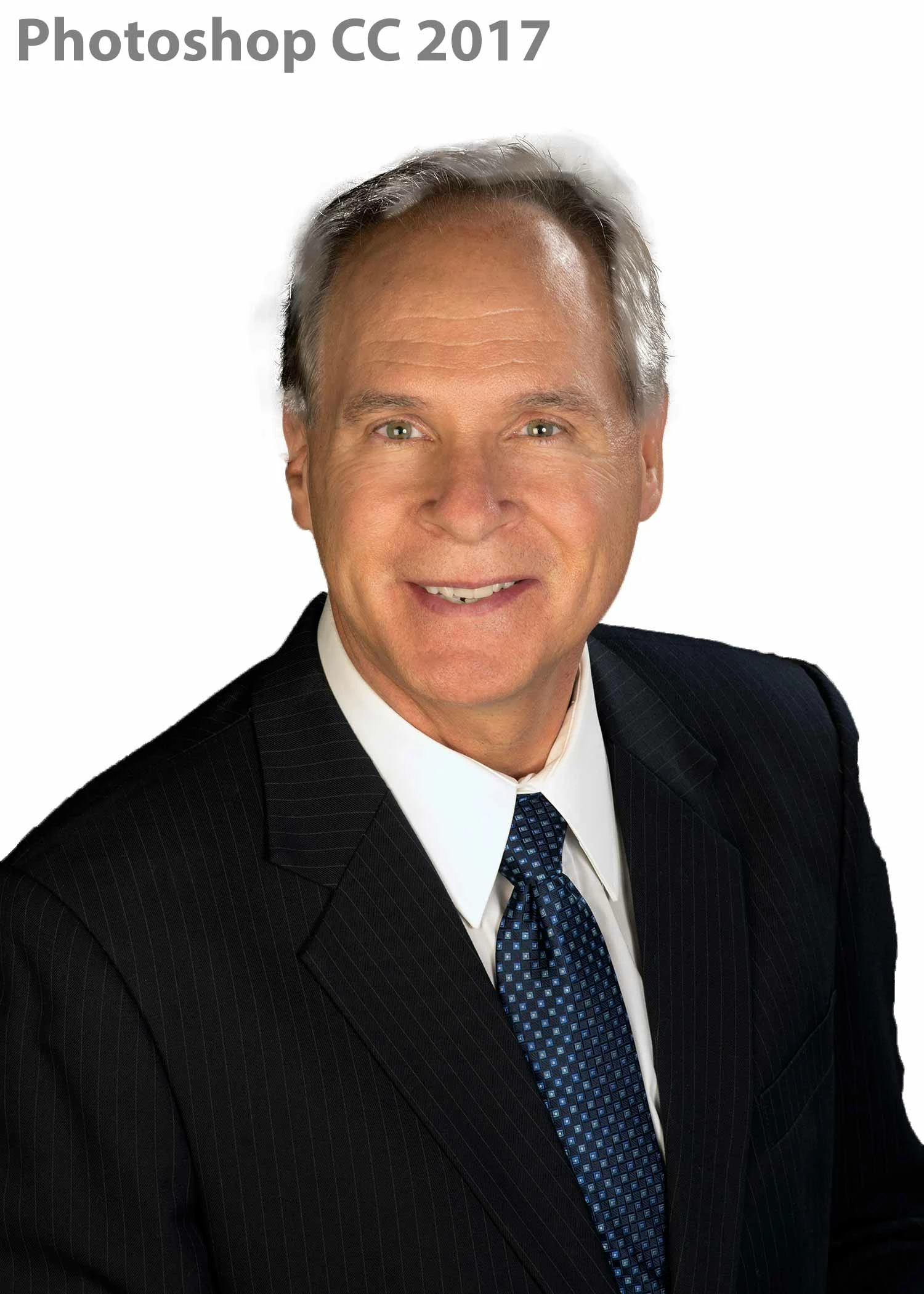
I am having similar issues with Photoshop CC 2014 and CC 2017. This means the old and new versions of the refine edge tool are not working as they should. I start the selection of the person using the quick selection tool, then move into the "select and mask" panel to fine tune the selection and deal with the hair. Once I have completed the fine tuning, I apply the changes and have the selected cutout created on a new layer with a layer mask. I have attached images showing the original and the result of the refine edge selection in CC 2014 and 2017. As you can see in the profile cutouts with the white background, 'smudges' are shown on the actual images. These are being carried over from the refine edge tool. I am not sure why this is happening. I have followed various tutorials on YouTube and an official video from Russell Brown of Adobe. The tool works great on all of the sample images used by the presenters, but this image seems to fail. Would the dark background, dark hair and suit be a factor?

This topic has been closed for replies.

2 replies

davescm
Community Expert
Community Expert
December 20, 2016

Trying to pull a dark image from a dark background will always give you some tidying up to do round the mask.It is often beneficial to go round the mask with a brush set to 50% opacity and overlay then brush on white/black to increase contrast round the edges.

However the main issue in your screenshot above is that it looks like you are using too large a refine edge brush.

Try and keep the refine edge brush so that it is only painting on edges. I used the Select and Mask  refine edge brush set to 15px , 100% hardness 1% spacing and edge detection set to 0 radius and smart radius off. In this case I did not use decontaminate colours (I did not need to) but if there is colour fringing it is better dealt with using an additional layer - set to colour and clipped to the masked image.

I temporarily put a curve above the image so that I could see the edges better.

After a quick mask I used select and mask refine edge

Here is the edge I asked it to refine

Hope that helps

Dave

Participant
December 22, 2016

Hello Dave,

Thanks for the tips. I have used them alongside some mask painting to successfully remove the image from the background.

Mike

davescm
Community Expert
Community Expert
December 22, 2016

Glad you got it sorted Mike

Dave

postrophe
Inspiring
December 20, 2016

Hi

Would the dark background, dark hair and suit be a factor?
Yes, but there are some advanced tutorial to get better result (most use some "channel" masking technics.

I dont have links available now, but be sure other will provide them.

Pierre