Participating Frequently
March 8, 2018
Answered

jpeg background problem

  • March 8, 2018
  • 2 replies
  • 353 views

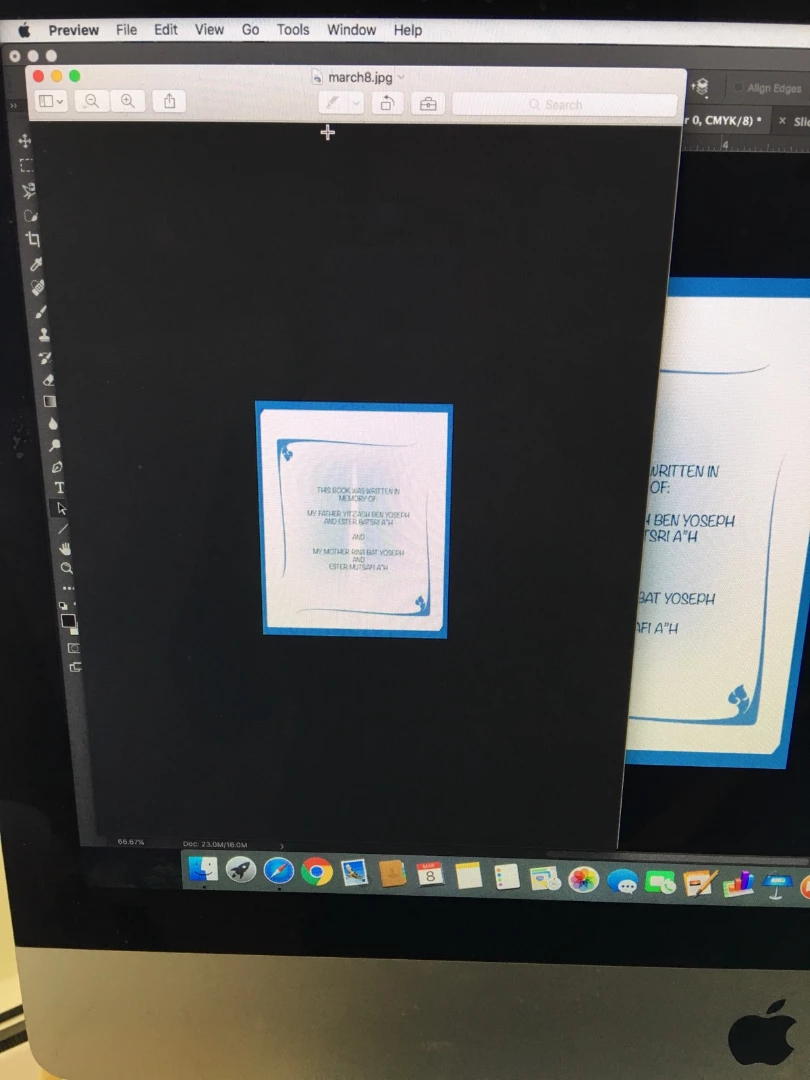
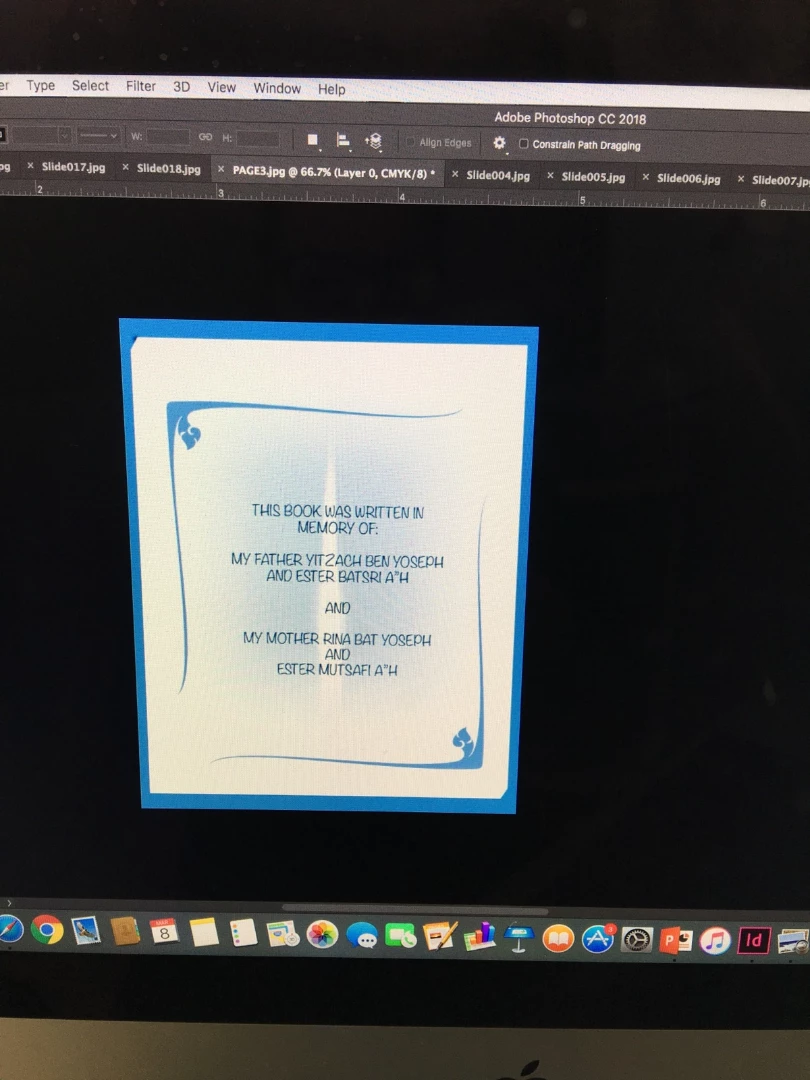
Can someone please tell me what I am doing wrong. I don't want the black background. I only want the picture to show up when i'm exporting. I can't figure out how to get rid of it.

I would appreciate any help.

Thank you!
    This topic has been closed for replies.
    Correct answer Norman Sanders

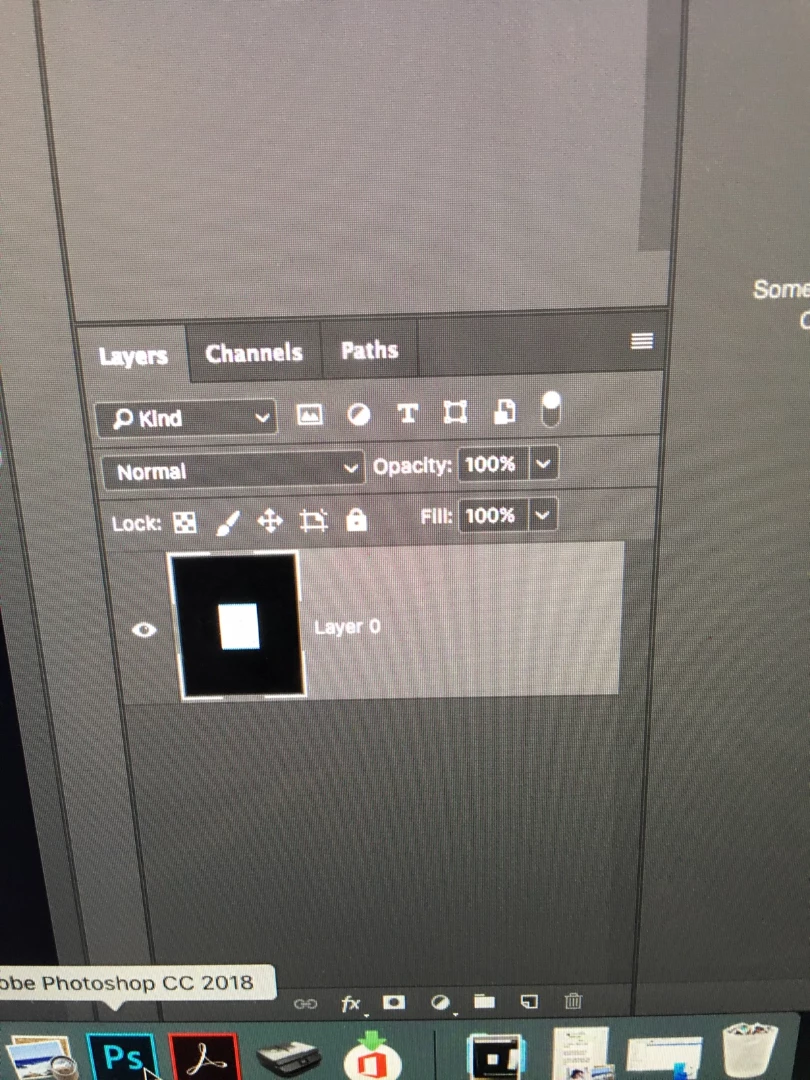
    If there is a lock on the layer, drag the lock to the trash

    Hold down the Cmd key and click on the Create a New Layer symbol in the Layers panel to place a layer below the image layer.

    Edit > Fill with White

    Return to the image layer

    Choose the Magic Wand and click in the black area

    Strike the Delete key

    Choose Layer > Flatten Image

    2 replies

    cmgap
    Community Expert
    Community Expert
    March 8, 2018

    Select the part of the image that you want to keep > under Select choose Inverse > then under Edit Fill with White

    Norman Sanders
    Norman SandersCorrect answer
    Legend
    March 8, 2018

    If there is a lock on the layer, drag the lock to the trash

    Hold down the Cmd key and click on the Create a New Layer symbol in the Layers panel to place a layer below the image layer.

    Edit > Fill with White

    Return to the image layer

    Choose the Magic Wand and click in the black area

    Strike the Delete key

    Choose Layer > Flatten Image

    D Fosse
    Community Expert
    Community Expert
    March 8, 2018

    ...or just crop it. That black "background" is in fact part of your image.