Participant
November 21, 2018
Answered

JPEGs exporting with sections of different color

  • November 21, 2018
  • 1 reply
  • 294 views

Hi all,

I've been exporting JPEGs out of one of my photoshop files and for some reason the resulting JPEGs will have a random square that looks like it's a different blend mode than the rest of the document. I've checked the document and I have no hidden or non-hidden layers with a square that might be causing it. It also moves locations upon exporting. I cannot figure out for the life of me what's causing it! PNGs export fine, it appears to only be JPEGs.
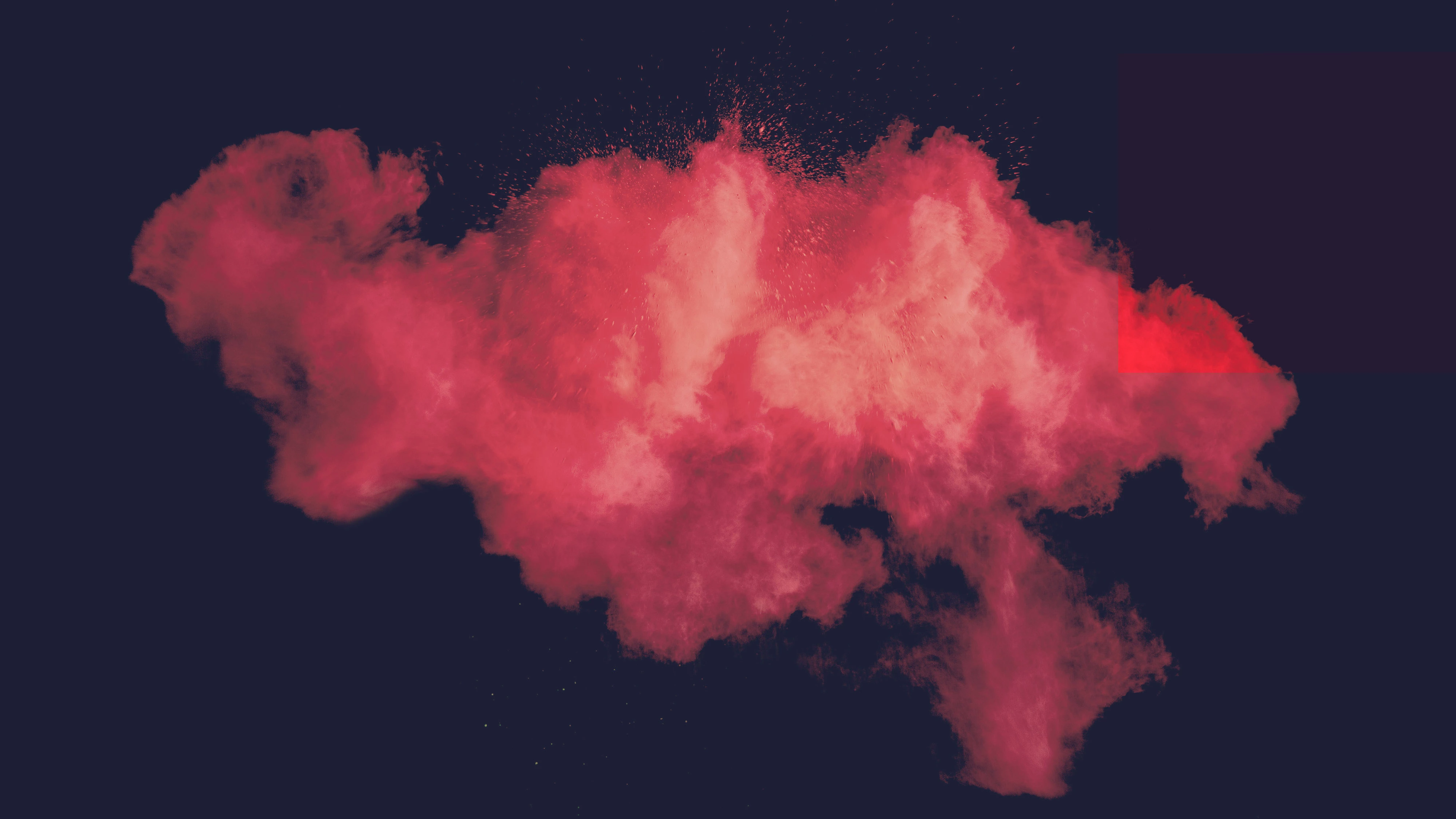
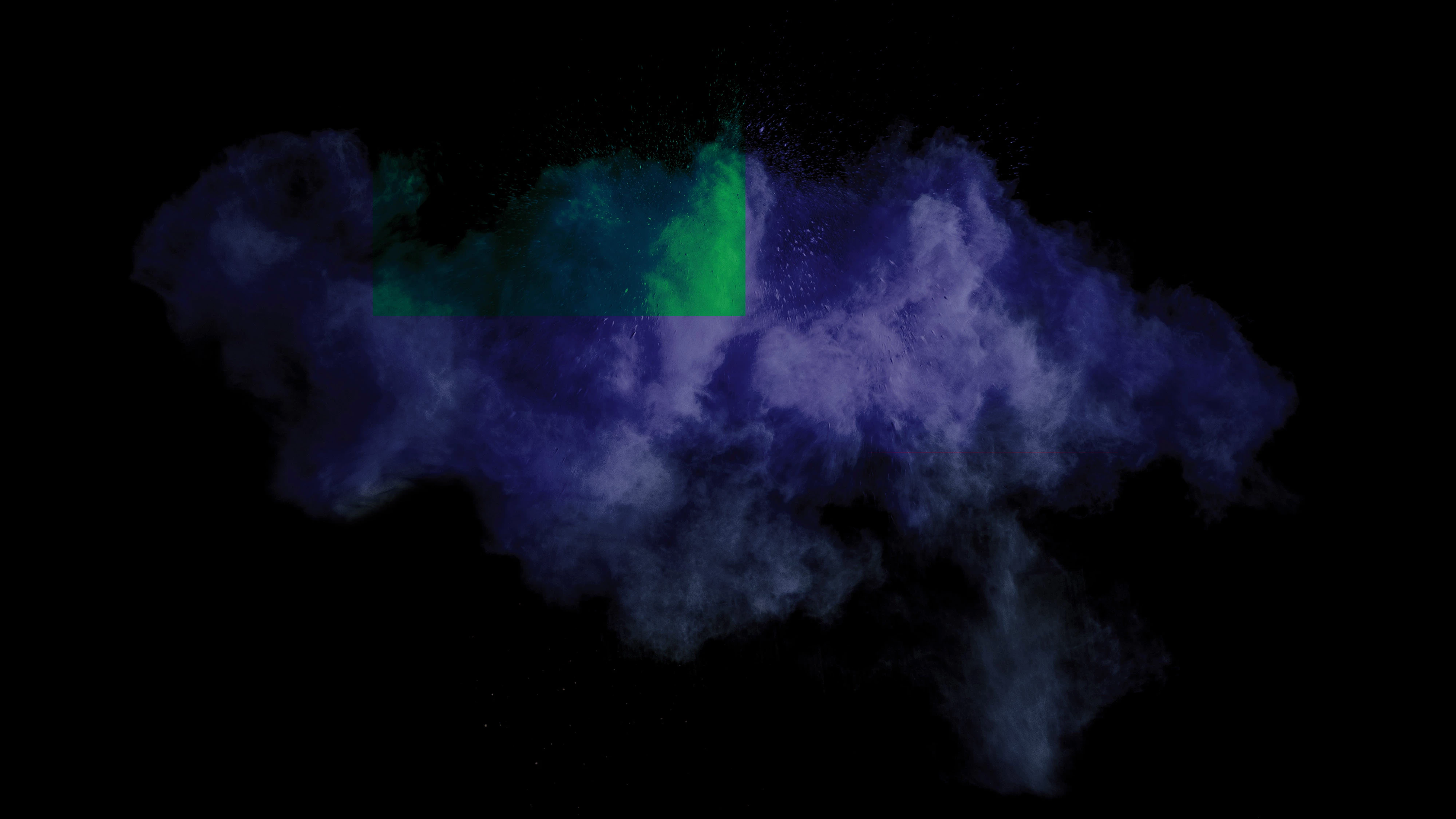
This topic has been closed for replies.
Correct answer

OK is it 20.0.0 or 20.0.1, there was an issue with 20.0.0 and Color Blend Modes, which was fixed in 20.0.1

Known issues in Photoshop CC

Fixed issues in Adobe Photoshop CC

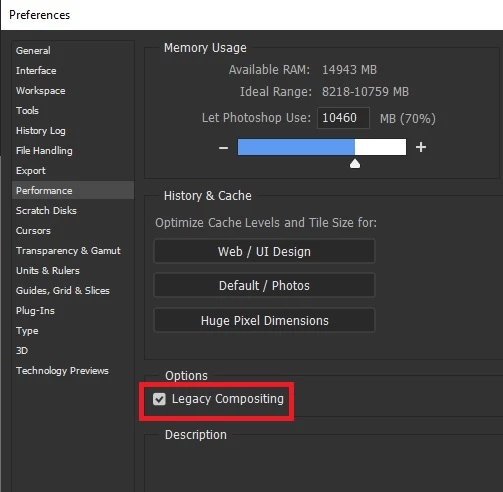
If you have 20.0.1 and still have the issue, try enabling this option in preferences and restarting PS

1 reply

November 21, 2018

Hi

What version of Photoshop do you have

Participant
November 21, 2018

Photoshop CC 2019

Correct answer
November 21, 2018

OK is it 20.0.0 or 20.0.1, there was an issue with 20.0.0 and Color Blend Modes, which was fixed in 20.0.1

Known issues in Photoshop CC

Fixed issues in Adobe Photoshop CC

If you have 20.0.1 and still have the issue, try enabling this option in preferences and restarting PS