
Participant
June 12, 2017
Answered

JPGs created on Retina display look pixelated online, on standard screen (?!)

  • June 12, 2017
  • 5 replies
  • 776 views

Hi folks,

Having an issue which I can't quite understand...

I've created a bunch of JPGs for my website, and uploaded them, all from my Retina mac.

They look fine online, on the retina display.

However, when I view the page on other machines with standard screens, the images look really pixelated.

Can't quite work it out!

This is an example page:  chartered-college-of-teaching – Madalena Studio

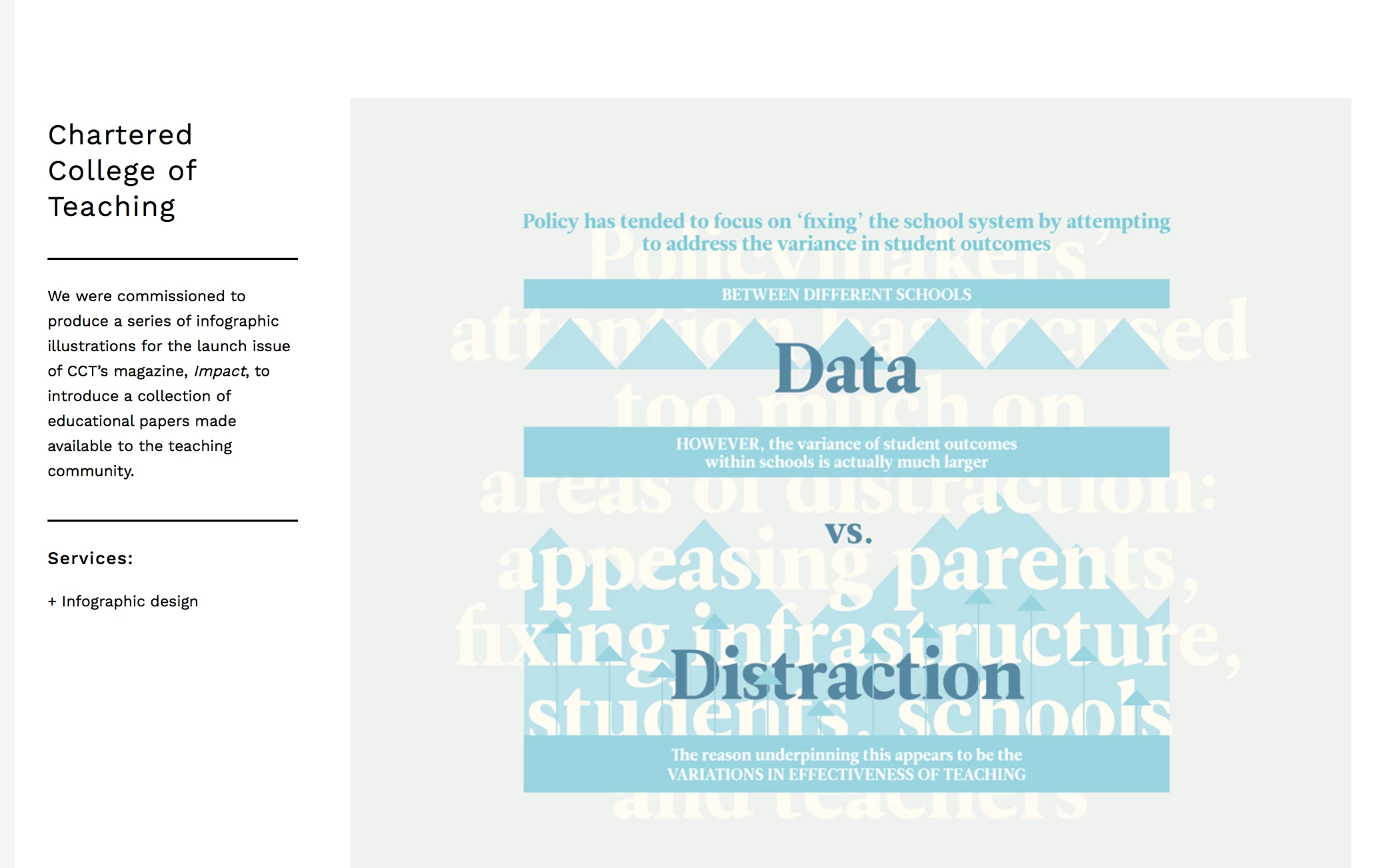
Retina display:
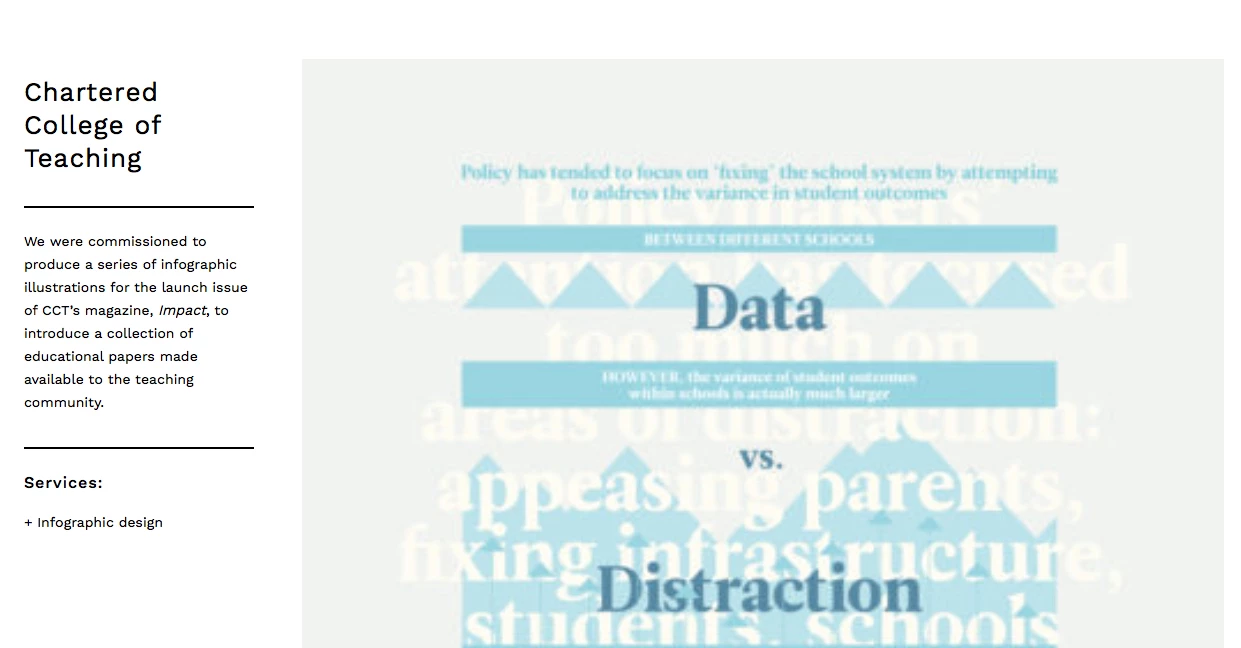
Standard screen:
Any thoughts gratefully received!

Thanks


Chris

This topic has been closed for replies.
Correct answer postrophe

Hi

JPGs created in InDesign then run through Photoshop Save for Web.

Only process JPG's once, each time you re-save it you loose quality.

BTW, Wordpress process JPG's automatically when uploaded to your upload Media folder to around 82% quality, so dont go creasy with JPG's compression in Photoshop or other software.

Also, on a given page content, best to upload (original) same width images.

Pierre

5 replies

Participant
June 13, 2017

Specifically it may be something to do with my version of Safari (8.0.8) on Yosemite 10.10.5

Will update OSX and see what happens...

postrophe
postropheCorrect answer
Inspiring
June 13, 2017

Hi

JPGs created in InDesign then run through Photoshop Save for Web.

Only process JPG's once, each time you re-save it you loose quality.

BTW, Wordpress process JPG's automatically when uploaded to your upload Media folder to around 82% quality, so dont go creasy with JPG's compression in Photoshop or other software.

Also, on a given page content, best to upload (original) same width images.

Pierre

Participant
June 13, 2017

Ok sorry all – it's fine in Chrome... and I was only looking in Safari...

So it's not a retina display issue at all.

Thanks for your input!

Ussnorway7605025
Legend
June 13, 2017

looks like a standard wordpress template so I assume you used Dreamweaver to make the edits... perhaps cs6?

melissapiccone
Community Expert
Community Expert
June 12, 2017

I followed the link and the image looks great on my 27" imac - no retina screen. Your bottom screenshot looks like the jpg has been compressed much more than the top one. I can see a ton of jpg artifacts in the image, but the top image and when I look at the webpage, I can't see any artifacting.

Melissa Piccone | Adobe Trainer | Online Courses Author | Fine Artist
Michael J. Hoffman
Community Expert
Community Expert
June 12, 2017

Hi Chris,

You've posted in the non-technical Lounge area. Please let us know what Adobe Software application you're using to create your output. We can then move this request to the appropriate product forum.

Mike

Participant
June 13, 2017

Hi Mike,

JPGs created in InDesign then run through Photoshop Save for Web.

Thanks


Chris