
iHemalaya.Com
Inspiring
December 27, 2022
Answered

Large size PSD and JPG file

  • December 27, 2022
  • 2 replies
  • 1485 views

Hello ,

I’m getting a problem in saving a PSD files.

After finishing the design ( CMYK 8Bits , 1200 x 1200 Pixels , 72 Dpi ), After saving it as PSD & I found it have a very large MB size ( 450 MB ).

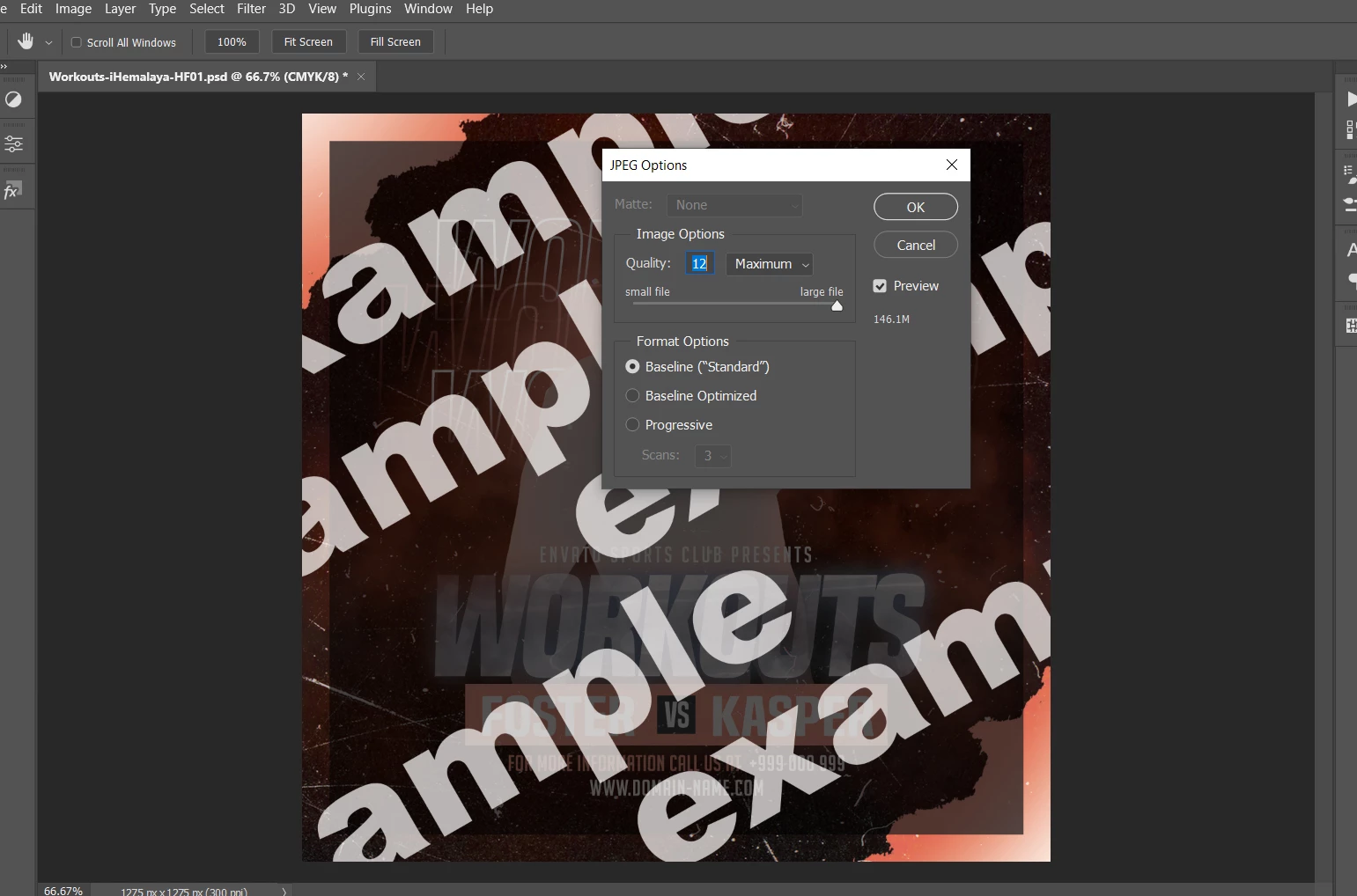
That was Unusual, so I decided to save it as JPG, and here was the shock , It was about ( 146 MB ).

Can you help me please to figure out the solution ?
 

Correct answer Kevin Stohlmeyer

If it doesn't need to retain the Smart Object, rasterizing the layer should solve it.

2 replies

Stephen Marsh
Community Expert
Community Expert
December 27, 2022

@iHemalaya.Com 


To check for bloated photoshop:DocumentAncestors metadata, use File > File Info > Raw Data:


If you see a single line message that there is too much metadata to display, then that would indicate excessive photoshop:DocumentAncestors metadata.


This not only has to be performed in the main file, but also by opening up each smart object and checking there as well. If a smart object contains another smart object, then you need to check that as well.


More here:


https://prepression.blogspot.com/2017/06/metadata-bloat-photoshopdocumentancestors.html


iHemalaya.Com
Inspiring
December 27, 2022

Yes, I found that the Smartobject's Raw Data is too big

Kevin Stohlmeyer
Community Expert
Kevin StohlmeyerCommunity ExpertCorrect answer
Community Expert
December 27, 2022

If it doesn't need to retain the Smart Object, rasterizing the layer should solve it.

Derek Cross
Community Expert
Community Expert
December 27, 2022

Can you post a screenshot of your Image Size dialogue box.


iHemalaya.Com
Inspiring
December 27, 2022

Kevin Stohlmeyer
Community Expert
Community Expert
December 27, 2022

You have embedded smart objects in your file and many layers which could account for the large PSD file size.

As for the jpg, in the first window it has an option to Embed the color profile. That will add to your jpg size.