Participant
October 8, 2017
Answered

Layer blending modes

  • October 8, 2017
  • 2 replies
  • 857 views

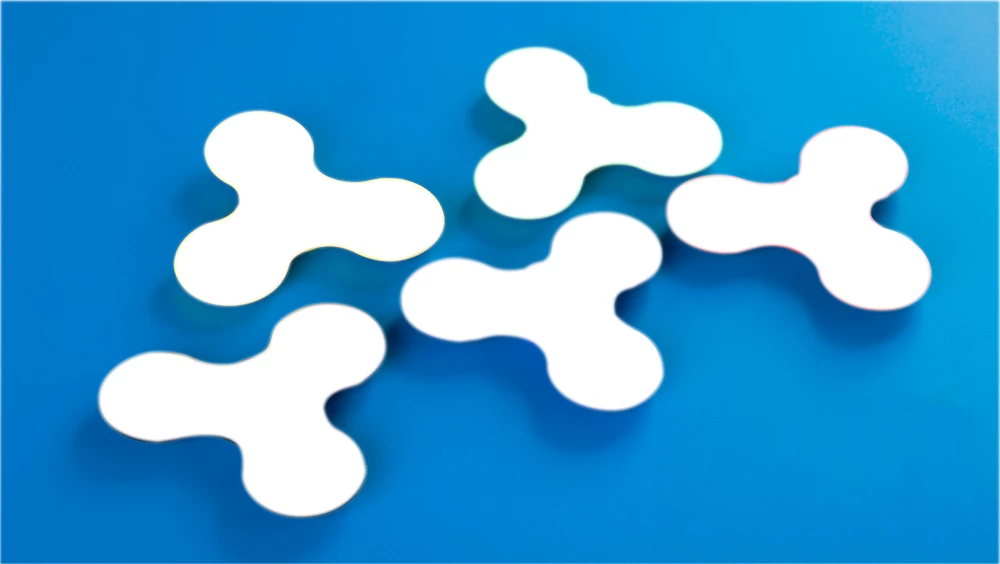
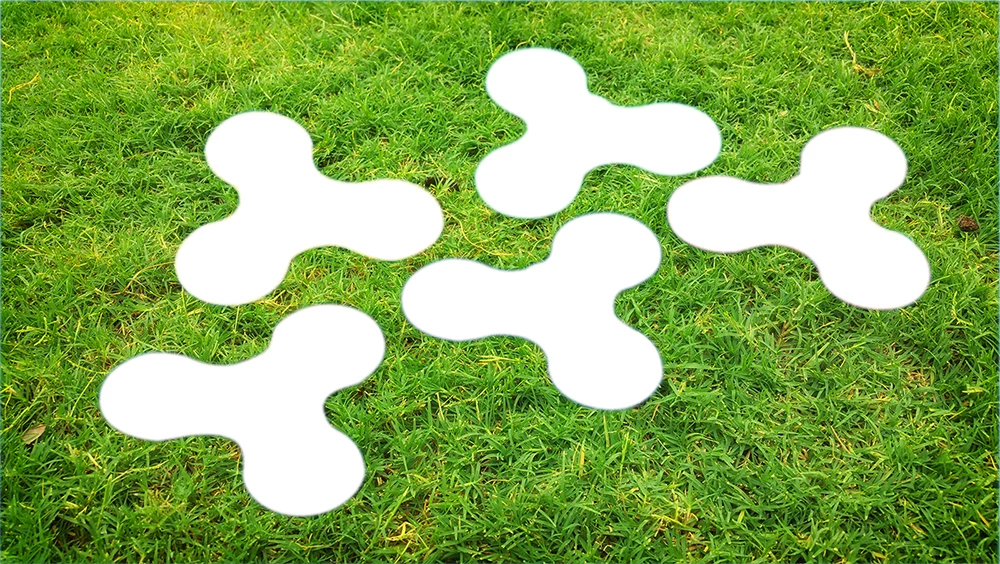
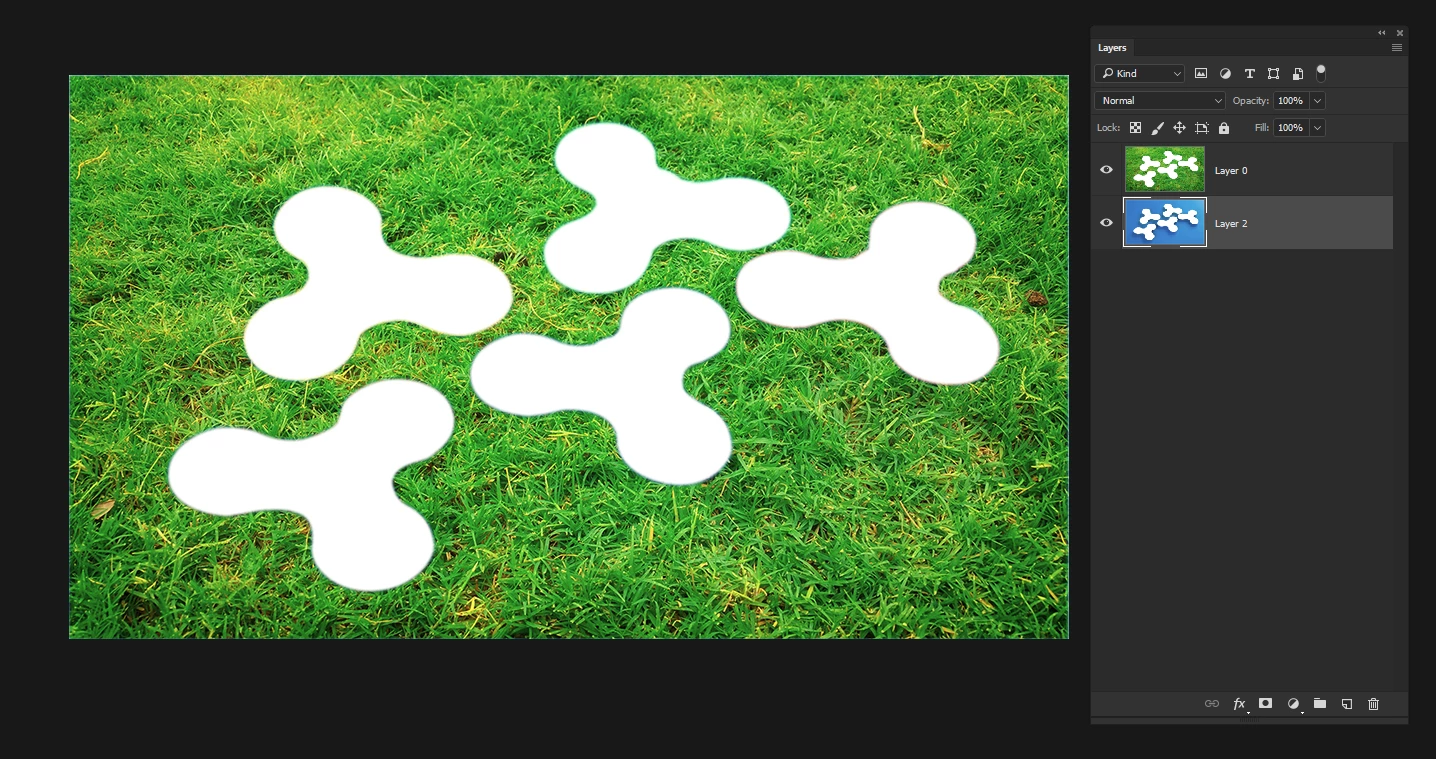
I include 2 jpeg's: one with green grass with no shadows and one blue background with some shadows in it (don't mind the gaps). Now I want green grass with the shadows (tones) of the other image shining through it. All i get with experimenting with the several layer blending modes is unsatisfying blue grass with no shadows.. Are blending modes the good answer or should I look in another direction?

Paul
PS. Why a forum on Photoshop does not  allow PSD-attachments??
This topic has been closed for replies.
Correct answer Terri Stevens

If you want a more organic effect rather than the Photoshopped look that the 'drop shadow ' layer effect creates then you can do something along the lines you initially tried with layer blending modes.

1) starting with your original jpeg images

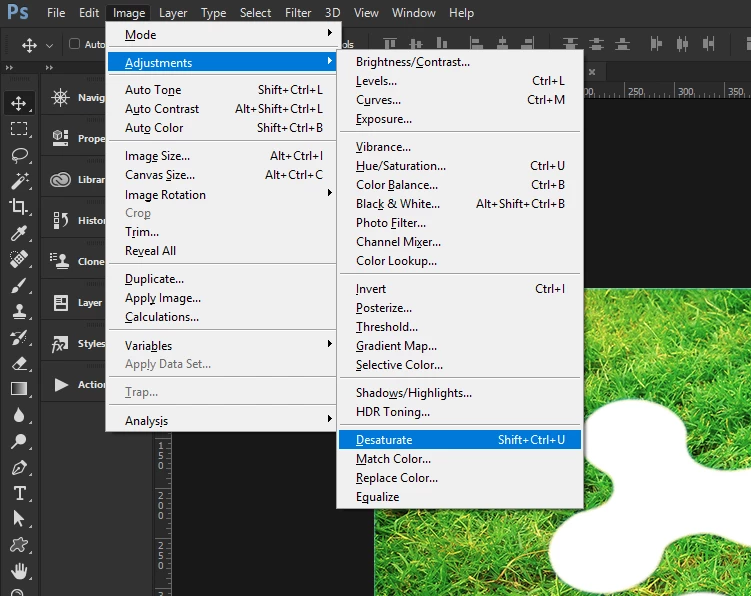
2) As Theresa suggested desaturate the blue layer

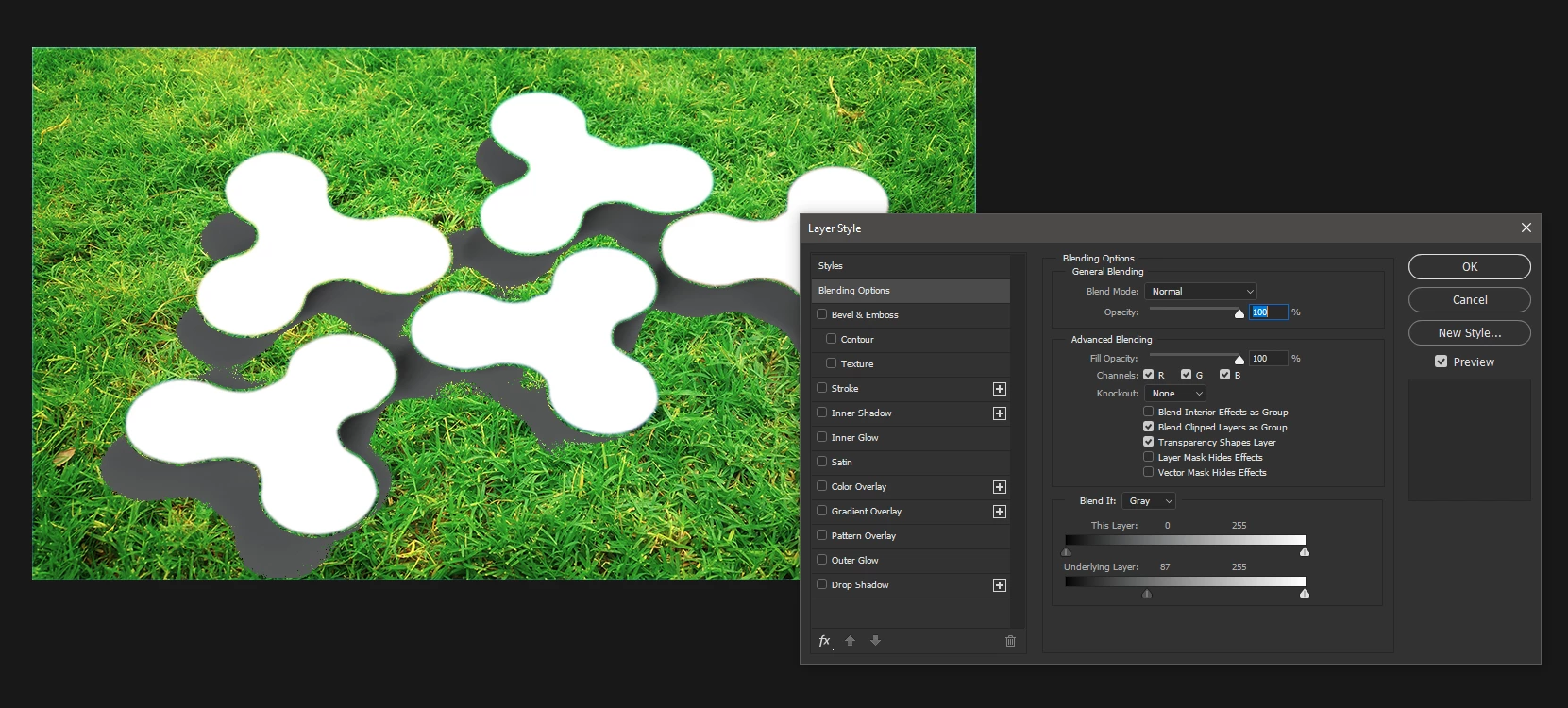
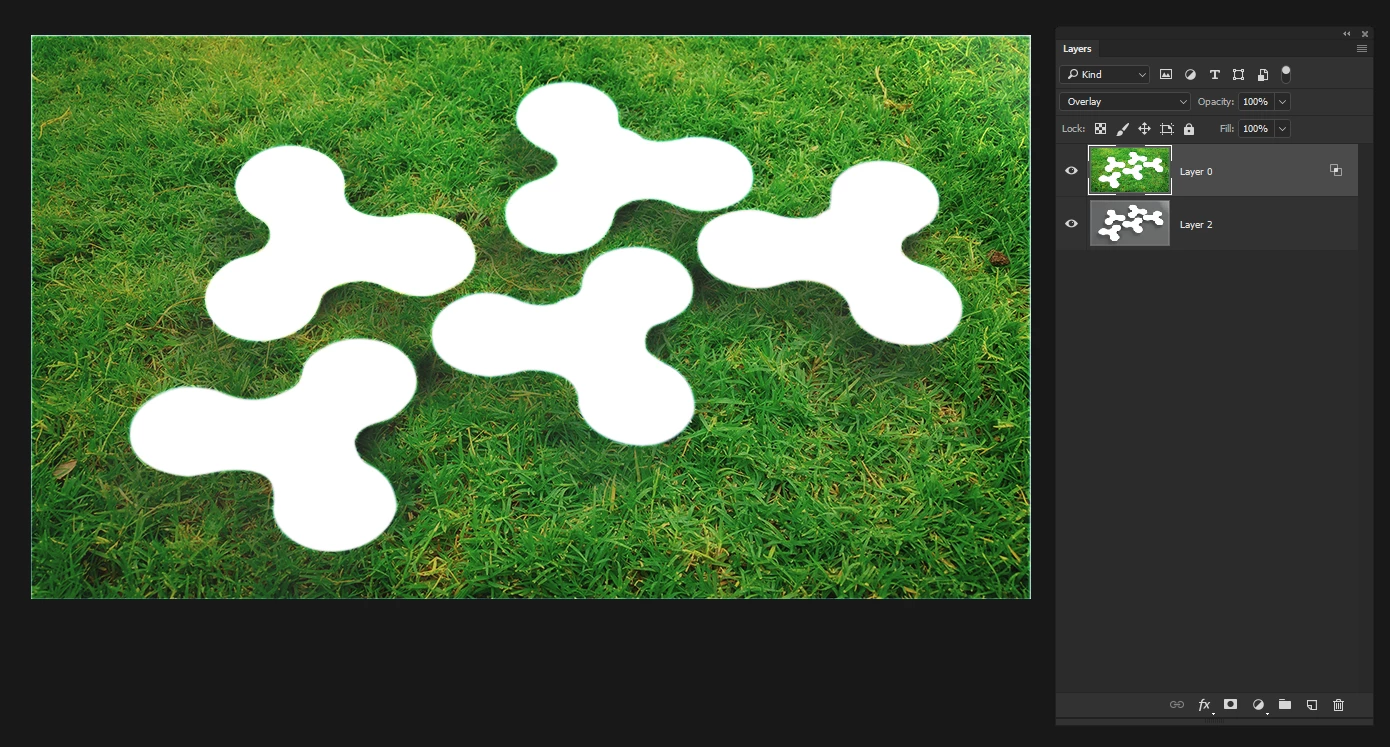
3) Double click the grass layer and use the lower slider to make the shadow tones break through the upper layer, like below

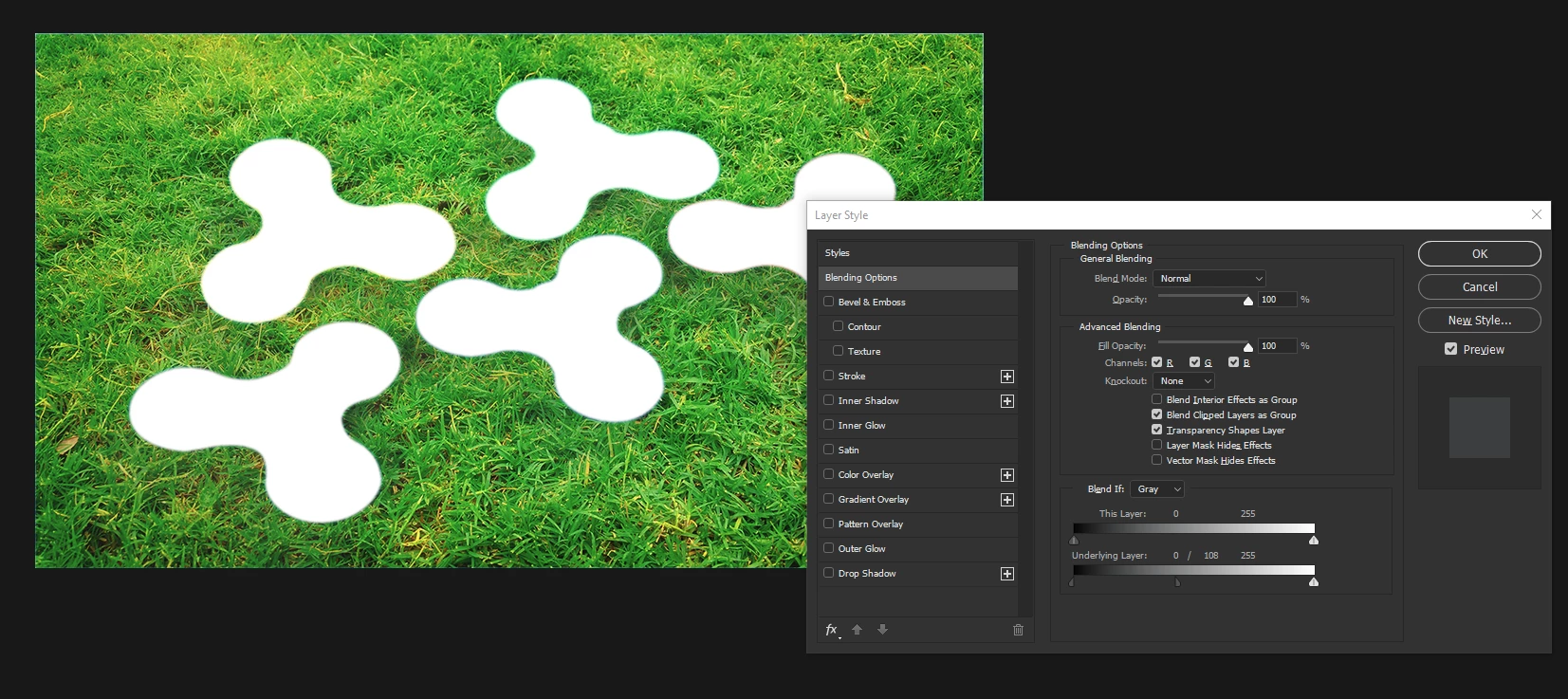
4) Smooth the transition by splitting the slider

5) Change the blend mode of the grass layer to 'Overlay'

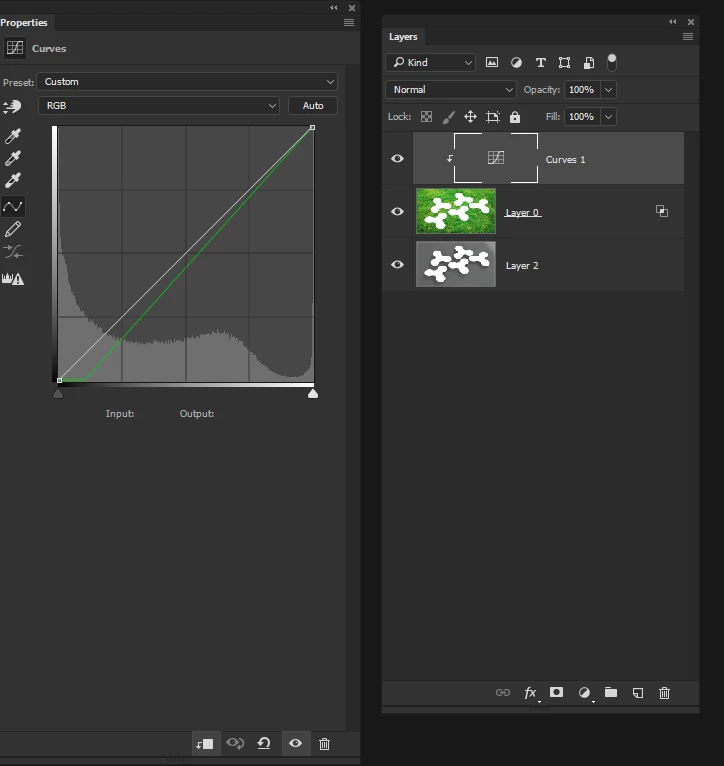
6) There will be a color shift which can easily be fixed by clipping a curves adjustment layer to the grass layer and adjusting the curve wor the green channel

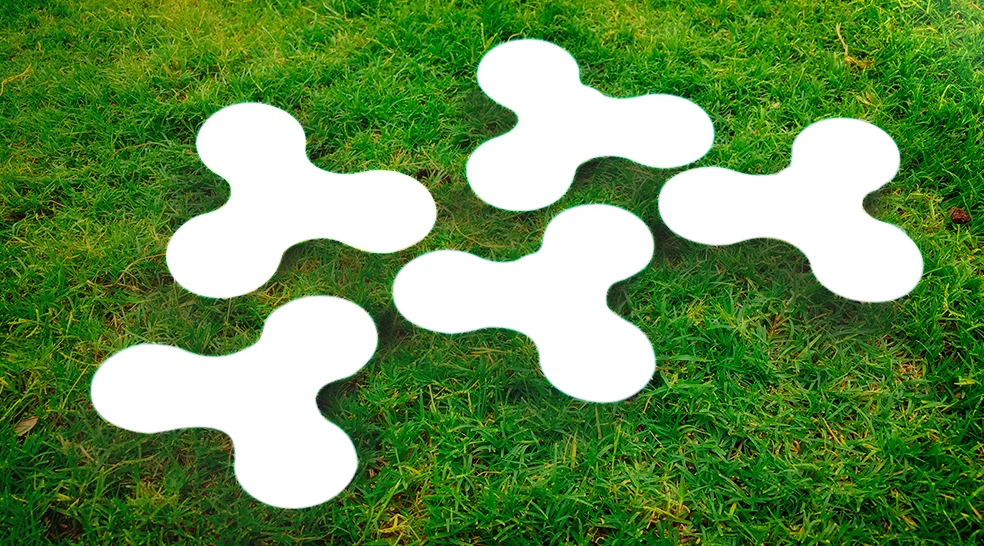
Final image looks like this. Of course the color of the grass is down to personal taste, below it's oversaturated, but the shadows look more real and less computer generated.

2 replies

Terri Stevens
Terri StevensCorrect answer
Legend
October 8, 2017

If you want a more organic effect rather than the Photoshopped look that the 'drop shadow ' layer effect creates then you can do something along the lines you initially tried with layer blending modes.

1) starting with your original jpeg images

2) As Theresa suggested desaturate the blue layer

3) Double click the grass layer and use the lower slider to make the shadow tones break through the upper layer, like below

4) Smooth the transition by splitting the slider

5) Change the blend mode of the grass layer to 'Overlay'

6) There will be a color shift which can easily be fixed by clipping a curves adjustment layer to the grass layer and adjusting the curve wor the green channel

Final image looks like this. Of course the color of the grass is down to personal taste, below it's oversaturated, but the shadows look more real and less computer generated.

Theresa J
Community Expert
Community Expert
October 8, 2017

Try taking the color out of the blue layer. Hue Saturation adjustment should work fine. Take the saturation all the way down. The but that layer on top of the green layer and use the overlay blend mode.

Or you could use the multiply blend mode, but you might need to lighten the shadow layer some first.

pbrantsAuthor
Participant
October 8, 2017

Not completely satisfying: gras is darkening, but shadows on the appropriate places is not coming through.

davescm
Community Expert
Community Expert
October 8, 2017

I would just mask the blue and add a drop shadow in layer effects

Dave