
Participant
April 29, 2022
Question

Layer mask not removing everything outside of canvas.

  • April 29, 2022
  • 4 replies
  • 1318 views

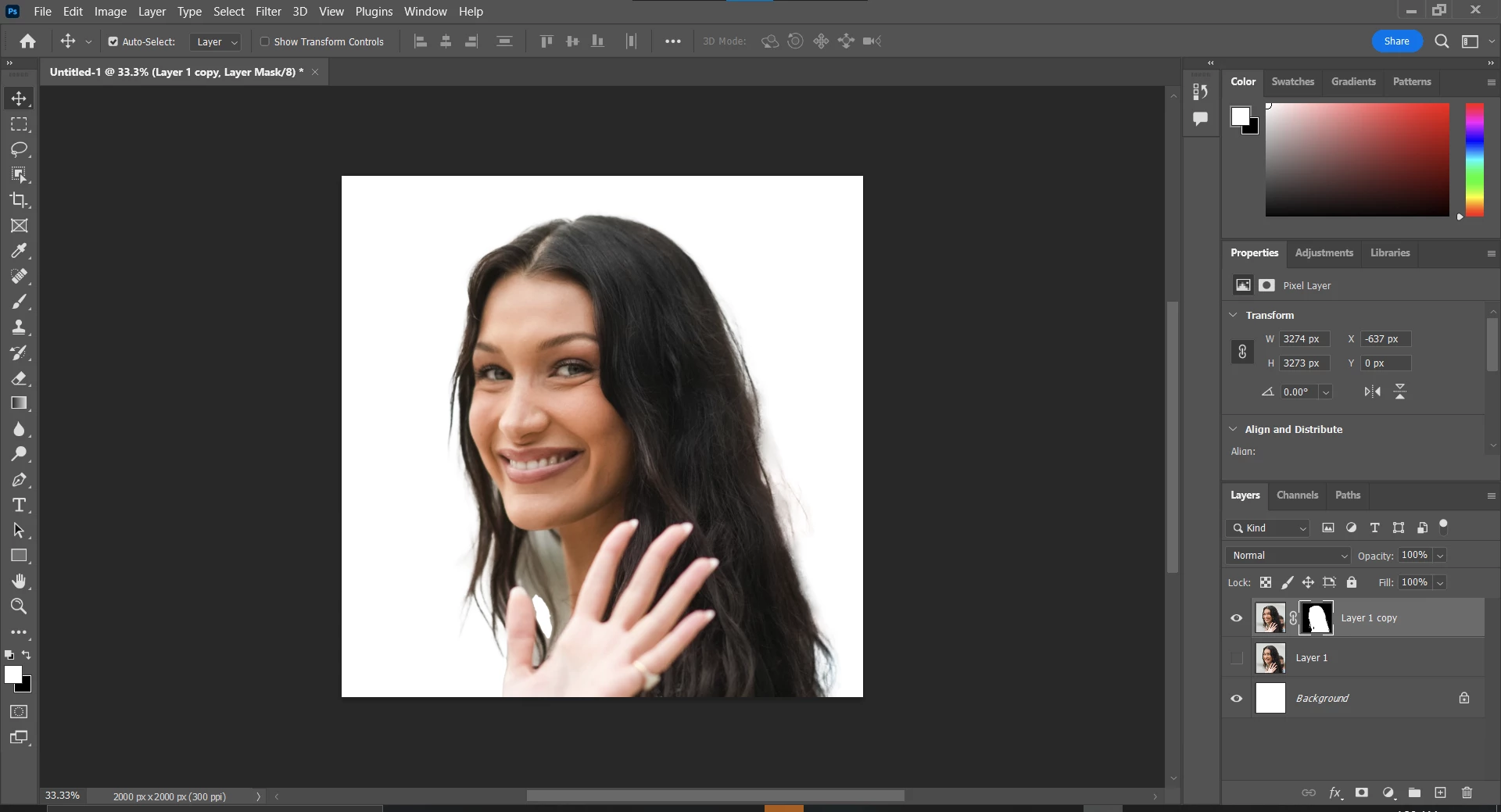
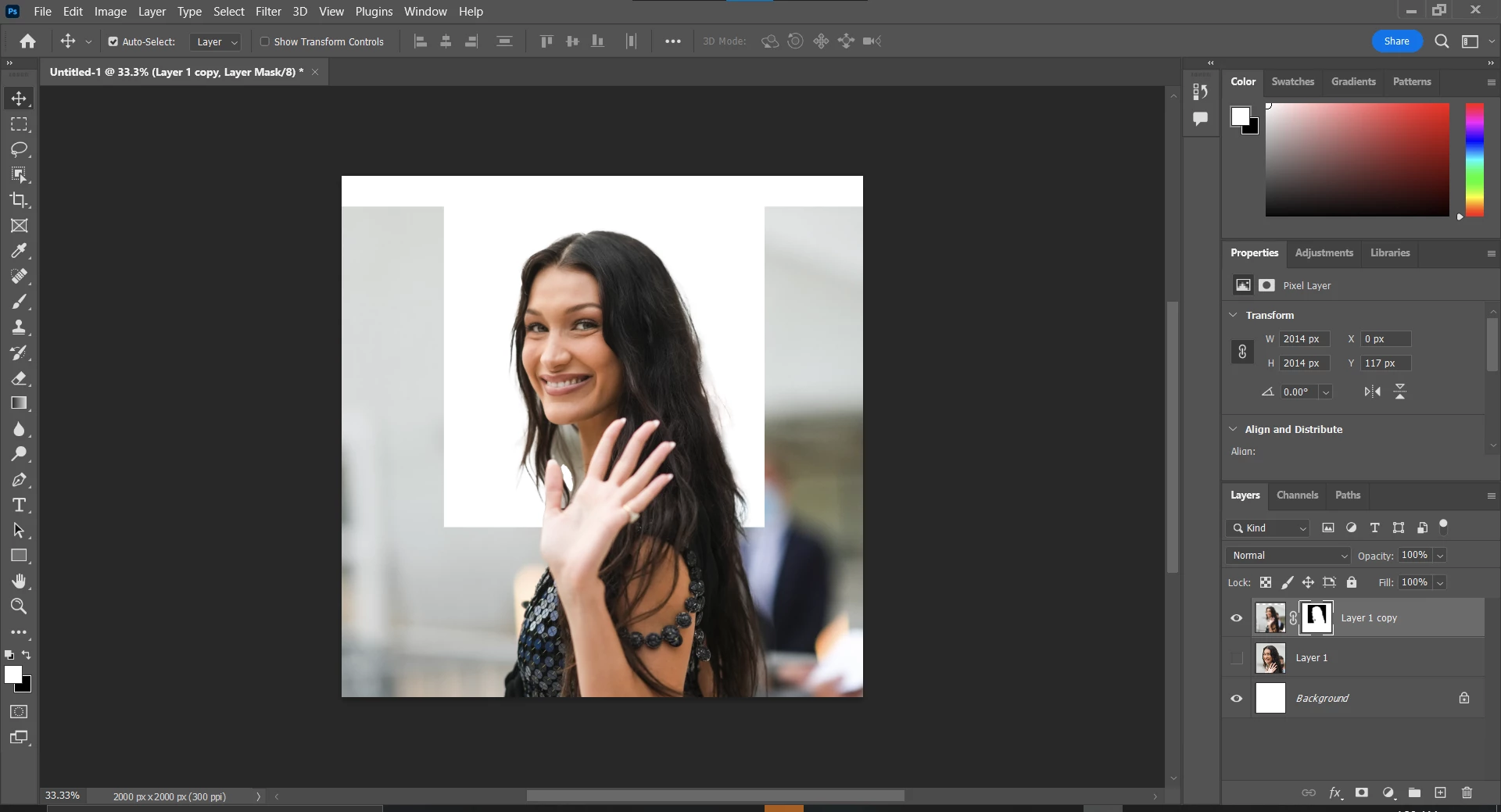
Hello all, I have been using Photoshop for some years accross multiple devices but am currently frustrated due to my layer masks not removing everything outside the canvas. I attached some images before showing how the rest of the image appears when the layer mask is resized. Any help would be extremely appreciated.


This topic has been closed for replies.

4 replies

josephlavine
Community Expert
Community Expert
April 29, 2022

You can apply the layer mask before cropping or fill the missed area of the mask with black.

warmly,j

c.pfaffenbichler
Community Expert
Community Expert
April 29, 2022

Don’t start with »Reveal All«-Layer Masks, but with »Hide All«- or »Reveal Selection«-ones. 

jane-e
Community Expert
Community Expert
April 29, 2022

@Dominick24249582f2d0 

Look at the Layers panel in both of your images. 

  • In the first image, you have a cropped picture with the mask
  • In the second image, the cropped picture is on a hidden layer and the mask that was created is being used on a different image.


If you want to use the cropped image, drag the mask back to that layer and unhide it. If you want to have a mask on the larger picture, select it and create a new mask.


Jane


Derek Cross
Community Expert
Community Expert
April 29, 2022

Did you crop the image before making a selection and applying the Layer Mask?

Participant
April 30, 2022

I did not crop it before masking the selection, only expanded it to my desired size 

c.pfaffenbichler
Community Expert
Community Expert
April 30, 2022

The problem lies in how you started the Layer Mask.