Participant
April 10, 2021
Question

Layer Style of text is missing when I rasterize the layer or when I save the file as jpg

  • April 10, 2021
  • 1 reply
  • 566 views

Hi

I'm a self-taught photoshop user, so I'm not very good at advance photoshop techniques.
I've been facing a problem while saving the file as jpg or jpeg. The layer style of my text is missing when i save the file. The effects are not seen and is very different from what I am working on. 
Can someone please help me out? 
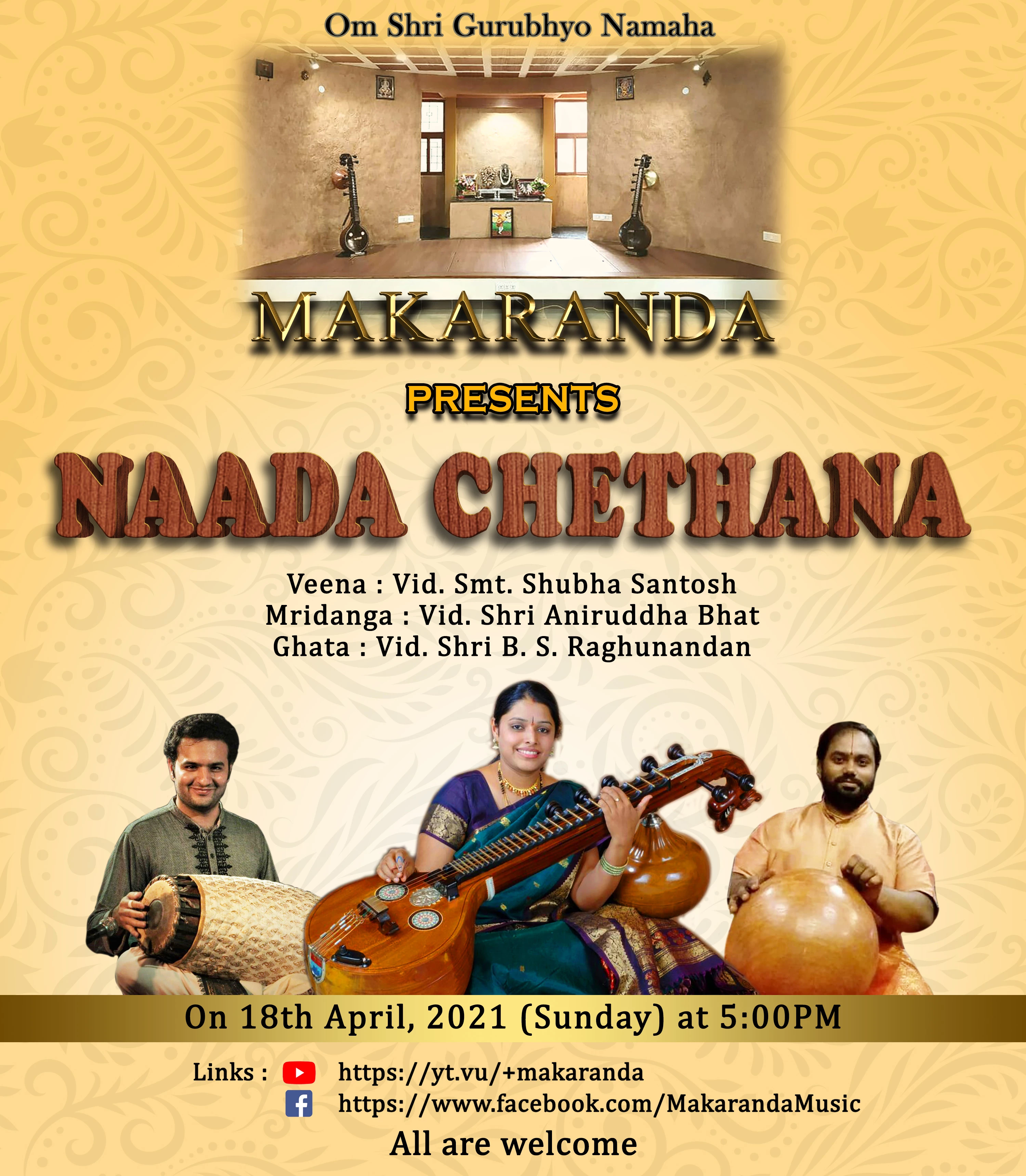
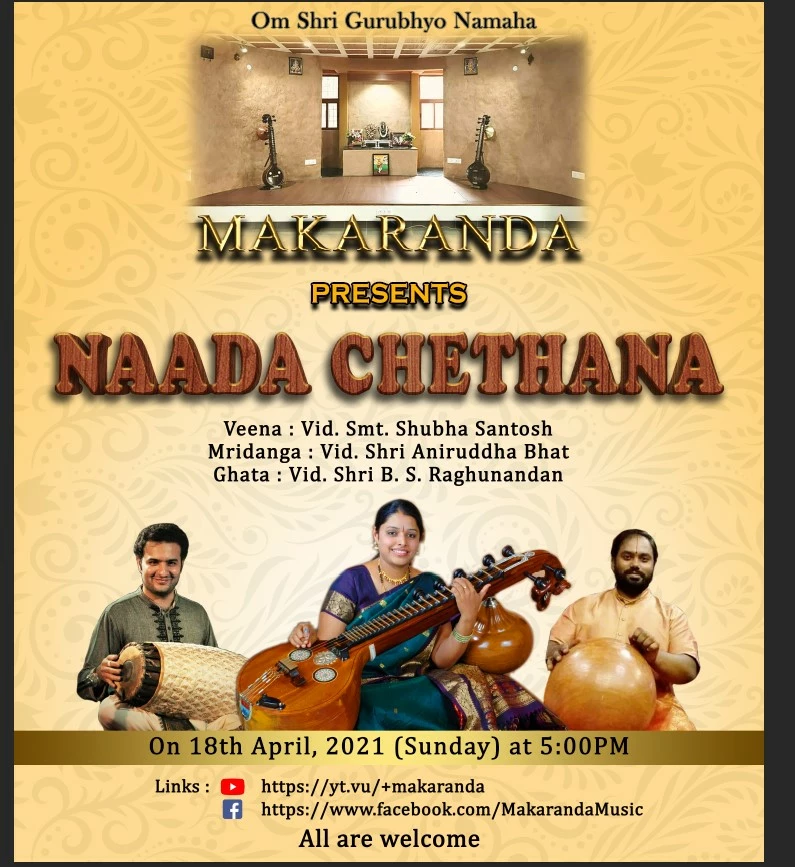
I have attatched images to show the difference in the texts. The first one is a screenshot of my photoshop window and the second one is a saved file. 
Thanks 

This topic has been closed for replies.

1 reply

Trevor.Dennis
Community Expert
Community Expert
April 10, 2021

To properly assess how effects are going to look it is essential that you view them at 100% zoom ratio on your screen. That Ctrl Alt 0 or Cmd Opt 0 for a Mac. (and that last character is a zero).  So can you tell us if things still look different when you apply that test?  


We can see some slight differences in the Bevel & Emboss which is especially noticeable in the lower wood grain effect text.   Bevel & Emboss effects can be subtle and sensitive with ting changes to settings making marked differences, which is why you absolutely need to be viewing at 100% when applying that effect.  Try adding a copy merged layer to the top of the stack.  Select the upper most layer and go Shift Ctrl Alt E (Shift Cmd Opt A) this will add a raster layer which should reflect how the saved JPG will look.