Layers in a Photshop are showing as bright green on someone elses machine
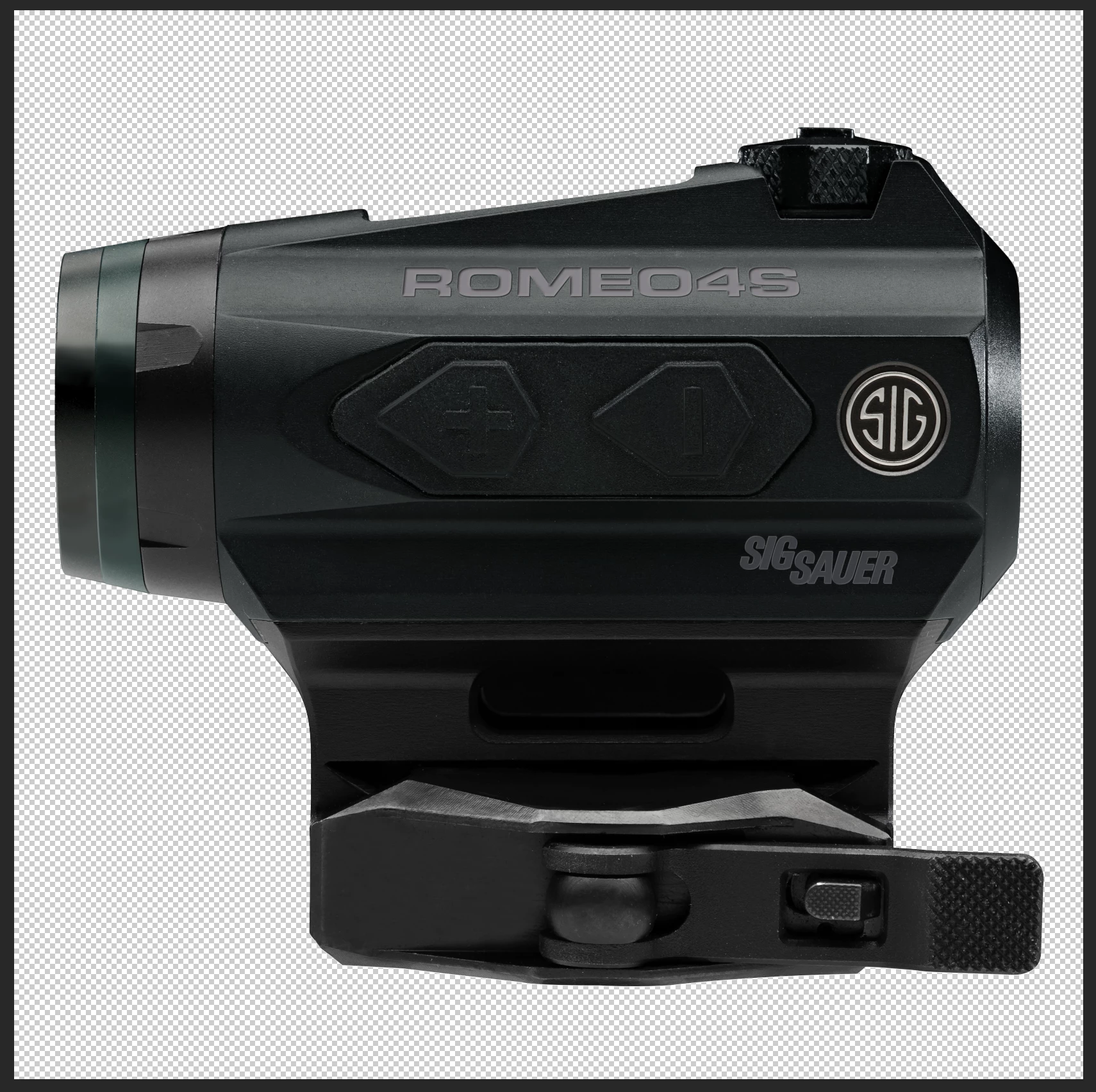
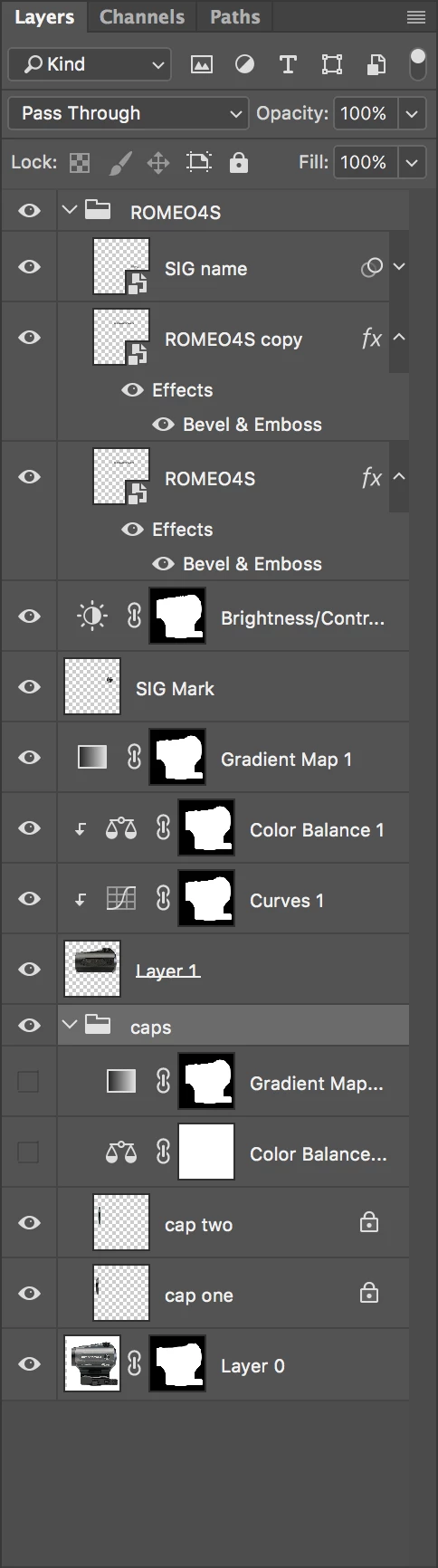
I have an image that is composed of 4 different product shots. Because all the source files are slightly different, I have multiple adjustment layers and such in order to make this match another product shot. On my Mac, the composite looks good, but on someone else's Mac, some of the product parts of the come out with a very visible green cast. We have checked on a couple other machines with the same result. The client even sent me a screen grab of the image and even the screen grab looks okay on my machine??!! I have checked the adjustment layers, the channels, etc and can't seem to figure out what could be the problem. I have some of the layers grouped but there are no adjustments made to the grouping just individual layers.
This is a screen shot of the image with all the layers turned on:
This is an image of the layers palette:
This is not an overly complicated file, so I don't get what could be the problem. Anyone got a clue??
Thanks. !
 AdChoices