
Participant
April 12, 2020
Answered

Layers panel is blank

  • April 12, 2020
  • 2 replies
  • 1236 views

Hi guys, I hope you can help me out with a problem. I am running Adobe Photoshop 2020 and initially when I create a new canvas or open any file, my layers panel looks like this:
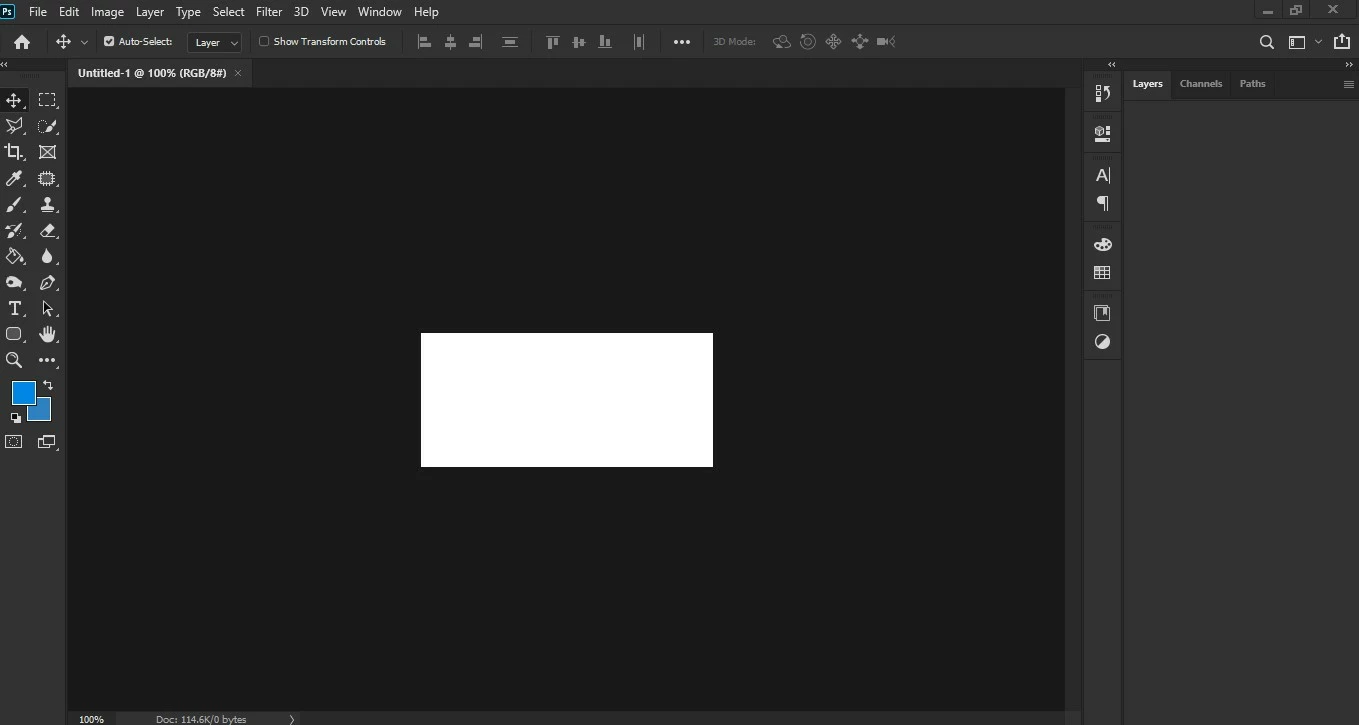
 

I need to actually do a click on the layers tab so that the panel gets activated again and shows the contents like this:
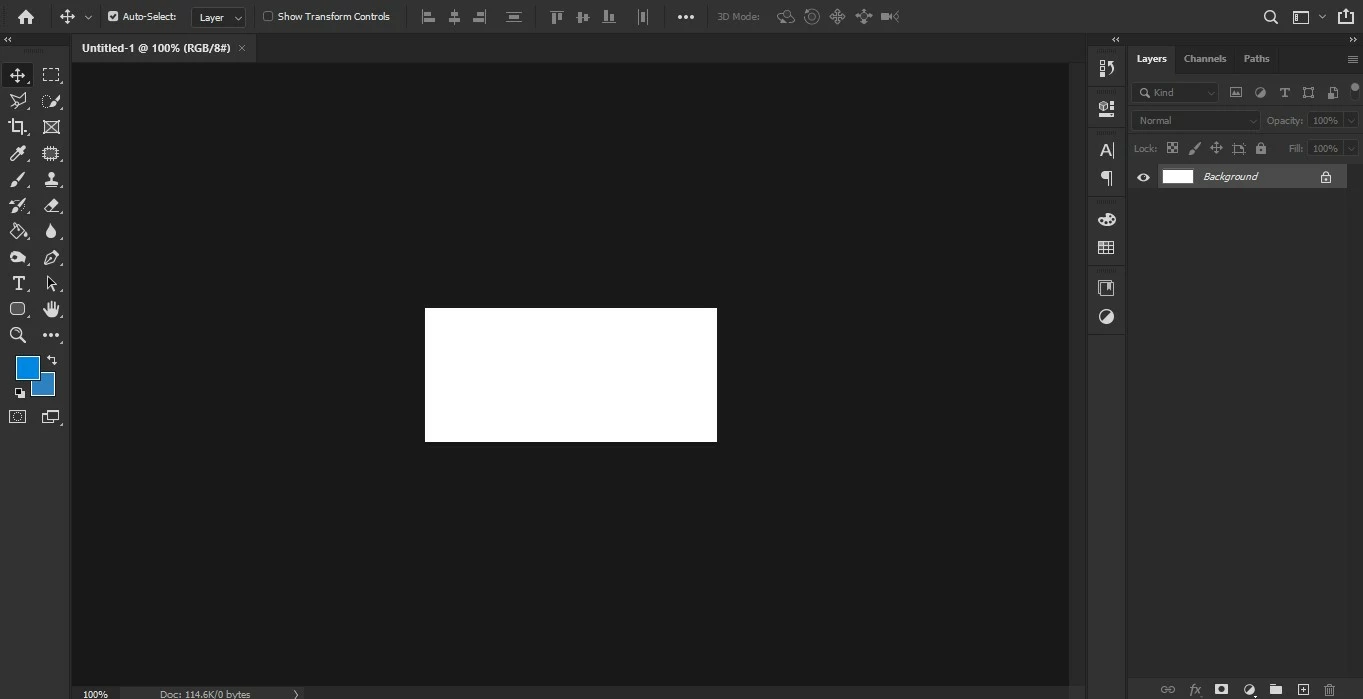
 

Any ideas as to why this is happening and how I can fix this? Thank you very much in advance!

This topic has been closed for replies.
Correct answer italosan

Hi, have you tried to reset Adobe Photoshop preferences?

2 replies

italosan
Community Expert
italosanCommunity ExpertCorrect answer
Community Expert
April 20, 2022

Hi, have you tried to reset Adobe Photoshop preferences?

G144
Participant
April 20, 2022

Thank you.  That worked a treat.

I backed up my settings folder first.  (https://helpx.adobe.com/photoshop/using/preferences.html).

Then reset preferences.  Then restored my settings folder and all is good.

Thanks for your help.

G144
Participant
April 20, 2022

I have the same issue.  Not a major problem, as robertsol mentioned, clicking on the layer tab shows the contents, but a fix would be appreciated.  Thank you.