
Inspiring
February 21, 2021
Answered

Lens Blur is not working anymore

  • February 21, 2021
  • 1 reply
  • 3541 views

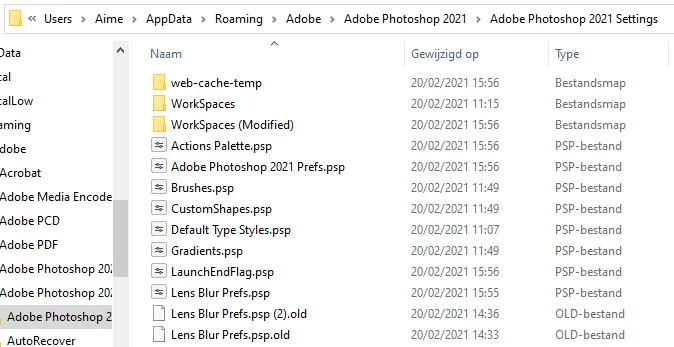
Since yesterday the function does not work at all, I went to Adobe Photoshop 2020 setting- and Lens Blur Prefs.psp and changed the name so PS should make a blank preset again like instructed by support but that does not help
This topic has been closed for replies.
Correct answer c.pfaffenbichler

So it works on a (very) small file, but it worked on my large RAW file, why not any more, is the a setting who limmits the file size, did I changed this by accident ? how?


Maybe you should look into optimizing Photoshop’s performance: 

https://helpx.adobe.com/photoshop/kb/optimize-photoshop-cc-performance.html

https://helpx.adobe.com/photoshop/using/scratch-disks-preferences.html


What are the pixel dimensions an dbut depth of the image where the Filter errors out? 

1 reply

c.pfaffenbichler
Community Expert
Community Expert
February 21, 2021

Could you please post screenshots with the pertinent Panels (Toolbar, Layers, Options Bar, …) visible? 

What are the image’s Color Mode and bit depth?

Inspiring
February 21, 2021

This is an example


Inspiring
February 21, 2021

it's raw dng adobe color