
Let's Start Something New!!!!!!!!!! PS 2019
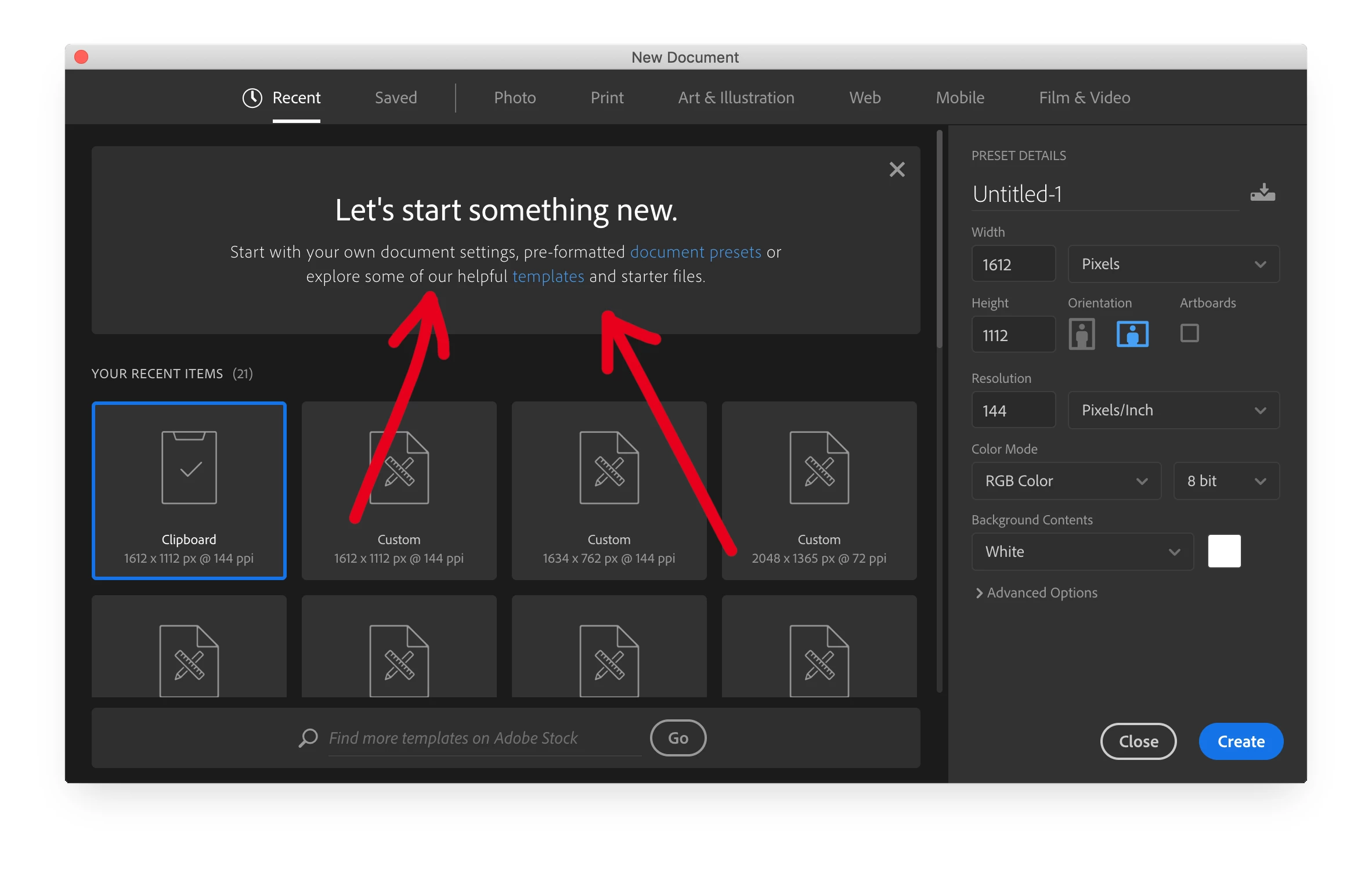
For the love of god, how does one get rid of this message? Short of using the legacy start screen, nothing I do will keep it from coming back.
I've disabled the home screen and exed out the message and that will work for a bit, but it seems like once I create a new document in another CC app (InDesign for instance), and then create a new doc in Photoshop - it comes back!
Now, this would not be so awful, but, for some reason, PS (and the other CC apps) will take FIVE seconds to render that start screen when the "Let's start something new" box is in there. It's really frustrating.
I have a brand new Mac Pro and all of the software is current.
This video is pretty painful to watch but it shows the issue - also shows general settings.
This is the evil screen... Literally takes five seconds to render the contents - but only when the "Let's start something new" box is in there.
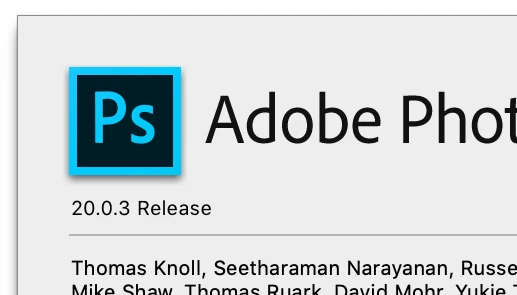
PS Version
HELP! Thanks!
 AdChoices