bala281972
Known Participant
March 7, 2013
Question

Levels | script

  • March 7, 2013
  • 1 reply
  • 897 views

Hi

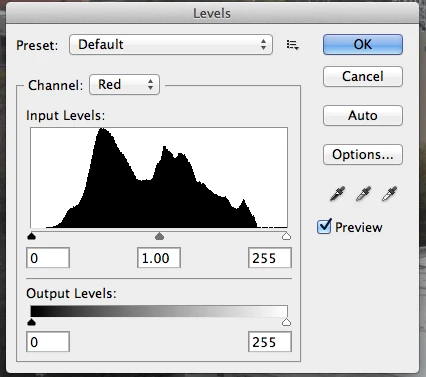
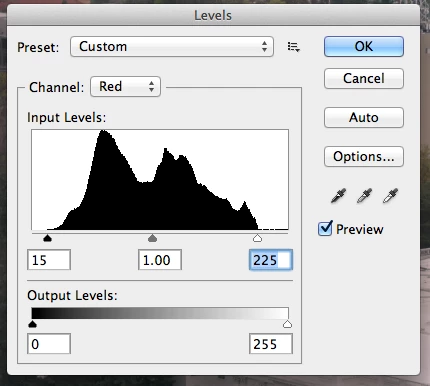
Though there are various ways to adjust an image in PS, one such way is to use Levels. The attached screen capture shows there's no details in Shadow and Highlight. This means the values to be corrected for this particular channel. Can this be automated? What we do manually is to adjust the input values so that the tiny bar sits directly below the starting of the levels. Can we automate this particular task?

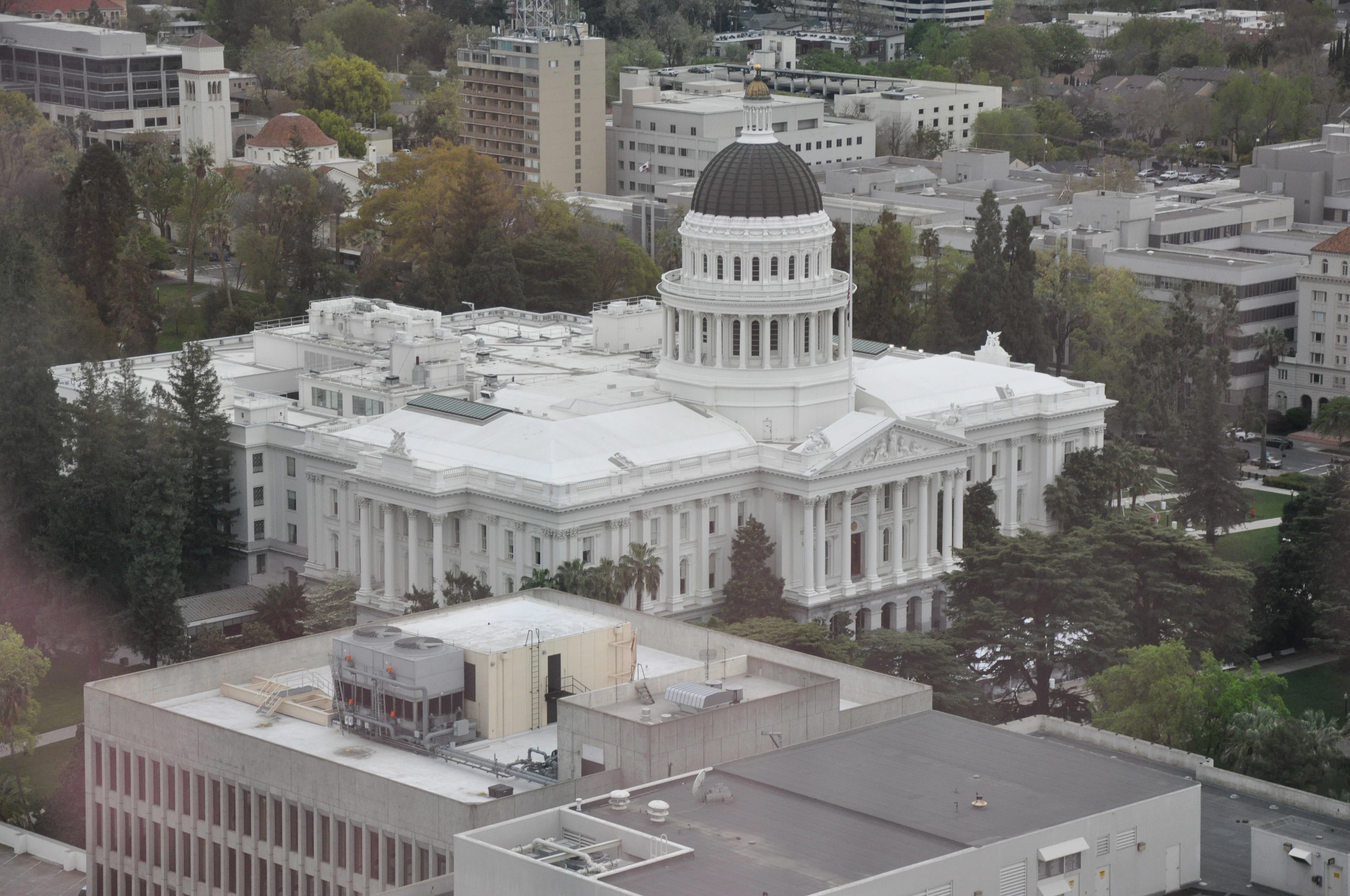
The script should find out whether the curve starts from 0th point or from somewhere else, if it starts from somewhere else then the input value should be moved to that starting point of the curve. Similarly, the output value should end where the curvature ends and not necessarily its at 255th position. Attached the necessary screen captures & original files. Any thought on this ?
This topic has been closed for replies.

1 reply

JJMack
Community Expert
Community Expert
March 7, 2013

DOM

adjustLevels ( inputRangeStart , inputRangeEnd , inputRangeGamma , outputRangeStart , outputRangeEnd ); Adjusts the levels of the selected channels

where           number [0..253] number [(start + 2)..255] number [0.10..9.99] number [0..253] number [(start + 2)..255]

autoLevels(); Adjusts the levels of the selected channels using the auto levels option.

ActionManager

Photoshop has an Levels Options... preset for that for all color channels so install the scriptlistener plug-in and record Levels>Options>Enhance Per Chanel Contrast and grabe the script code recorded by the plug-in.

JJMack
bala281972
Known Participant
March 8, 2013

Thanks JJ, the auto levels solves the problem. I couldnt use 'enhance per channel contrast' as the contrast of the overall image shoots up and it gives a different result.

Thanks for pointing out