byedgarfilho
Participating Frequently
September 19, 2024
Question

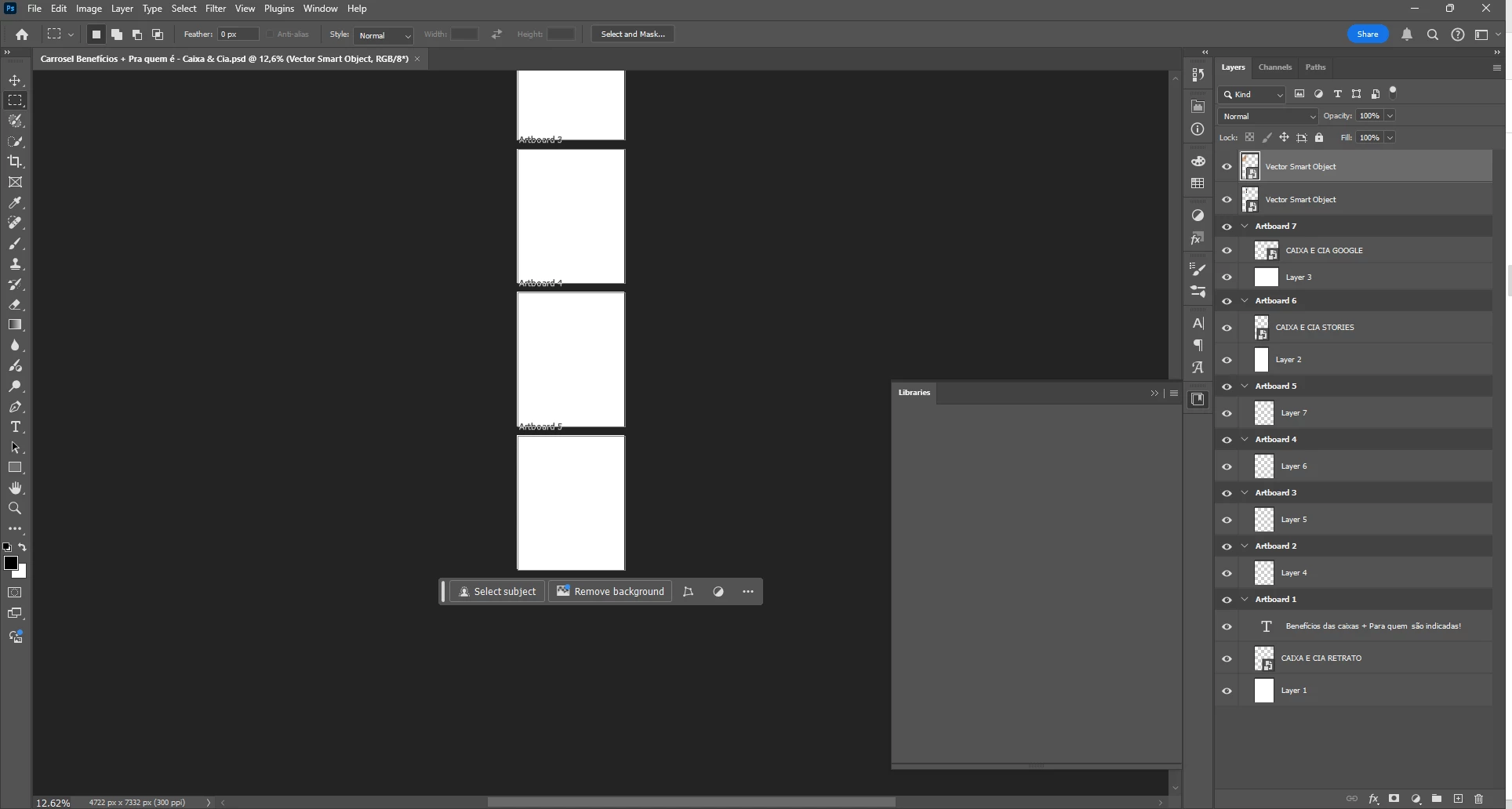
Libraries doesn't work in adobe photoshop!

  • September 19, 2024
  • 2 replies
  • 203 views

Libraries panel doesn't work in photoshop. Some ideas of what is happening and how to fix it? Thank you, everyone!



This topic has been closed for replies.

2 replies

Participant
September 23, 2024

"resetting the preferences"

Is it the ultimate solution to everything? Everyone suggests it for every problem.

Peru Bob
Community Expert
Community Expert
September 19, 2024

Try resetting the preferences.
To restore preferences quickly using a keyboard shortcut:

Press and hold Alt+Control+Shift (Windows) or Option+Command+Shift (Mac OS) as you start Photoshop. You are prompted to delete the current settings. The new preferences files are created the next time you start Photoshop.
Note: Using the keyboard shortcut, preference files for custom shortcuts, workspaces, and color settings will also be reset to default.

from here:

https://helpx.adobe.com/photoshop/using/preferences.html#restore_preferences