Participant
November 8, 2024
Answered

Libraries window stretching like a jpg would??

  • November 8, 2024
  • 4 replies
  • 204 views

App Version: Ps 2025 26.0.0

Platform: Mac OS Sequoia V15.0.1


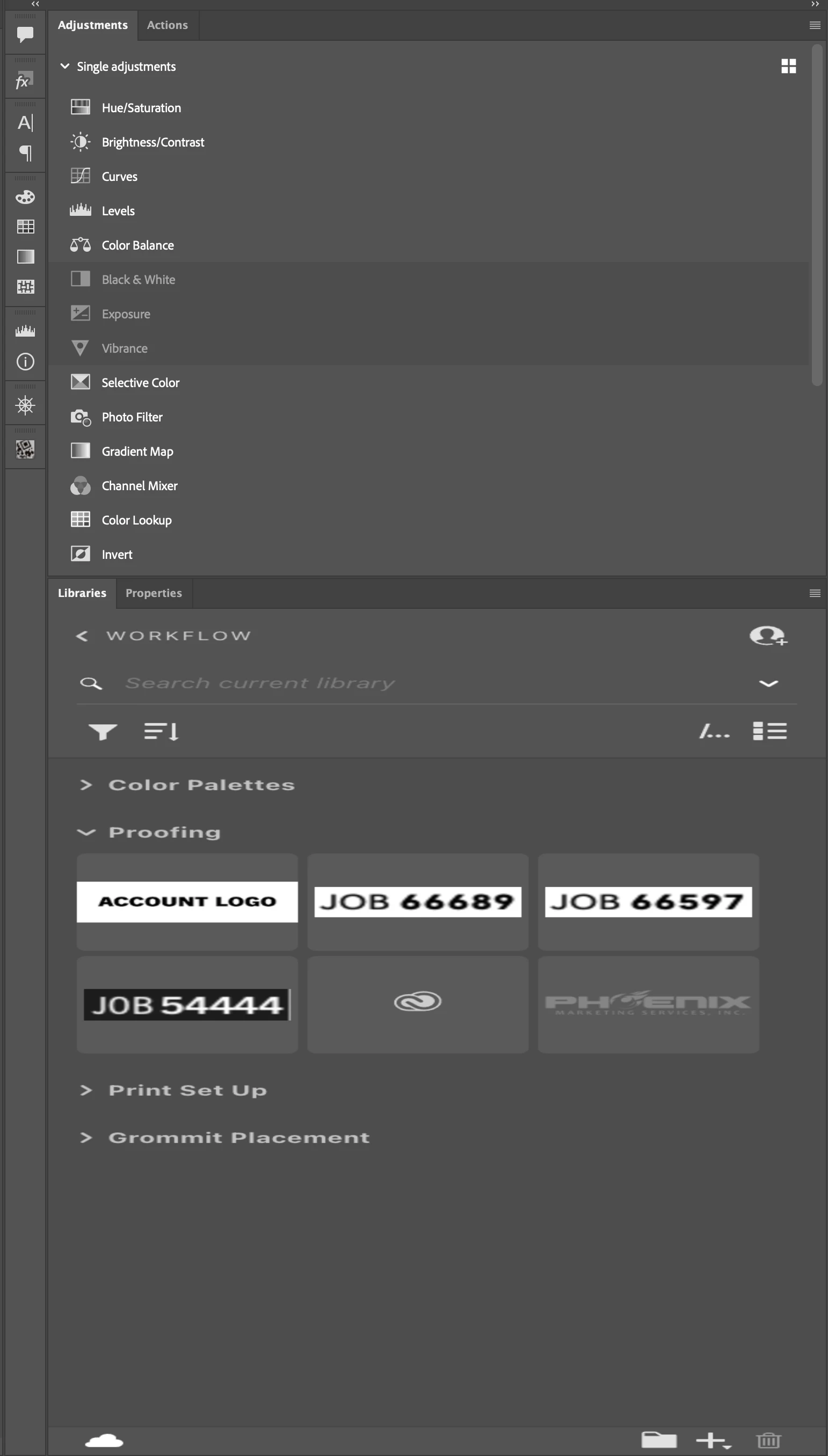
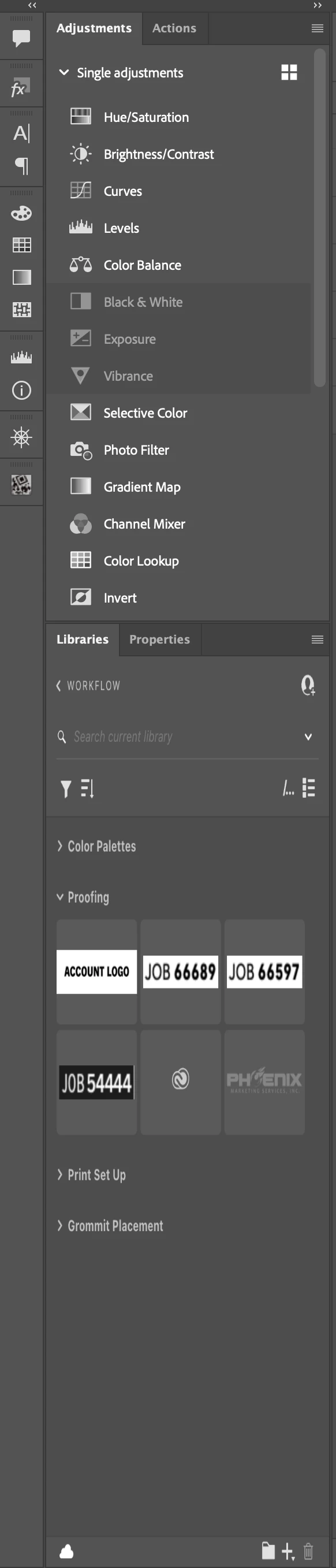
I don't quite know how to describe this issue other than to just show images of whats wrong. (Plz see attached) 


The Libraries window is stretching the same way an image would after using *transform > Distort*. My guess is that this is cause by some internet connection issue. I just wanted to see firstly if anyone else has had this issue & secondly if there is a known solution. 


I have tried closing the window & re opening it; I've tried shutting Ps down entirely and restarting; along with full computer restart. As you can see, the libraries window is the only one reacting this way. 
This topic has been closed for replies.
Correct answer melissapiccone

I checked mine (also on a Mac) - it actually strteches like that when I expand or contract it but snaps right back into it's normal view. Try resetting your preferences. 

4 replies

melissapiccone
Community Expert
Community Expert
November 8, 2024

Happy it's fixed!

Melissa Piccone | Adobe Trainer | Online Courses Author | Fine Artist
Participant
November 8, 2024

Thank you @melissapiccone this seems to have fixed the issue. Definitely one of the weirder bugs I've come across. 


P.S. For anyone else looking at this, Make sure to save your workspace layout before resetting preferences!!

melissapiccone
Community Expert
melissapicconeCommunity ExpertCorrect answer
Community Expert
November 8, 2024

I checked mine (also on a Mac) - it actually strteches like that when I expand or contract it but snaps right back into it's normal view. Try resetting your preferences. 

Melissa Piccone | Adobe Trainer | Online Courses Author | Fine Artist
Participant
November 8, 2024

Edit:  If it wasnt clear, the libraries window is essentially bricked in terms of usability. no assets can be taken from it.