
Question
Library Panel Tip - Photoshop
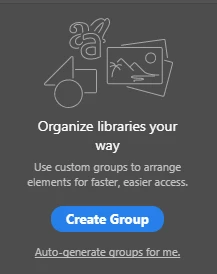
Simple enought topic - how do I remove the below from being displayed it takes up too much real estate?
{Thread renamed by moderator}
Simple enought topic - how do I remove the below from being displayed it takes up too much real estate?
{Thread renamed by moderator}
Already have an account? Login
Enter your E-mail address. We'll send you an e-mail with instructions to reset your password.
 AdChoices