Participant
December 1, 2016
Answered

Library Tab

  • December 1, 2016
  • 2 replies
  • 2156 views

my daughter went to libraries and hit create new when she did that it erased the default libraries stuff and she just wants it back. Do you know how she can revert back to original settings and stuff for library

    This topic has been closed for replies.
    Correct answer JJMack

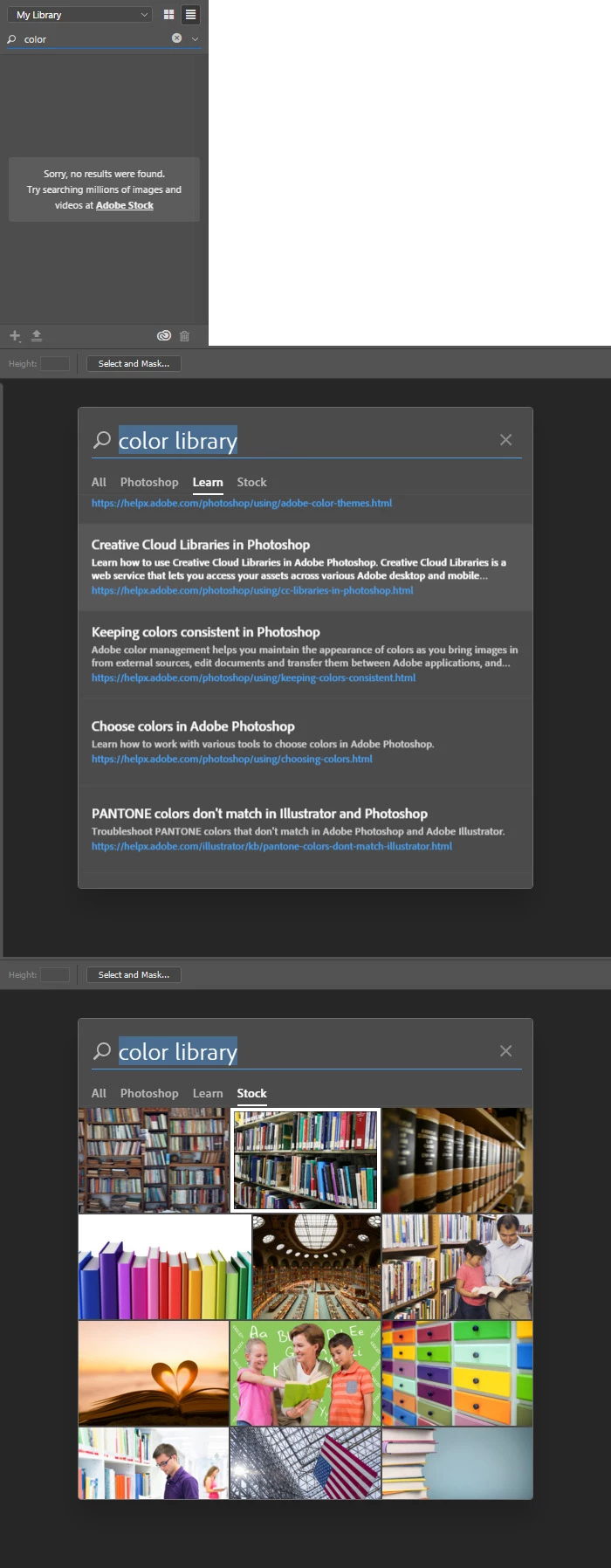
    Library search color find nothing suggest Adobe Stock Images but that just finds color images not libraries. I do not use libraries I onle use Photoshop no othe Adobe application.  Here is a link abot what you can do with libraries,

    Adobe Creative Cloud Libraries
    2 replies

    John Waller
    Community Expert
    Community Expert
    December 1, 2016

    Did she click Create New Library which would create a new blank library?

    The Libraries Panel in Photoshop CC « Julieanne Kost's Blog

    new-library-libraries-panel.png

    To revert, click the dropdown in the Libraries panel and select an existing library from the dropdown list.

    2014_Lib06.jpg

    Participant
    December 1, 2016

    Yes.  She went into Libraries and click create new library and gave it a name and had no colors and it was blank.  She said before there were tons of colors for her to choose from but since she created new library they are gone.  I'm sure it is just a setting but not for sure.  Any help would be much appreciated.  She just wants back the colors that came on the original library before she created new.  I read somewhere last night that she has to go into color palette and make sure H is selected and on Abode Library or something like that. 

    JJMack
    Community Expert
    Community Expert
    December 1, 2016

    The thing is her original library would be empty. Your daughter must have added colors to her library or added an additional library she created or someone created to be shared by others.  However what was added has now been removed from her library by you or her. Perhaps by accident.  She needs to remember how she added the colors to her library and do that again.

    When you create a new library it will be empty till you add content.

    My Library is Empty. However I have added and addional library to my Library Palette that Kyle created for brushes he made that can be shared by anyone that wants to use them.

    JJMack
    JJMack
    Community Expert
    Community Expert
    December 1, 2016

    What default stuff? Libraries palette is empty when you install Photoshop.

    JJMack
    Participant
    December 1, 2016

    Her Library was full of colors and once she created a new library they are all gone.  I think it is just a setting and have to find it.  Even on my Photoshop i had a full colors in my library.