Inspiring
January 22, 2020
Answered

Lightroom Canon RP Profile does not load in Photoshop

  • January 22, 2020
  • 1 reply
  • 726 views

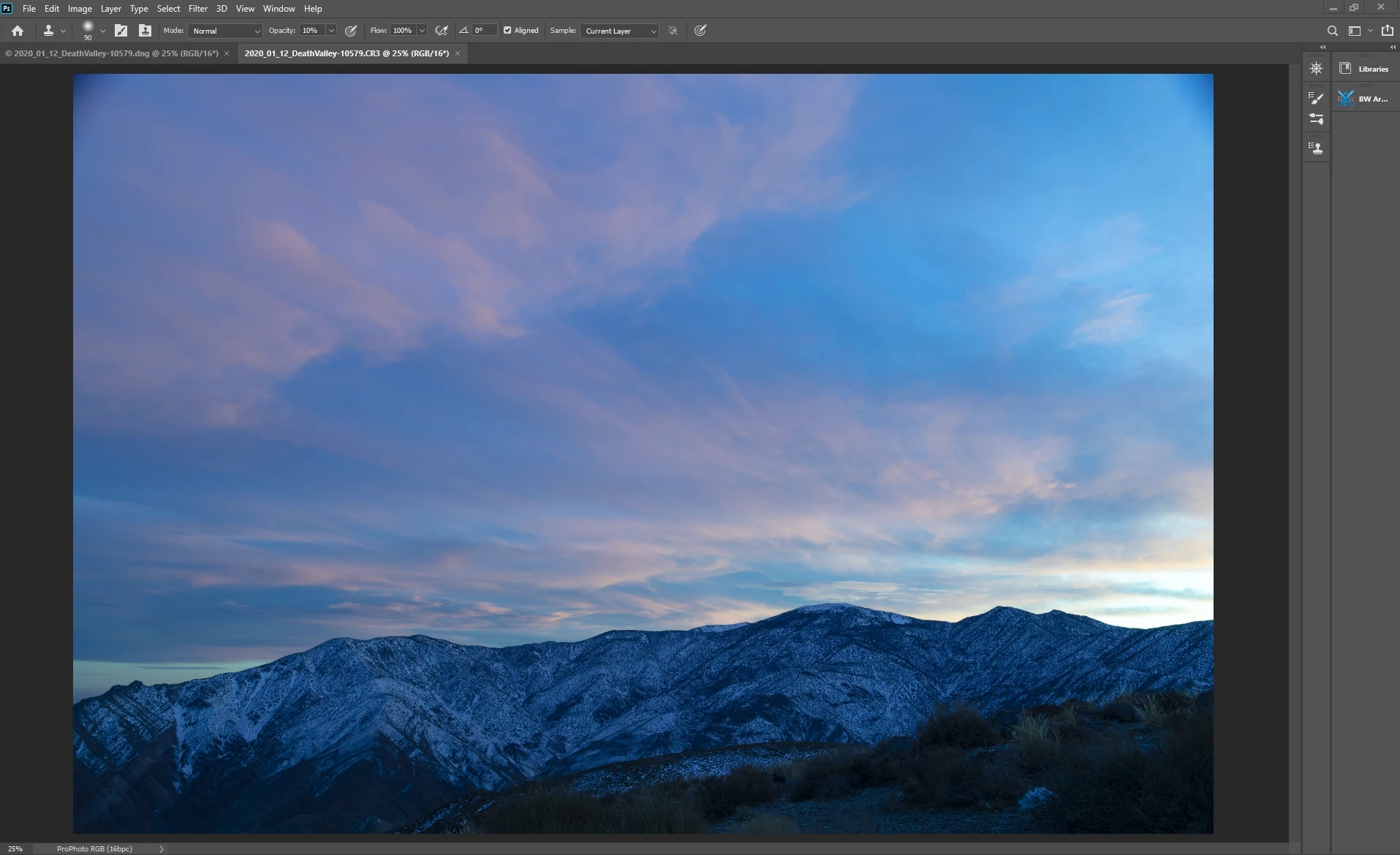
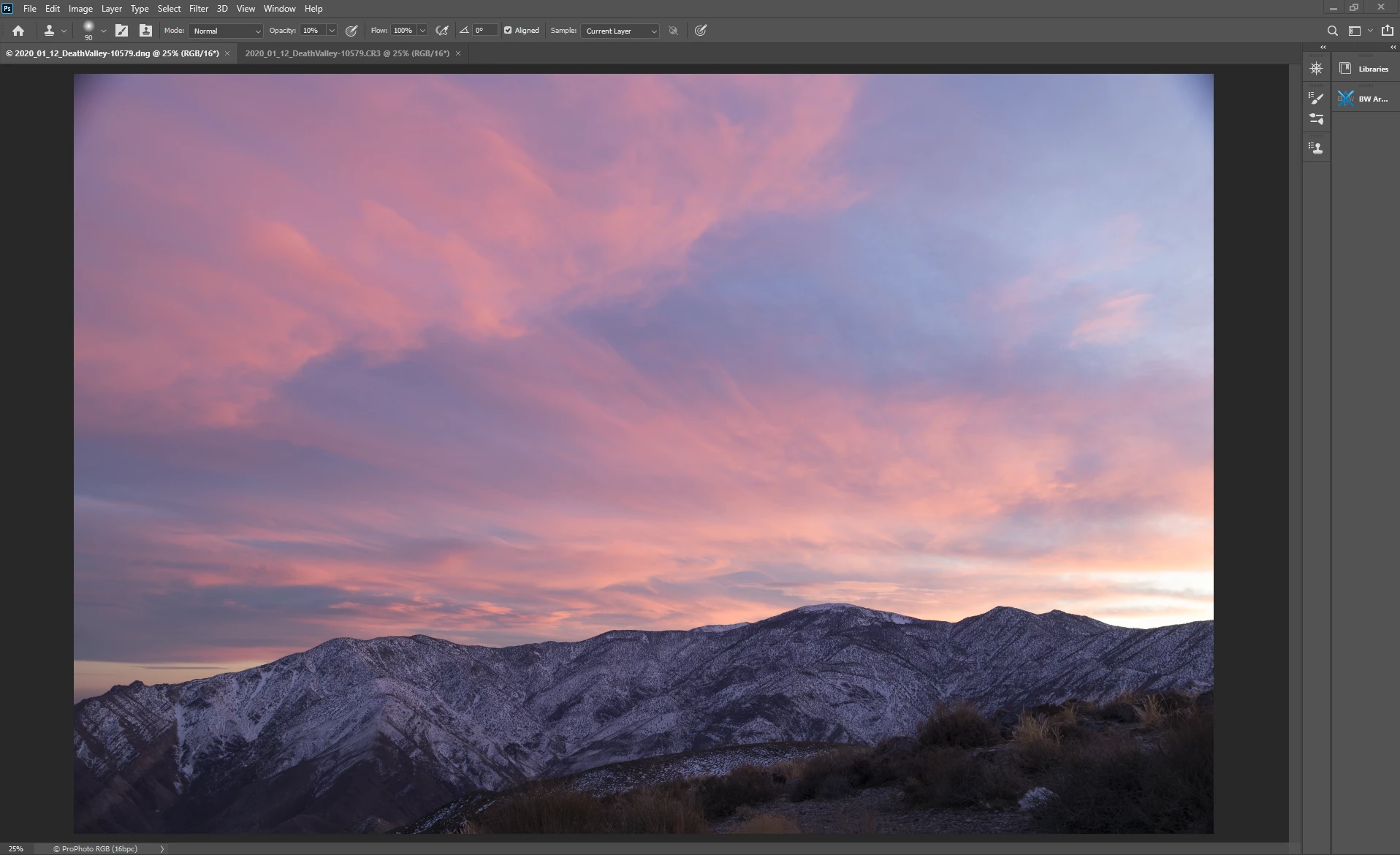
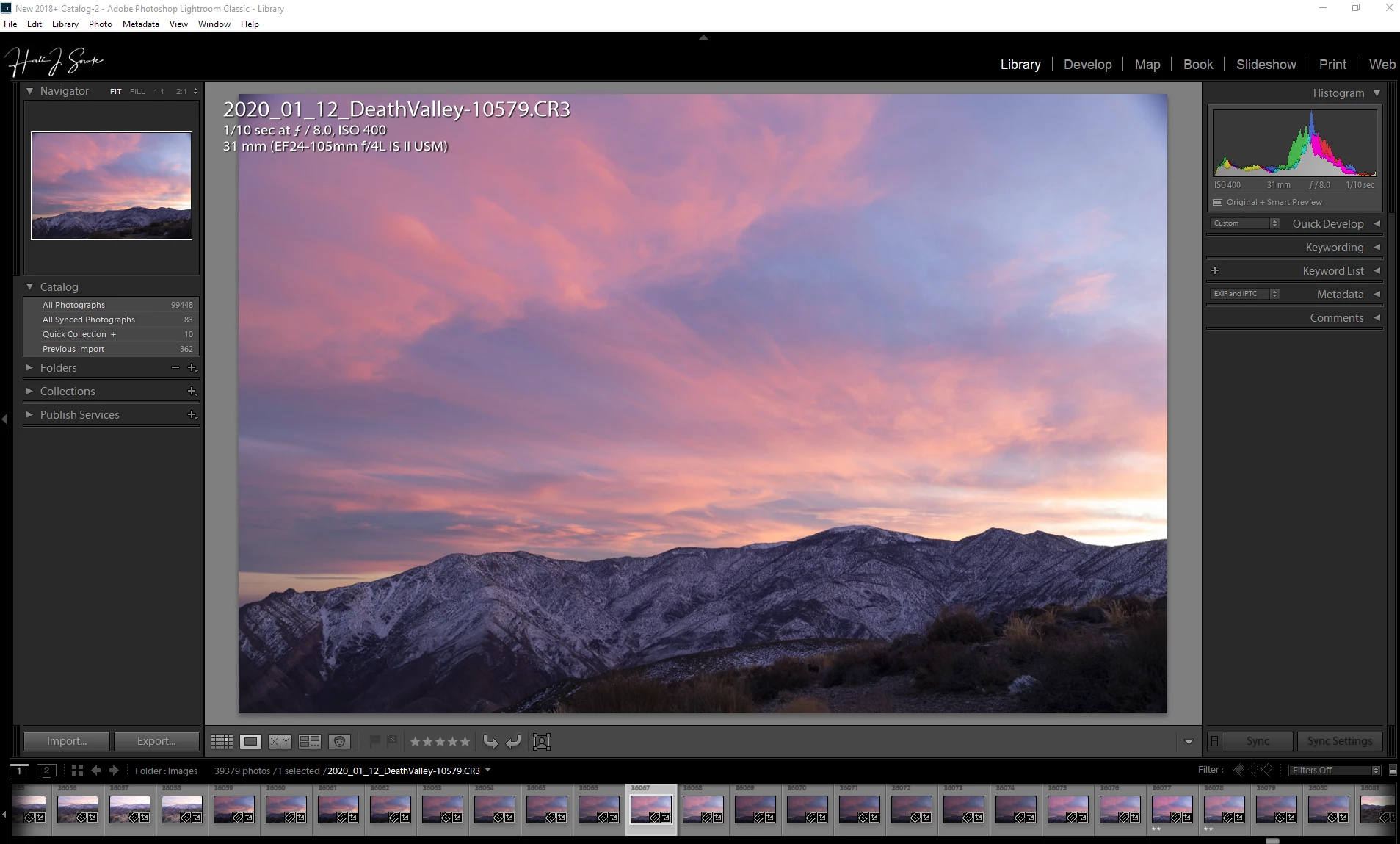
I recently purchased a Canon RP and took it right away on a trip.  I just came home and did some basic edits in LR CC (choosing an Adobe Color Profile) but when I went to open it in PS (21.0.2) the image was very blue and flat.  When I converted to DNG the image opened as I had seen it in LR.  Any idea what is going on here?

Here are the images:  
This topic has been closed for replies.
Correct answer Hali and Mike

I found the answer.  I don't know how to delete this, so I will elaborate, and if anyone has a full spectrum converted camera might be able to learn from my mistake.  When you convert the camera to full spectrum, in order to see visible light you need a hot mirror filter.  I made DNG profiles for my infrared filters but not for the hot mirror.  The heavy cyan cast was from the hot mirror.

1 reply

Hali and MikeAuthorCorrect answer
Inspiring
January 22, 2020

I found the answer.  I don't know how to delete this, so I will elaborate, and if anyone has a full spectrum converted camera might be able to learn from my mistake.  When you convert the camera to full spectrum, in order to see visible light you need a hot mirror filter.  I made DNG profiles for my infrared filters but not for the hot mirror.  The heavy cyan cast was from the hot mirror.