
Answered
Lines no longer crisp when reducing image size.
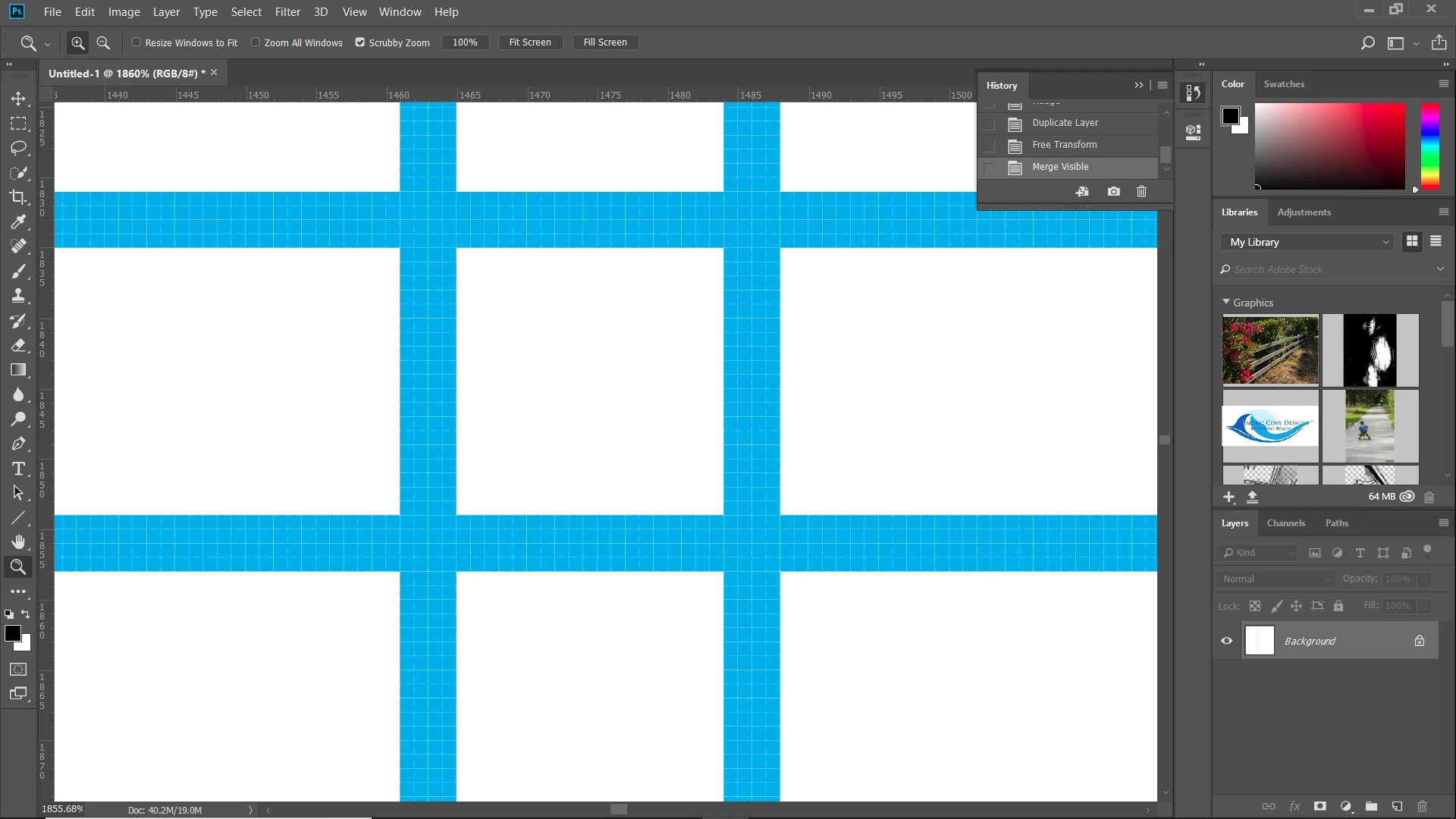
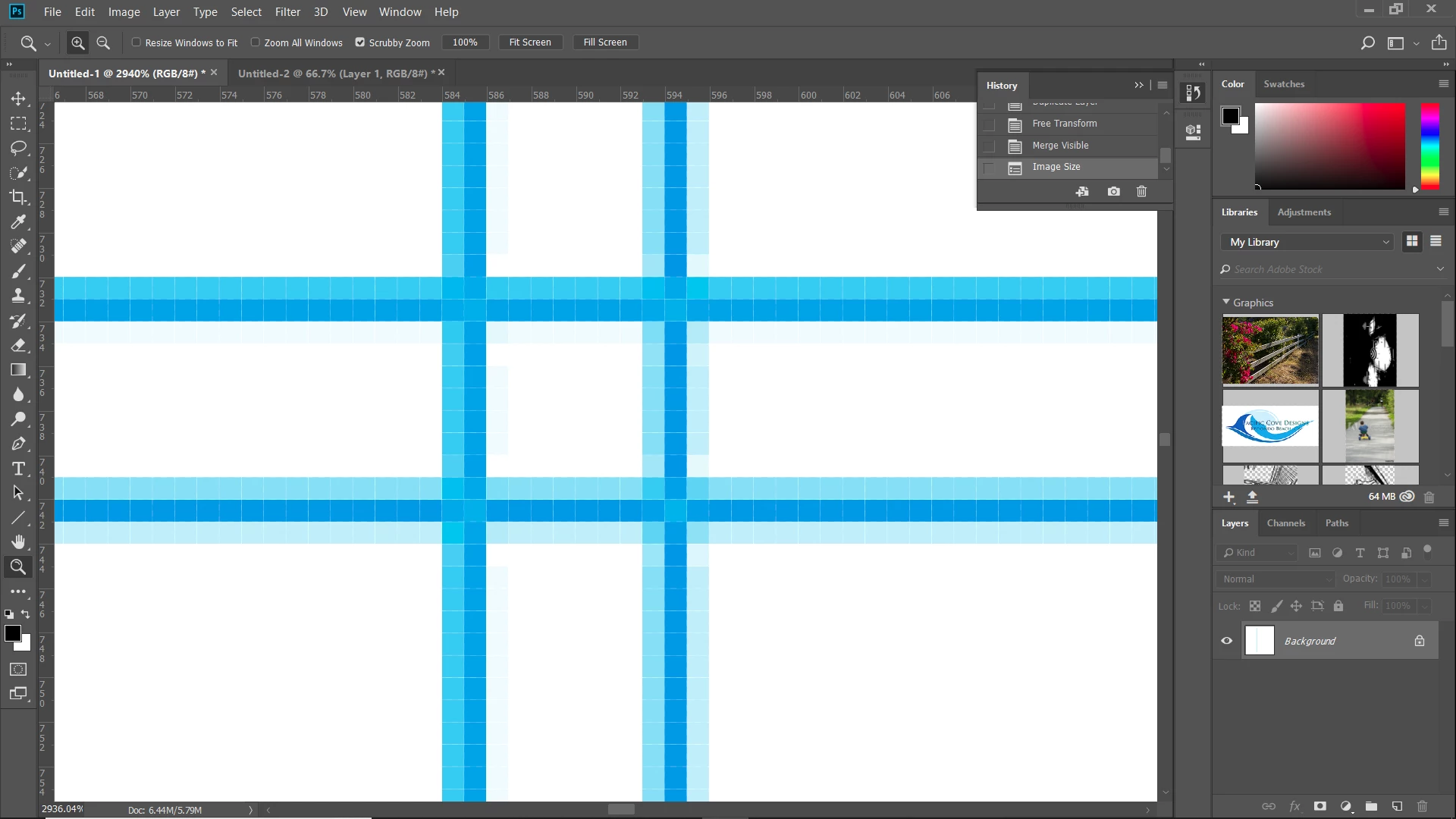
I have an image which is 3750 x 3750 pixels. There are horizontal lines in the image which have nice crisp edges when zoomed to pixel level (eg, blue on white). I am trying to reduce the image size to 1500 x 1500, but when I do this, now the blue shows gradations (don't know if I'm using the correct term). It does this whether I'm reducing a TIFF, or converting to JPEG, and it does it while still within the Photoshop window or when I change the size as part of an export. I've tried playing with the resolution and resampling settings to no avail. I know that these gradations don't really show when viewing the image at the usual size, but it bothers me that my nice crisp lines are no longer crisp. Why is this happening?
 AdChoices