
Inspiring
November 18, 2023
Question

Lining two photos up

  • November 18, 2023
  • 1 reply
  • 231 views

I'm trying to paint a picture of James Bond's Aston Martin using this picture of a stock one as reference because it's more accurate to the one in the movie (the actual car in the picture down below has a raised ride height due to its use as a stunt car)


https://thecultivatedcollector.com/files/stock/40/images/753a4b4f-e503-4395-be85-d2e255611bad.jpg?width=2000&height=1333


(That picture won't upload for some reason)


I wanted to include the guns on his from here
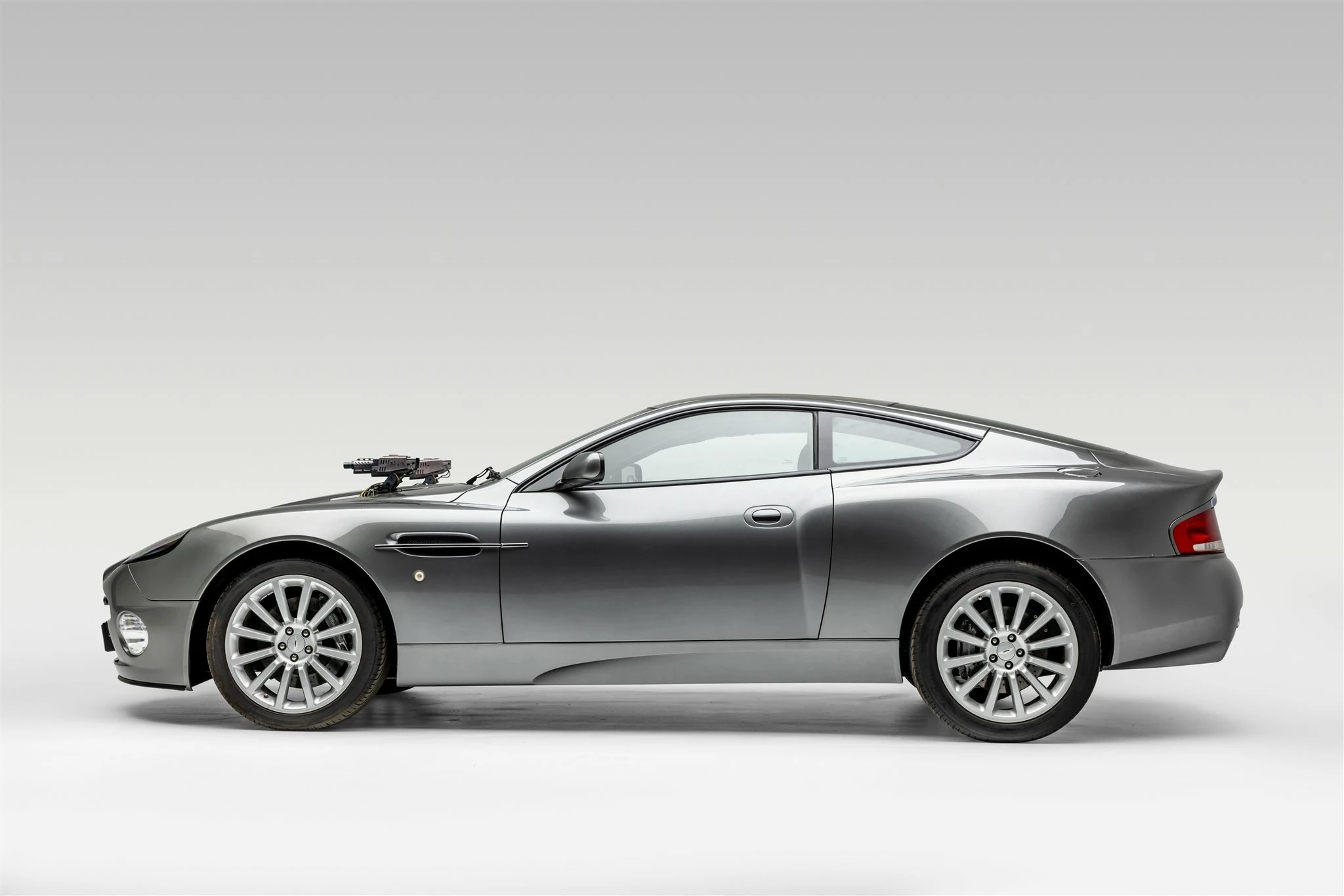


I tried mocking it up in PS by using the two images, and the Auto Align, but it says the two don't overlap enough. Is the perspective too different? And what could I use to get it closer? 


This topic has been closed for replies.

1 reply

Trevor.Dennis
Community Expert
Community Expert
November 18, 2023

They are actually a remarkably close match already.  Is that how the image with the guns was first loaded into PS, or have you already adjusted its size and position on the page?  The only prblem, as I see it, is that camera height was slightly different.  We can see a good part of the bonnet/hood and windscreen in the waterfront car but none of the bonnet and windscreen of the silver car.

So you'll need to move the furthermost gun forward to match the different perspective.  In fact I would delete the rear gun and use a copy of the nerar gun, but you'll also need to fake just a slither of the top of the guns.  But you know all that.  We'd love to see the finished painting.


Has that helped at all?  Can we help with anything else?

Trevor.Dennis
Community Expert
Community Expert
November 18, 2023